Discord Fonts: Rule Every Server

Discord Fonts

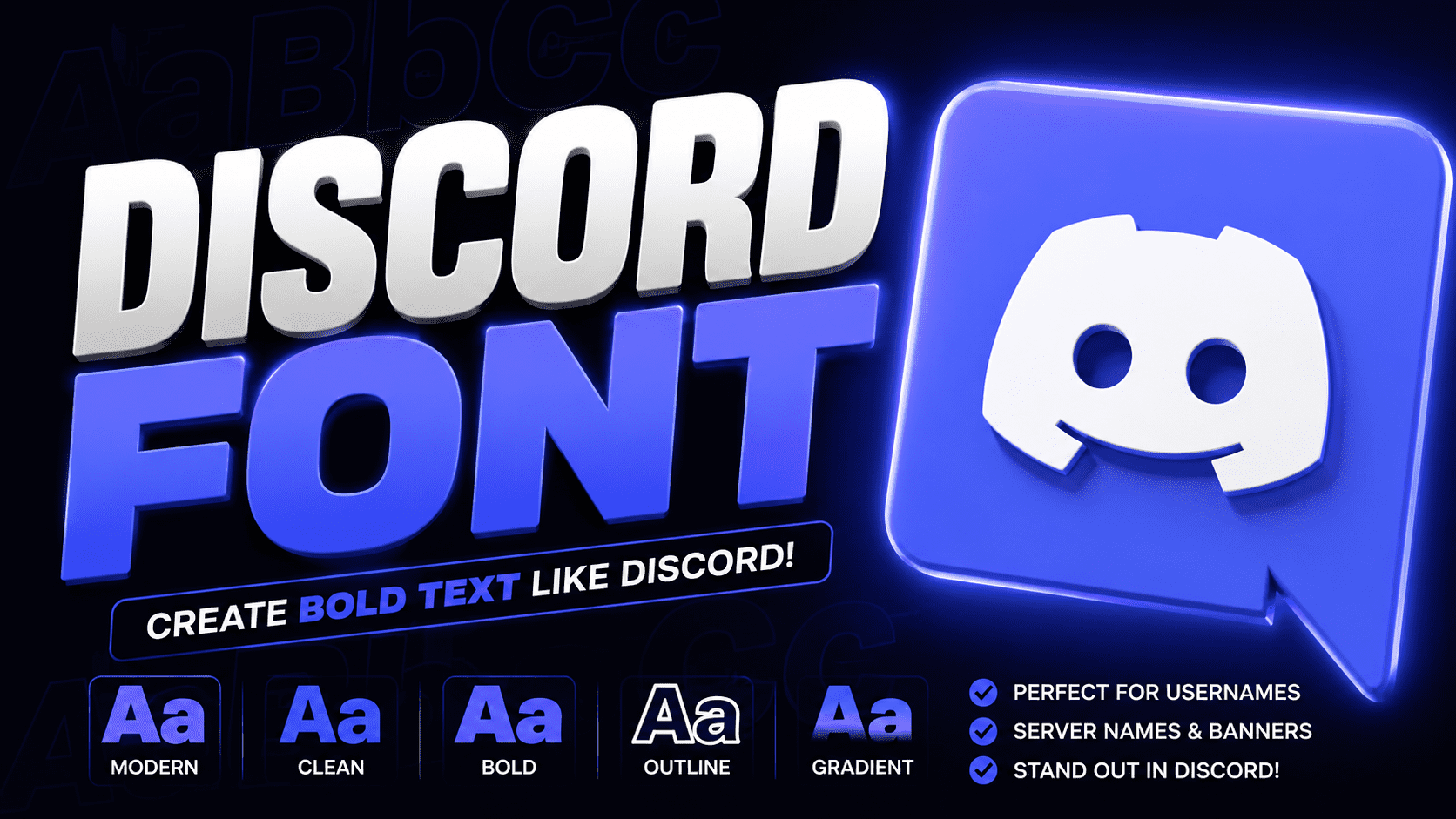
Discord Font Generator Type your message below to generate fancy styles Discord‘s font world extends well beyond default settings. A Discord font generator lets you transform text into bold, italic, or script styles, making your username, bio, or server name carry a distinct visual identity instantly. Unicode quietly powers all stylish text variations across platforms. From gaming communities to professional servers, fancy fonts naturally change how messages, channel names, and status updates authentically express personalityβ€”without subscriptions, hidden fees, or sign-ups. How to Use the Discord Font Generator The text generator works intuitively β€” type inside the input box, browse font styles, and hit copy. Your styled output lands on the clipboard instantly, ready to paste into a direct message, server announcement, or profile. Most underestimate how creativity reframes everyday conversations β€” Discord custom font selections mirror your true persona quite authentically. Whether building a server, polishing a bio, or reaching across every messaging platform, fancy text shifts perception effortlessly. Popular Use Cases Gothic Fonts and Fraktur directly define RPG and D&D servers, building solid medieval fantasy atmosphere alongside FPS clans who prefer Negative Squared Clan Tags and aggressive styles that reinforce competitive ranks with truly intimidating usernames. Study groups and art communities shape distinct vibes using Aesthetic Fonts, Cursive Fonts, and Wide Text, keeping server nickname styling welcoming and relaxed, while Cool Fonts across gaming servers maintain fresh About Me section appeal. What Is Unicode? Most people type without realizing their keyboard input passes through a universal encoding standard that maps every letter into binary. This character encoding ensures text data remains consistent across every operating system and application worldwide. The Unicode standard acts as a universal language for machines, housing over 100,000+ characters, including textual characters from every script imaginable. Unicode symbols bridge languages that once remained incompatible, making cross-platform character encoding finally achievable. Where Can You Use These Fonts? Discord chats, gaming platforms, and social media β€” these fonts aren’t bound to just one digital space. From Instagram comments to Twitter, your stylish text styles carry a unique voice across Discord desktop, mobile, and web. Roblox, Minecraft, Fortnite, WhatsApp, Telegram β€” copy and paste these fancy letters anywhere. LinkedIn profiles, documents, presentations, even blog posts benefit from aesthetic text. TikTok bold styles and cute styles make messages instantly trendy and exceptional. Font Styles Available When style becomes intentional, Discord font symbols shift how communities perceive content. Bold Text, Subscript, and cursive build server aesthetics that feel deliberate. Fancy Discord text transforms ordinary words into visually distinct expressions worth noticing. Gothic style, Small Text, and Superscript each serve distinct emphasis roles across digital platforms. Monospace Bold suits Announcements best, while elegant styles define Role Names and Category Headers, directly shaping your entire server organization experience. Elevate Plain Text Plain text rarely carries real weight when used alone. A cool font or double-struck style through a font generator can emphasize ideas, lifting Discord messages beyond original keyboard input into something your platform genuinely notices. I’ve personally watched gamers shift from italic labels to Old English headers and instantly earn server respect. Styling with Unicode characters across 110 text transformations gives words a bold, lasting presenceβ€”completely free and instant. Create Stunning Designs Transforming bland texts into eye-catching visuals starts with stylish fonts that bring unique text styles to life. From gothic to calligraphy, every server chats feel fresh when bold text meets aesthetic fonts in smart combinations. Dynamic layouts become possible using Fraktur, Vaporwave, or Neon styles that match your community vibe. Whether designing channel titles, role names, or Discord server names, choosing the right font style amplifies presence across every platform. Share Discord Text Fonts Across Multiple Platforms Most people discover cross-platform font sharing almost accidentally. Copy styled text from Discord mobile directly into Facebook or WhatsApp β€” Unicode characters travel intact with no special app, no downloads, no compatibility issues across operating systems. Twitter, Instagram, LinkedIn, and Snapchat each render these Discord fonts flawlessly because the underlying Unicode standard is universal. Even SMS delivers them correctly β€” smartphones process the same textual characters without platform-specific limitations or encoding failures. Best Discord Fonts for Different Servers Gaming Fonts like Pixel, Robot, and Ghost define competitive server themes across Discord. Elegant Fonts such as Royal and Crown best suit formal spaces, giving your Discord profile that unforgettable first impression with genuine character. Fantasy Fonts like Dragon, Fairy, and Unicorn can instantly transform role-playing communities. Cute Fonts featuring Heart, Flower, and Sparkle shine in casual chit-chats, while Bold Fonts effectively amplify announcements with commanding elegance and natural readability. Text Styling Tips and Best Practices Strategically using text style elevates Discord servers by defining mood and flow. Headers contrast sharply with body text, while a color generator keeps content readable. Consistent branding through cool fonts transforms messaging for your audience. Stylish font styles demand purposeful selection β€” clan tags suit Bold Italic, while business communications prefer Monospace clarity. Always carefully test mix and match combinations, verify performance across devices, and ensure essential information remains universally accessible. Making Your Text Stand Out Standing out in chats requires truly understanding how Unicode text shifts perception instantly. I watched stylized Unicode text carefully reshape plain messages into personalized text flair that always captures audience attention across social platforms effortlessly. Choosing the right text style for the right mood works strategically. Cool styles combined with proper text styling enhance visual appearance while staying readable. Applied for decorative purposes, they give conversations a distinct, memorable edge. Platform-Specific Tips Testing across Discord desktop and Discord mobile personally confirmed rendering gaps. iOS and Android process Unicode font styles differently than Mac or Windows, consistently affecting how Monospace Text and Full Width styles appear across devices. On browsers like Chrome, Firefox, and Safari, ANSI color text within code blocks may not display consistently. Tablets often inherit desktop app behavior, while apps like Telegram and iMessage provide only limited compatible Unicode rendering. Accessibility Considerations Screen readers often misinterpret Unicode letters as pure noise, stripping essential information. Truly accessible Discord use means … Read more
Twitter Font Generator: Bold Magic

Twitter Font Generator

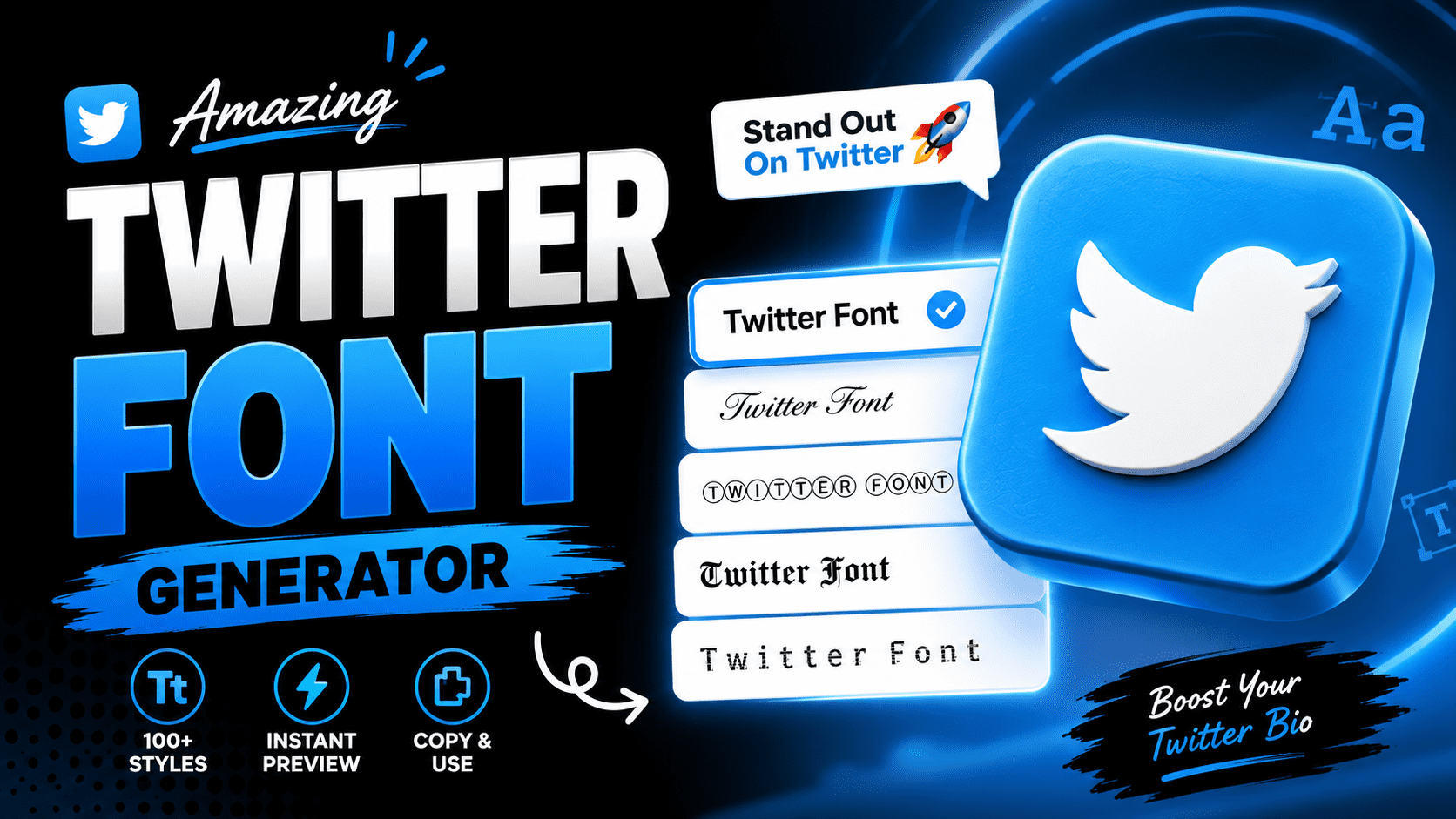
Twitter Font Generator Type your text below and click any style to copy it for your Twitter bio or tweets. Clear Text Copied to clipboard! Before typography trends dominated Twitter, a font generator converts regular text into Unicode-based styled text, giving tweets an eye-catching, distinctive quality that elevates creative content beyond ordinary posts on any digital platform with remarkable ease. What most creators overlook is how Unicode characters, universally appealing across browsers, apps, and direct messages, make styled text a toolkit to boost presence on platforms without installing anything, adding instant charm to profile bios. What Is a Twitter Font Generator A font generator for Twitter is a free web tool that transforms plain text into stylized cool fonts with no downloads or install ever required, producing fancy text instantly for your social posts anywhere online. Unlike Chirp β€” Twitter‘s own typeface β€” these font styles use Unicode characters for stylistic variety. Type into the first box, let the font generator convert normal text into eye-catching outputs for bios or your display name. How Twitter Fonts Actually Work Twitter doesn’t support custom font styles natively. Font generators exploit Unicode styled characters to simulate style shifts, with each Unicode character mapped to a glyph that modern browsers and smartphones may appear to render uniquely. What truly makes this technique work is the operating system‘s glyph rendering. If a device lacks support for specific glyphs, the fallback font quietly kicks in β€” making different fonts appear broken, outdated, or completely blank. How to Use the Twitter Font Generator Users transform their normal text by inputting words into a simple tool. This generator replaces every letter with a unique code, allowing dozens of designs to elevate your social media profiles instantly, making page special. Simply copy the result and paste it to level up your timeline. Whether you craft a captivating username or subtle shifts in tweets, these Unicode styles ensure your message stands out everywhere, modifying plain interface. Quick Copy Twitter Font Examples Achieving visually distinctive thread titles requires a font changer that simplifies formatting. Users often copy different fonts to generate bold statements or styled letters. This versatility allows gaming profiles to attract attention instantly using modern. Enhancing a Twitter profile through script or gothic lettering transforms minimal usernames into aesthetic art. Simply paste combinations of symbols and character styles from the generator box into bio and posts for creative digital results. Popular Twitter Font Styles Modern Unicode styling offers visually similar results to classic typeface layouts. Whether choosing Aesthetic curves or Gothic scripts, the Twitter font remains legible. These fancy font effects use a specific Unicode character to highlight style. Since the 2021 design update moved to Chirp, many users pasted Normal text into Small Caps or Strikethrough. Use an underline for emphasis, ensuring your personality shines through within diverse gaming communities and various platforms. Best Places to Use Stylish Twitter Fonts Strategic edits on a username demand impressive visuals. Using playful fonts for personal profiles helps moods shift instantly. I found that decorative elements succeed when stylized text fits your unique tone perfectly without mixing styles. Avoid overusing scripts in long sentences to maintain readability. For professional accounts, keep moderation as your vision. Your list of variations should prioritize a softer aesthetic while elevating your brand across many supported digital networks. Tips for Using Fancy Fonts on Twitter Integrating stylized characters requires caution because systems interpret Unicode standard markers differently. Always test how a Tweet looks across Chrome, Safari, and Firefox to ensure your profile section remains readable for every internet user accessibility. When replying, avoid multiple decorative font style choices that clutter the app interface. Always browse through stylized fonts to select Small Caps for emphasis while updating your Twitter/X bios for better online identity. Check all steps. Why Some Twitter Fonts Look Different On Certain Devices Your browser interprets unique Unicode characters differently across desktops. While 302+ styles exist, older devices lack the integral system to render thousands of writing systems. This causes a messy glitch instead of custom-styled mobile screens. When drafting content on Windows, a Mac might display boxes. Since font generators use mathematical computing, ensuring a seamless experience requires checking if complex symbols are compatible or difficult to read for common active users. Do You Need To Download Twitter Fonts? Modern web devices allow accessing a wide range of styles without software. Simply navigate your input field and see how a Twitter changer resonates instantly. No installation is required for any normal Tweet text word.Use a keyboardshortcut like Ctrl+V to copy-paste unique characters into your Profile. This quickScript functions across tablets or Facebook, storing no sensitive data or private account info while sharing those importantwords globally.

Kawaii Fonts That Will Steal Your Heart

Kawaii Fonts

Copied to clipboard! ✨ Kawaii typography, deeply rooted in Japanese culture, carries an unmistakable adorable quality shaped by Sanrio, anime, and Harajuku aesthetics. These stylized text styles pack maximum cuteness into standard letters, making every message feel genuinely playful. Unlike regular fonts, kawaii designs use Unicode characters, symbols, and special characters that render across all languages and computers. This universal standard means you can copy and paste cute fonts from any generator instantly, everywhere. How to Use Our Kawaii Font Generator Type Your Text Everything begins the moment you land on the page β€” there is an input box waiting, and once you type a single word, your text starts to transform and shift in ways you truly never expected. That live response is genuinely the real magic here β€” the real-time output lets you watch each character magically shift, giving you room to stylize naturally without any prior technical background or font knowledge required whatsoever. Browse the Styles Once your text has been entered, scrolling through the available options becomes the most enjoyable part β€” over 30 distinctly unique font styles appear, ranging from bubbly text to genuinely charming elegant scripts worth exploring deeply. The smartest approach is always to let your current mood guide the entire selection β€” scroll slowly through each option available, test a few styles, and settle on the one that feels most perfect for you. Click to Copy Committing to a style does not require saving files or anything complex β€” spotting the one you love means one clear thing: hit the button, and your cute text lands directly onto your clipboard without friction. Most people genuinely underestimate how satisfying that single click feels β€” there is no confirmation screen, no loading bar, just instant clean action. The sheer speed of it changes how freely you experiment with different looks. Paste Anywhere Your freshly copied kawaii text can now go just about anywhere effortlessly β€” paste it into a document, share it across any social media platform, or drop it right inside a messaging app in mere seconds. On Windows, a quick Ctrl+V does the job; on Mac, it is Command+V β€” just two effortless keystrokes that consistently impress friends and followers the moment they see your uniquely styled text appear anywhere you choose. Quick Steps Type your text directly inside the box β€” from there, freely browse through the categories that include hearts, flowers, animals, and sweets, with each one pulling your final output into its own deeply distinct visual direction. Once you find the style that clicks for you, just click once to copy β€” then paste it directly onto Instagram, TikTok, or Discord and let that single choice instantly redefine how your content looks online. Cute Font Categories Cute Text Cute text turns boring words into something truly lovable and stylish. With rounded letters, kawaii styles, and aesthetic touches, your text gains a soft, unique vibe that naturally shines across social media, Discord, and WhatsApp. Best Cute The best cute fonts blend soft script styles with genuine aesthetic charm. From circled letters to kawaii faces, each category delivers cutest fonts in an organized way where hearts, flowers, and sweets inspire every design. Kawaii Faces Kaomoji are Japanese text characters crafted with emojis, punctuation, and letters to form expressive cute faces. These adorable, animals-inspired, bubbly designs carry fun emotional appearance through simple symbols, making digital pop culture communication more vibrant. Hearts Heart motifs in kawaii typography feel cozy, joyful, and deeply sweet. They elevate any bio or caption, turning plain text into charming, unforgettable style that resonates with Love, kawaii vibes, and genuine friendly creative warmth. Animals Every animal design in kawaii fonts carries something deeply expressive. A bunny motif shifts plain text into something warm and memorable. Any true lover of cute typography knows animals breathe life into digital identity effortlessly. Flowers Kawaii fonts styled with cherry blossom motifs bring a feminine, Whimsical energy to pastel aesthetics. Cheerful Doodles of petals in rounded letterforms feel ideal for greeting card designs, planner pages, and soft girl Instagram bios. Sweets Candy shapes kawaii style in ways that feel simple yet profoundly expressive, much like soft sparkles scattered across a night sky full of stars. These sweet typographic choices radiate warm vibes, making messages genuinely delightful. Aesthetic The kawaii aesthetic fonts genre uniquely relies on smooth, gentle flowing curves and bubble-like shapes that feel naturally approachable, never rigid. Quirky proportions blend vintage casual handwritten warmth with modern display sensibility and recognizable charm. What Are Kawaii Fonts? Cute typography born from Japanese aesthetics, kawaii fonts trade sharp angles and edges for rounded shapes and soft corners. Each letterform feels warmly imperfect, carrying that Handmade, handwriting-style personality this distinctive font category truly embodies. Spanning 65+ distinct kawaii font styles β€” from Gothic and bold to Cursive and deeply dreamy β€” these Unicode-based designs beautifully redefine digital presence, channeling pure creativity into text that instantly captivates without any downloads or setup. Soft Curves Kawaii font style owes its charm to rounded letterforms shaped with decorative marks and calligraphy strokes. Every character within a cute fonts generator carries a hand drawn warmth that feels genuinely crafted, never digitally forced. Playful Structure Kawaii fonts defy conventional typographic logic by embedding italic curves, Bubble Letters, and decorative elements positioned above or below each glyph. This brain-rewiring structure shifts how we visually perceive playful characters across modern devices. Features Of The Kawaii Font Generator Vast Style Library Visual identity mastery begins when artists explore a massive selection of glyphs. Eschewing standard layouts, one selects from 30 distinct stylistic choices, including the glitchy Vaporwave aesthetic. My research proves varied appearances boost engagement. Designers often ignore the psychological weight of cute typography. However, selecting the right curve or spacing creates immediate emotional bonds. I have observed that specific characters can transform sterile digital environments into welcoming creative hubs. Real-Time Previews Witness real-time creative iterations while you type. Modern previews ensure no waiting because every unique glyph will update automatically. Essentially, no refreshing … Read more

Calligraphy Font Generator: Unleash Your Magic

Calligraphy Font Generator

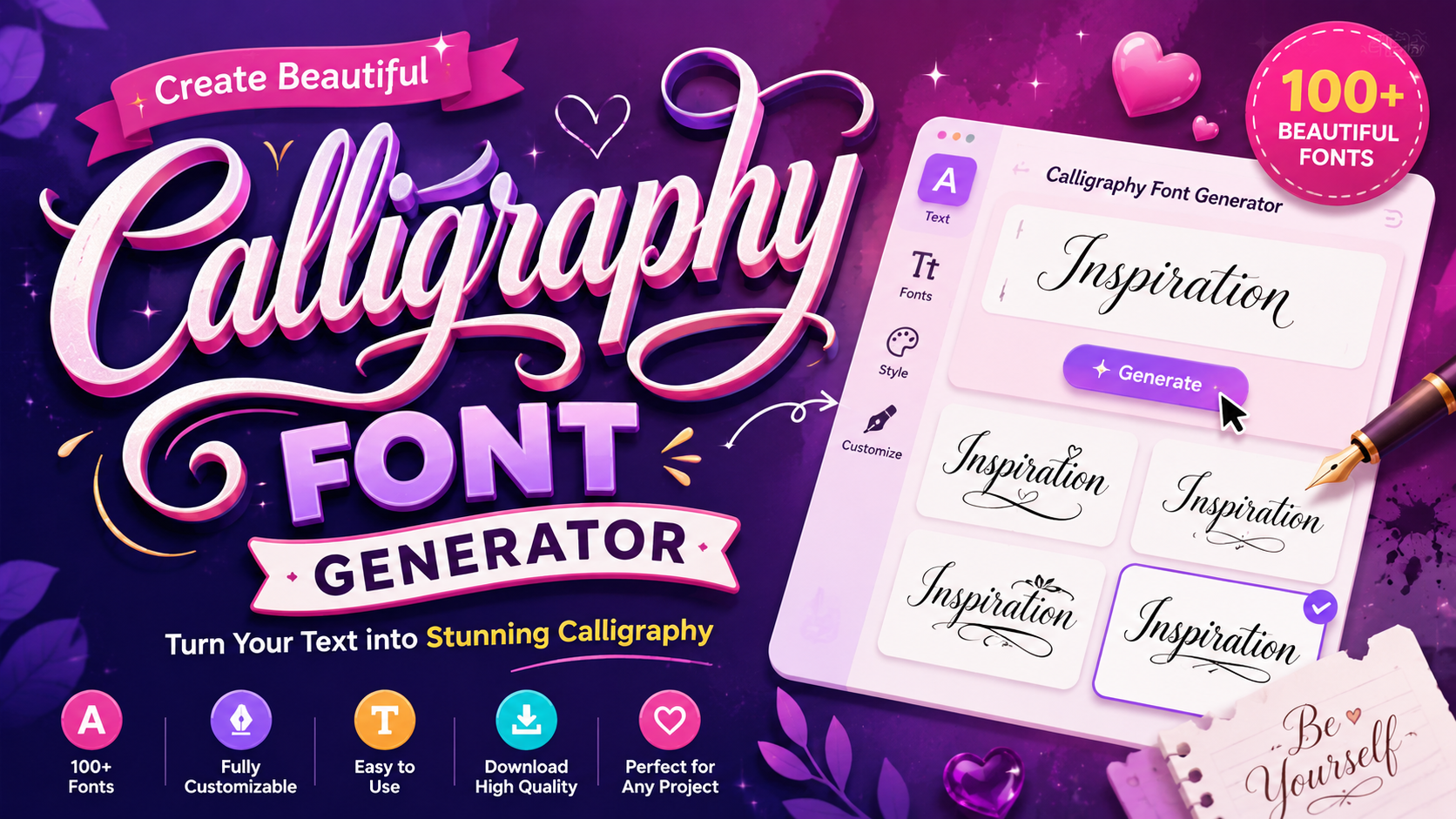
Calligraphy Font Generator Type your text below and click any style to copy it instantly. Characters: 0 Few tools bridge art and accessibility like a calligraphy font generator. Rooted in thousands of years of history, calligraphy evolved from flat-tipped pens and brushes into a powerful online tool that transforms ordinary text beautifully. Greek roots gave calligraphy its meaning β€” beautiful writing. Today’s aesthetics demand creativity and refinement, delivering pure beauty through elegant handwriting. A wide selection of free calligraphy fonts lets anyone skip expensive software and create instantly. What Is a Calligraphy Font Generator? Few realize a calligraphy font generator quietly challenged specialized calligraphy skills as gatekeepers. Once, flat-tipped pens and brushes defined elegant handwriting. Today, this powerful online tool transforms any plain text into decorative handwriting with grace. Historically, Greek, Chinese, and Arabic traditions established geometrical order, lining, and precise stroke order. This tool honors their development through aesthetics and refinement, letting anyone copy paste calligraphy text across any device, browser, or platform. How to Use the Calligraphy Font Generator Working hands-on with the calligraphy font generator, I can confirm it’s genuinely easy to use. Enter your word, phrase, or message, browse font styles, pick your design, then copy and paste the result anywhere online. Bookmark this tool for daily use β€” it runs across any device and browser without downloads or sign-ups. Whether incorporating calligraphy-style lettering into social media captions or email campaigns, the output stays secure and fully browser-based. Where Can You Use Calligraphy Fonts? From social media posts to wedding invitations, calligraphy fonts transform ordinary text into eye-catching art. Whether for bios, brand slogans, or event invitations, these distinct styles instantly capture attention and deliver sophistication across every platform. Marketing campaigns, emails, designs, store names, personal messages β€” calligraphy proves remarkably versatile. High-quality visuals using classic scripts or modern decorative styles elevate branding materials, website headers, and even digital use projects with exquisite handwritten fonts. Tips for Using Calligraphy Fonts in Design Elegant branding demands thoughtful font style selection. Combining traditional calligraphy with modern script styles enhances visual appeal across logo design and posters. Applying colors and text effects alongside handwriting transforms plain text into sophisticated artistry. Stylish lettering in event invitations, business cards, and marketing materials communicates personality instantly. Use calligraphy text generator to explore stunning calligraphy styles without expensive software, matching elegant lettering styles to your theme for artistic value. Calligraphy Fonts & Unicode β€” How It Works Modern interaction involves unicode characters that map ordinary text into fancy writing styles. This calligraphy maker bypasses a download, creating beautiful writing where classical rules meet contemporary calligraphy for every page or style choice now. My hand-lettering expertise shows that a calligraphy text generator utilizes script and cursive logic. These free fonts help celebrate significant occasions with pretty and dainty strokes, making plain words feel like pure beauty effortlessly online. Email Signatures Refining professional identity requires a signature generator that elevates mundane correspondence. Using stylish email signatures creates a distinct artistic writing style for every recipient. Such creative projects ensure high commercial usage standards within businesses. Securing a proper font license remains vital for maintaining elegance in digital interactions. I often observe how generated images improve layout clarity. This specific font approach transforms basic email signatures into unique, highly professional assets. Brand Slogans Crafting an original logo design involves capturing human customer perception through typography. My experience suggests that elegant branding relies on brand messaging that feels personal. We use these fonts for product labels and packaging projects. To draw attention to titles or subheadings, I select a visually interesting and ornate style. Use a serif or sans serif to balance a serious vibe or a casual look through these distinct artistic choices. Privacy & Safety Operating this generator ensures that all text inputs remain confidential during the styling process. We prioritize a safe environment where sensitive personal data is never stored on our servers or shared with external third-party tracking.I have analyzed how this calligraphygenerator handles creativity. Your text remains yours alone. Every input processed through the webbrowser stays temporary, ensuring no scriptsignaturegenerator ever logs your unique handwriting style privately.

FB Font Generator: Stand Out Now!

FB Font Generator

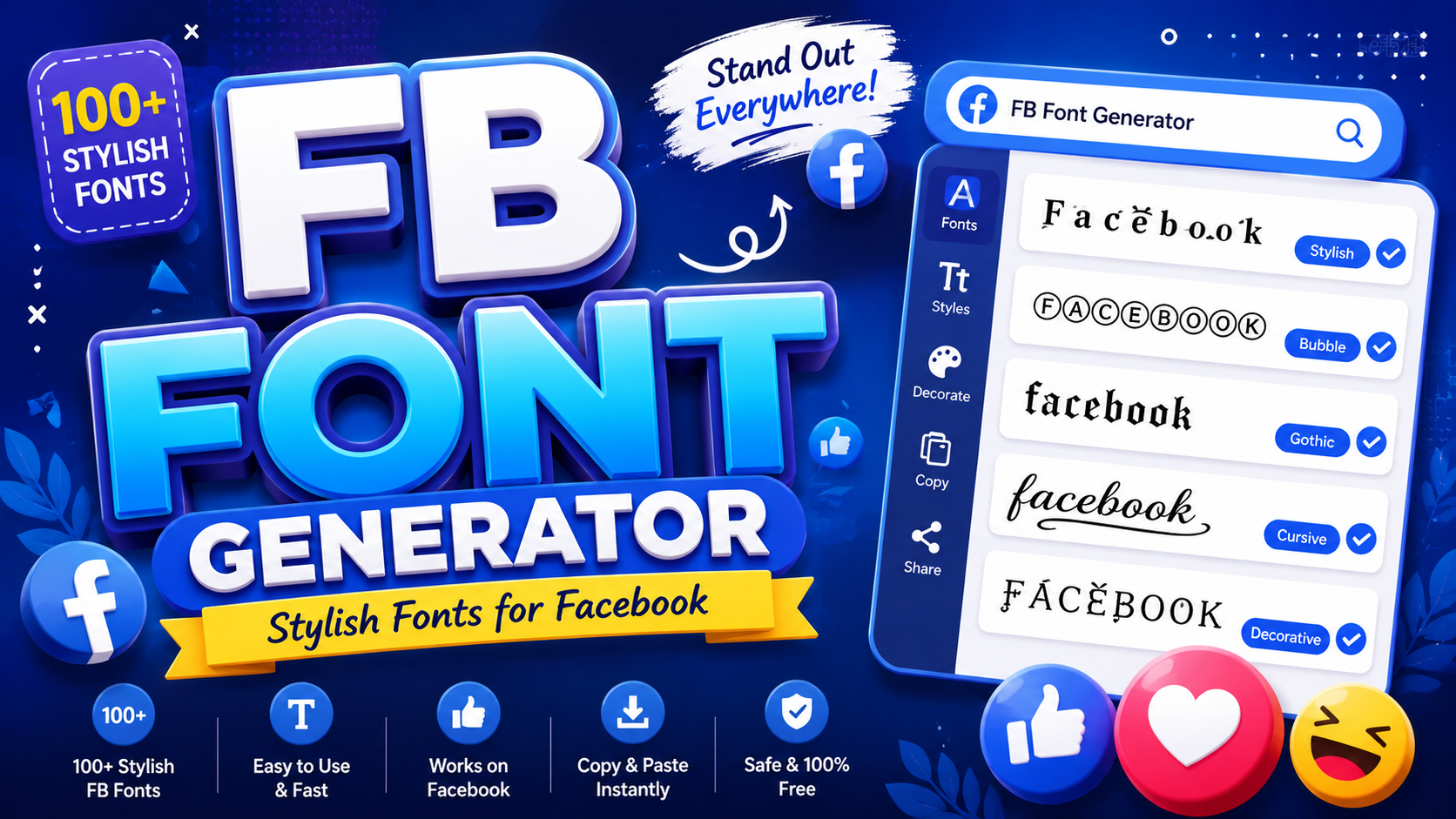
FB Font Generator Type your text below to generate stylish fonts for Facebook, Instagram, and X. βœ• Every seasoned social media user knows plain text fades into the feed. A Facebook text generator uses Unicode symbols to produce visual styles, turning posts, comments, and profiles into standout content with no design skills. What sets this online tool apart is its ability to generate cool fonts with just a copy and paste action. No software, no installation β€” just stylish text ready for your Facebook bio, message, or app. What Is a Facebook Font Generator? A Facebook Fonts Generator is a free online tool that converts simple input text into cool styles using Unicode characters, acting exactly as a Facebook Font Changer for quick copy and paste across all platforms. Beyond alternative terms like Facebook Cool text generator or Facebook Stylish font generator, this tool handles emojis, fancy fonts, and symbols β€” helping users decorate statuses, names, and FB profile name with real individual expression daily. What Are Facebook Fonts? Facebook fonts aren’t actually standard fonts β€” they are special Unicode characters that appear as stylish styled text across multiple devices and browsers, using a universal encoding system rather than installing any traditional font formatting software. Think of them as a series of symbols that directly map to alphabetic symbols β€” calligraphy style, cursive, gothic, or bold forms β€” sourced from font generators, giving your Facebook profile unique visual appeal without any code. What Is a Facebook Font Changer? A font changer is essentially a converter tool built directly into a website that lets you type plain text and instantly transform it into styled characters across social media apps like Instagram, Twitter, and Threads. Most people don’t realize how deeply font selection shapes social media content β€” shifting appearance with beautiful fonts, fancy text, or diverse font styles across TikTok, Tumblr, Email, text message threads, letting you customize everything effortlessly. How to Use the Facebook Font Generator Step 1 β€” Type Your Text Simply open the input box, type your desired text, and watch multiple font styles appear instantly. No registration, no complicated setup β€” just creative freedom that transforms plain words into something visually striking and uniquely expressive. From my own experience using these generators, the real advantage surfaces here β€” a single keystroke updates every style variation simultaneously, giving you a live preview without ever leaving the page or refreshing your browser window. Step 2 β€” Copy Your Favorite Style Scrolling through the results reveals something satisfying β€” each row shows your generated text rendered in a distinct font style. The one that catches your eye becomes your favorite, ready for immediate use across any platform. One click copies the entire style to your clipboard. I’ve tested dozens of generators, and the best ones make this step effortless β€” no manual selection, no dragging, just a single tap with instant confirmation displayed. Step 3 β€” Paste on Facebook Your copied text works everywhere β€” drop it into a Facebook bio, a post, or a comment, and the styled characters retain their appearance perfectly, displaying exactly as intended without any formatting loss or visual distortion. Beyond Facebook, the same paste works seamlessly across Instagram captions and most messaging apps. Unicode-based styling carries across platforms without conversion β€” what you copy from the generator is exactly what recipients see on their screens. STEP 1 Before anything else, visit a reliable Facebook Fonts website β€” not every tool delivers consistent output. Testing several options confirmed that quality varies significantly; navigating directly to a trusted source saves considerable time and early frustration. The landing page layout matters more than most users actually realize. A clean, well-organized interface signals reliability β€” cluttered designs with excessive ads often indicate poorly maintained tools that may not generate accurate Unicode output consistently. STEP 2 Once on the tool, locate the input section β€” typically labeled “Enter Your Text Here” β€” and type your desired text directly. This single field is where everything begins; the generator reads every character you enter immediately. Avoid overthinking what to write initially β€” experiment freely. A name, a phrase, or even a single sentence works equally well here. The preview updates in real time, so experimentation costs nothing but a few seconds. STEP 3 The tool automatically generates styled output the very moment you finish typing. No manual action is needed β€” the system processes your input and renders all variations suited to Facebook, Twitter, and Instagram in one pass. Every style has a copy button β€” just click to grab it. Whether your destination is Email, a text message, or a social platform, the Unicode characters paste cleanly without any formatting being lost in transfer. STEP 4 This final step is where creative work becomes visible. Paste your chosen text wherever intended, then share β€” your styled content now carries a distinct identity that stands apart from everything surrounding it on the feed. Return to the website anytime you need fresh variation. Audiences respond positively β€” they like styled posts more than plain ones, particularly when the chosen font aligns naturally with the tone of your content being shared. How to Change Font on Facebook Changing the font on Facebook isn’t done through settings β€” you rely on a font generator online. Paste stylish fonts directly into your Facebook bio, post, or comment sections to instantly transform how your text appears. The trick most everyday social media users miss is choosing the right font style for context. Gothic Text works for mood-setting, while Sans-Serif Bold adds clarity to announcements without overwhelming your profile appearance or engagement. How Copy and Paste Facebook Fonts Work Most people don’t realize that copy paste features entirely bypass Facebook‘s default font restrictions. When you use an FB font generator and online generator, stylish characters appear as Unicode standard symbols β€” no formatting tricks required. Global standard alphabets encoded across computers, mobile devices, Google, and Apple ensure that special characters always render consistently. Simply type your … Read more

Mirror Font Generator β€” Flip Your Text Instantly

mirror font generator

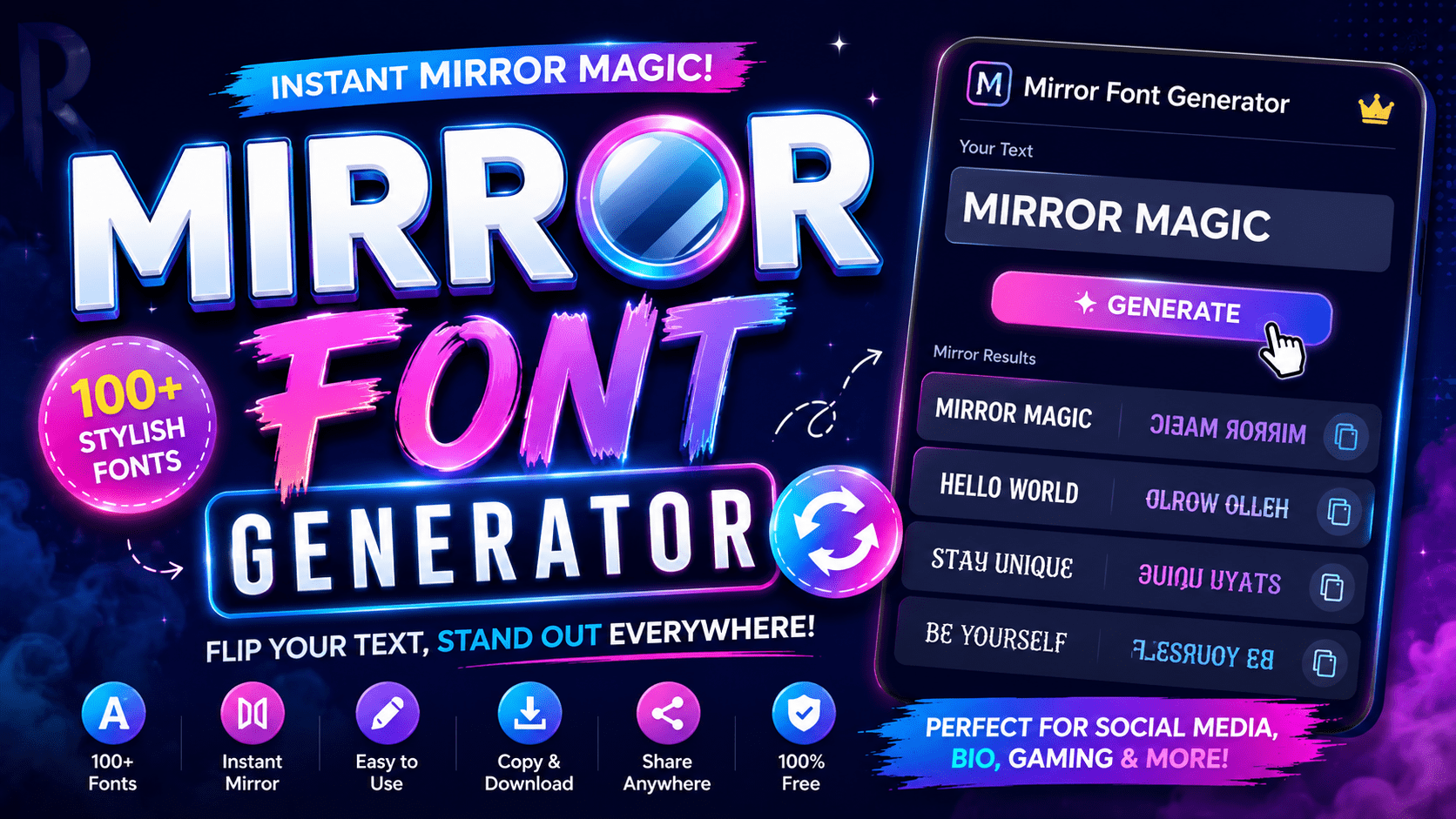
Mirror Font Generator Create unique reversed and flipped text instantly. Perfect for creative social posts! Input Text Characters: 0 | Words: 0 Mirrored Output Characters: 0 | Words: 0 Full Text Mirror Mirror Word Order Mirror Each Word’s Lettering Copy Output Clear All Observing digital symmetry requires a mirror generator that manipulates the orientation of every character. This tool creates a reflected version of your writing, ensuring the reversed text maintains a true reflection for unique, creative designs. Users seeking mystique for gaming personas often paste their text into the input box. Instantly, the results are transformed, appearing within milliseconds as flipped characters ready for social media or perfectly engaging unique digital posters. How To Use The Mirror Text Generator Don’t just stare; move to the page top to type your regular text. Enter 1st box or upload from a drive. This input process creates a flipped version of your individual writing. Instant creative tool! Click the Generate Mirror Text button. Within seconds, the 2nd output appears mirrored. View and copy to your clipboard from the 3rd area. Your entered content is generating a unique mirrored reflection. See online experiments. Try More Tools: Gaming Font Generator | Cursive Font Generator | Gothic Font Generator Enter Text Type Type your words into the input box β€” the generator processes each letter in sequence without delay. I’ve found it reliably detects original text direction, applies your chosen mode, and produces mirrored output seamlessly and correctly. Generate Mirror Text Button The Generate Mirror Text button is where transformation happens. One click delivers instant output β€” efficiently produces your reversed result, ready to copy across apps, platforms, messaging sites β€” no sign-ups, registration, or hidden account details needed. View The panel instantly renders your mirrored characters clearly, letting readers find their visual output with ease. Results appear horizontally or vertically by mode, giving content creators across mobile, desktop, and tablet devices a clean preview. Copy Once generated, your mirrored result is ready to copy with no app or software barriers. The browser function keeps your data private and safe, supporting personal and commercial projects regardless of size, cost, or limits. Alternative Artists and designers seeking an alternative often incorporate manual Unicode encoding directly. This simple process lets anyone type individual Latin letters with IPA counterparts, maintaining symmetry without solely relying on multi-platform applications for all transformations. Gamers establishing memorable multiplayer names sometimes reverse word order manually, using 3D Rotation effects. Developers also validate string manipulation functions through built-in processes, making eye-catching logos and artwork free from formatting glitches on any system. Key Features / Benefits Modes of Mirroring Lettering reversal, orientation flips, and order changes represent three key mirroring modes. Graphic enthusiasts commonly use each style to enhance artistic language, replacing standard character positions with casual yet visually distinct effects and creative messages. Mirror Wording Mirror wording reverses all symbols from the Roman alphabet, swaps reading directions, and maintains a backwards visual equivalent. This technical approach uses Unicode substitute characters β€” each represents uppercase letters, numbers, and punctuation with approximate match. Mirror Each Text Lettering Mirror Text mode handles each individual lettering by applying flip logic at the character level. Unlike basic wording changed approaches, this form keeps unchanged letters like b, d, p, q visually real and defined consistently. Reverse Word Order Unlike character flipping, reverse word order sends your sentence back to front at each step. Every word shifts to an opposite slotβ€”this primitive option works as a replacement, entirely free of complex converter logic. Who Uses the Mirror Text Generator? From smartphone users to laptop professionals, this tool sees real demand based on creative needs. Designers, educators, and translator communities use it to mimic stylized text, adding a personal touch across 100 different digital platforms. Social media influencers, students, and developers who value accessible design are among the top users. Whether they sign posts or upload content, the tool offers time-saving support without needing costly packages or external server processing. Also Read: Mirror Text Generator What Is the Difference Between Mirrored Text and Reversed Text? Mirrored text reflects each individual character along its vertical axis β€” like holding paper before a bright mirror. Reversed text only flips the sequence order. Both alter how you read them, but through different optical mechanisms. The distinction matters more than people commonly assume. A camera pointed at mirrored text decodes it quite differently than reversed text. The background logic in Unicode computer encoding treats each as a separate typographic challenge. How to Mirror Text in Word Microsoft Word supports a text flip through its page layout tools. The work is surprisingly light β€” select your text, open Format Shape, apply a 3D rotation, and generate a mirror effect regardless of operating system. Unlike alternative tools, Word’s built-in method can handle mirrored text of any length, whether long or concise. The same 1-step WordArt package maintains text identity, making it 100% editable β€” no file needs to be sent. Where Do the Mirrored Unicode Characters Come From? The Unicode Consortium operates with strict standards, embedding mirrored characters across a repository built over decades. These symbols remain catalogued there, driven by interest in bidirectional scripts β€” placed below the surface of everyday text encoding. What makes this better than custom fonts is Unicode’s top-tier encoding β€” a 50-year drive toward consistency. Each mirrored glyph carries a unique code number, and that difference distinguishes functional mirrors from decorative lookalikes.

Dominate With This Gaming Font Generator

Gaming Font Generator

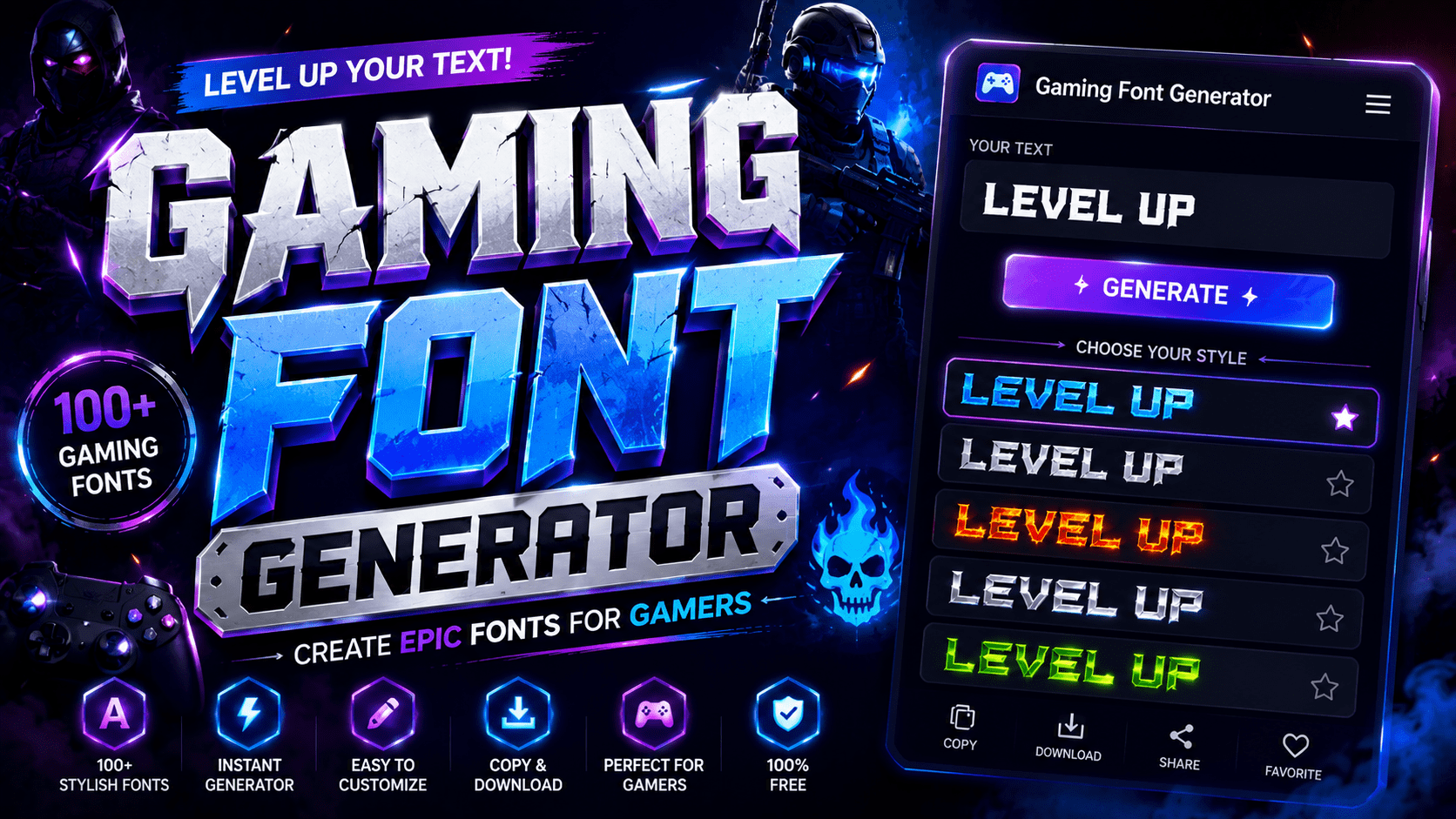
Gaming Font Generator GamingFontGenerator πŸŒ™ Dark Type your own text… Font Size 28px Text Color Commercial Use Only Pixel Retro Futuristic Chunky Stencil Cartoon Aggressive Showing 0 fonts Clear Filters Copied CSS to clipboard! A gaming font generator does more than decorate; it redefines digital identity. Converting regular text into stylish text through Unicode character encoding lets gaming usernames and clan tags stand out across virtually every platform instantly. From PUBG to Fortnite, 1000s of active players already leverage fancy text tools to craft generated nicknames with font styles spanning bold, italic, and Unicode text styles that work seamlessly on Discord, Instagram, and beyond. How to Use the Gaming Font Generator  Step-by-Step Guide Type directly into the input box to enter text, or paste anywhere to import content. From there, browse categories, explore all 110+ styles, and choose style that fits, then let the tool transform it instantly. Once results appear, copy instantly via the copy button and share to social media posts on Facebook, Twitter, or messaging apps. Combine styles, mix and match across any platform to create unique effects with text. Find Your Font(s) The search bar at the top makes finding styles fast. Scroll through the list to explore fonts by font category, or hit inspire me to let AI Writer suggest something you never thought to try. Once your screen shows options, pick random fonts if you’re undecided. Add text into the box, generate text in chosen styles, then customize until the output feels perfectly yours and genuinely represents your gaming personality. Also Visit: Cursive Font Copy Paste – Cursive Font Generator Copy & Edit Text The editor gives you complete control over your styled output. Edit freely, change texts as often as you like, and add more text anytime. Nothing locks you in β€” refinement is always just one click away. Hit copy to send styled text straight to your clipboard. The tool lets you keep font styles exactly as designed. Swap out fonts anytime, because getting the final look just right is always worth it. Paste Anywhere Online Your styled full text sits in the clipboard, ready to go. Whether you’re working in a web editor, a standalone app, or any design tool, Unicode compatibility ensures the characters render without breaking or distorting. Copy your preferred results and paste them anywhere online, from profile pages and game chats to any comment section. You can even add to design projects directly, since the editor makes everything feel seamlessly satisfying. Must Go: Minecraft Font Generator How It Works Generating styled text has never been so seamless. Drop text into the first box and the fancy text generator delivers 110+ results β€” covering platform-ready options from Half-Life tags to Age of Empires nickname sets. The easiest way to proceed β€” once text transformations fully load, find your favourite output, hit copy, and paste it straight into messages, messaging apps, games, or social media posts where the game supports Unicode rendering. Where You Can Use Gaming Fonts Gaming fonts aren’t exclusively for Roblox or Minecraft players. From Social Media to TikTok, Twitter, and Facebook, they give your content unique text styling, letting unique usernames radiate personality, attract audiences, and hold attention longer. In business settings, gaming fonts emphasize unique ideas across Documents, presentations, and LinkedIn profiles. Messaging apps like WhatsApp and Telegram thrive on inspiring, elegant text messages making everyday work, Education, and Creative Projects purely fun. Also Read: Gothic Font Generator – Copy In Gothic Font Popular Use Cases Navigating the gaming community requires distinct flair. To stand out, I often convert my boring text into eye-catching designs for an IGN or Discord username, ensuring my gaming profile looks truly unique.Managing server roles or a clan tags list demands creative freedom. I generateglitchy or metal-inspiredfont styles to emphasize a personality that commands attention, making every YouTube video or digital communications feel inspiring.

Cursive Font Copy Paste – Cursive Font Generator

Cursive Font Generator

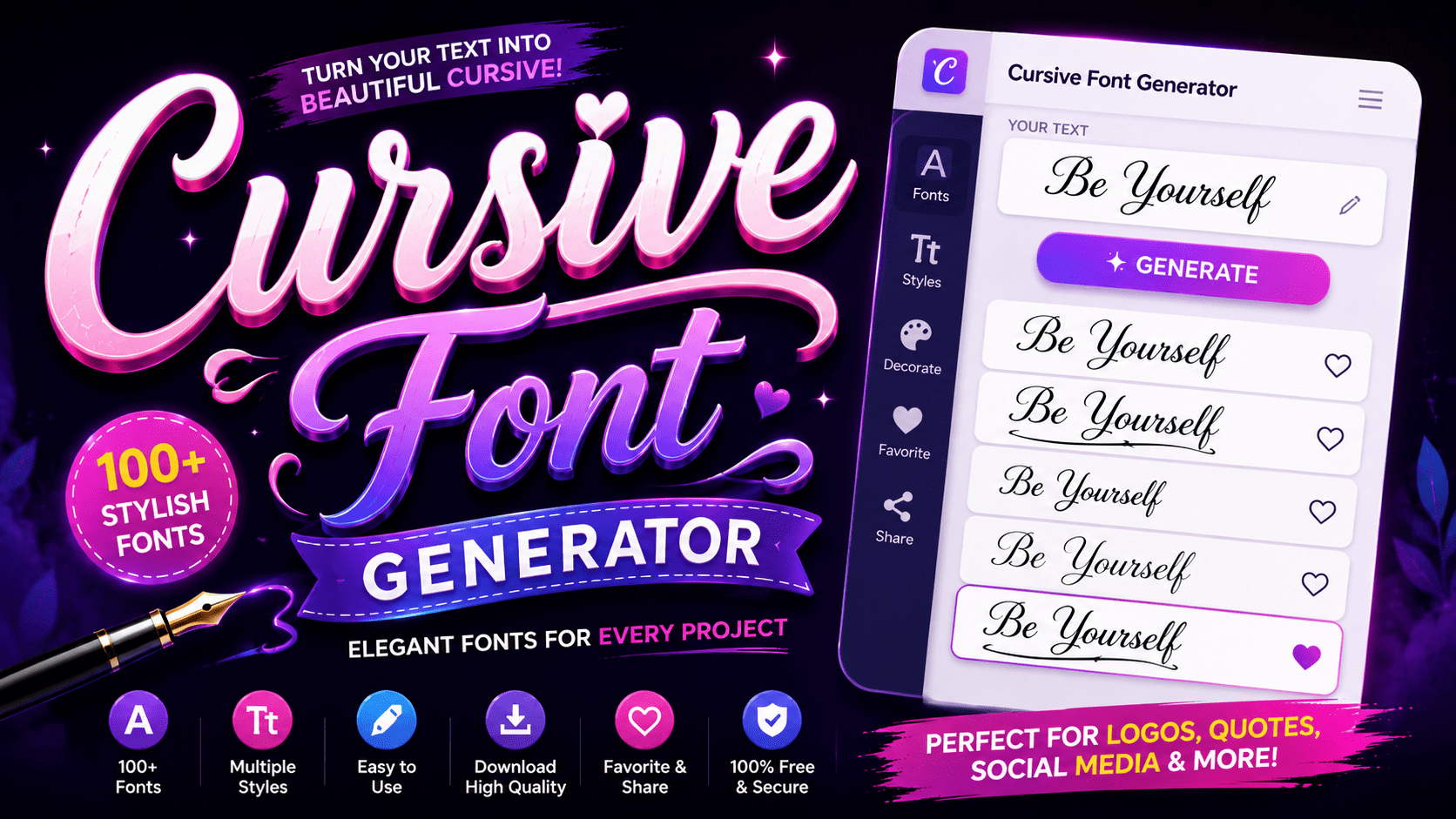
Cursive Font Generator  Write in style Convert plain text into beautiful Unicode font styles β€” copy & paste anywhere 13 Styles Instant Copy Works on Instagram, Twitter, Bio, WhatsApp & more Your Text 0 chars 0 words βœ• Clear ✦ Try a sample Font Style Output Copy Text Your converted text will appear here… Preview size 20px All Styles Preview Copy All Enter text above to preview all 13 styles at once πŸ“± Works Everywhere These are real Unicode characters β€” paste them into Instagram bios, Twitter, Facebook, WhatsApp, emails, and more. βœ‚οΈ Copy & Paste Ready Click any Copy button to instantly copy the styled text. No downloads, no sign-up needed. πŸ”€ Letters Only Styling Numbers, punctuation, and spaces are preserved as-is. Only A–Z letters get transformed. ⚑ Instant Preview See your text transform in real time as you type, across all 13 font styles simultaneously. Cursive has always carried a certain weight β€” not just aesthetic, but historical. Long before digital cursive existed, scribes during the Roman era and 1st century AD shaped flowing letterforms that influenced generations of educated people worldwide. What began as connected handwriting using pen and paper evolved into something far more layered. The Latin alphabet, shaped through continuous strokes, gave rise to elegant typefaces that now travel instantly across any computer or device. What is a Cursive Font Cursive fonts replicate connected handwriting through continuous strokes, creating flowing letterforms that feel elegant and handwritten. Unlike plain text, these typography styles carry timeless beauty, giving every word a unique character that captivates instantly. From romantic wedding invite designs to branding with a serious edge, cursive writing brings personality and vibe to digital world content. What once lived only on professional documents now transforms boring text into something genuinely beautiful and expressive. How to Use the Cursive Font Generator Getting Started With the Generator Using a cursive font generator is surprisingly straightforward. You simply type your desired text into the input box, and the tool instantly generates multiple cursive font styles for you to explore and choose from freely. Once the output appears, just hover over any style you prefer and hit the copy button. That copied cursive text transfers directly to your clipboard, making the entire process clean, quick, and remarkably easy to execute. ✨ Convert your text into stylish mirror fonts instantly Pasting Your Cursive Text Anywhere After copying, head to your preferred digital platform and simply paste the result into posts, messages, or comments. The regular text transforms into elegantly styled script without requiring any special tools or formatting adjustments. What makes this genuinely impressive is how few clicks stand between ordinary typing and a beautifully scripted finish. Even across platforms like Instagram or Discord, the steps remain consistent, clean, and completely frustration-free throughout. Where to Use Cursive Fonts Amplify Your Social Media Presence With Cursive Fonts Most people underestimate how cursive text reshapes an online persona. In the digital age, typography becomes your silent ambassador, making lasting impressions before a single word registers consciously with your audience. Elegance isn’t accidental on social media. Strategic use of cursive creates a statement that communicates timeless class, helping your social media profiles feel graceful and polished, making you naturally stand out everywhere. Captivate Attention With Stunning Social Media Bios A well-crafted bio written with cursive font and genuine finesse doesn’t just sit there β€” it makes visitors scroll and stop, turning casual browsers into followers through sheer alluring visual magnetism. Cursive letters generator tools give your social media bios that stylish, captivating quality. Each cursive letter seems to glide naturally, creating a reflection of personality that feels both artistic and deeply personal. Share Cursive Text Across Multiple Platforms Elegantly styled content thrives when it maintains fluidity across every channel. Using cursive font with simple copy and paste functionality keeps your blog, posts, and messaging consistent without requiring technical expertise. Cursive text moves quickly between platforms, ensuring your social media post retains its character everywhere it lands. The beauty of sharing styled text is how effortlessly it preserves copy and paste simplicity. Instagram Fonts Not every cursive style suits Instagram equally. Calligraphy-inspired fonts elevate bios and captions, while bubble fonts bring personality to story highlights. Choosing script variations keeps your profile looking polished and consistently elegant. Trending IG story headers written in refined script signal credibility instantly. From bios to captions, the right fonts transform ordinary content into something visitors genuinely remember, engage with, and revisit frequently. ✨ Create beautiful text art instantly with this free text art generator Discord Fonts Gothic lettering has always fascinated gamers and community builders alike. On Discord, glitchy, freaky fonts applied to server roles and nicknames help personalities stand out within fast-moving chat messages authentically. Discord culture rewards visual creativity. Whether you represent fierce gamers or thoughtful community builders, using distinctive gothic styles in nicknames and chat messages communicates identity before anyone reads your actual words. Twitter/(X) Fonts Cursive fonts injected into tweets and Twitter/X feeds give your personality a visual dimension that bold or italic styles alone cannot achieve. Headers and pinned posts benefit most from refined script treatment. Script fonts in pinned posts signal intentionality. Most accounts ignore typography entirely, making bold and italic formatting a quiet competitive advantage across crowded Twitter/X feeds where personality must surface immediately and memorably. Facebook Fonts Calligraphy styling transforms Facebook marketing posts dramatically. Event invites written in charming fonts feel personal rather than promotional, while bold impact style text within community groups commands attention without feeling aggressive. Facebook rewards content that feels human. Applying bold, decorative calligraphy to community groups and marketing posts creates warmth that algorithmic plain text never achieves, making event invites feel genuinely worth attending. TikTok Fonts Bubble text and graffiti fonts dominate TikTok aesthetics right now. Fun, on-trend captions using cute aesthetic lettering capture attention within the first frame, stopping scrollers before the video itself even registers. TikTok thrives on funky visual energy. Captions styled with bubble text or graffiti fonts feel native to the platform’s … Read more

Gothic Font Generator – Copy In Gothic Font

Gothic Font Generator

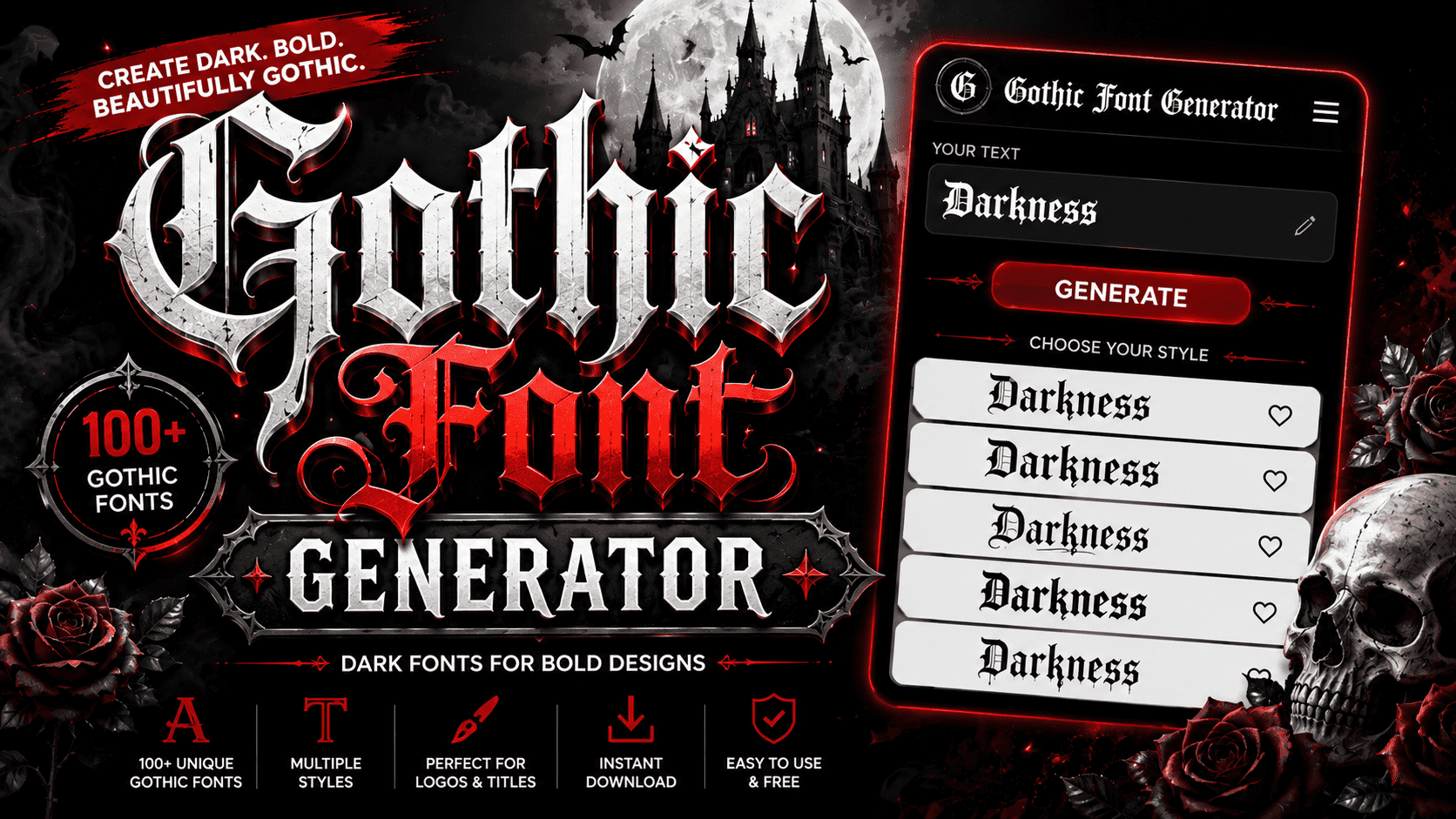
π”Šπ”¬π”±π”₯𝔦𝔠 𝔉𝔬𝔫𝔱 π”Šπ”’π”«π”’π”―π”žπ”±π”¬π”― ✦ Unicode Text Transformation Studio ✦ Type your text below and instantly convert it to Gothic, Fraktur, Cursive, Bubble, and 20+ other stylized Unicode formats. Copy anywhere β€” works on all social platforms. ◆ Your Text Input Characters: 0/500 Words: 0 Copy All Clear Download Filter: All Styles Gothic Fancy Fun Effects Showing 22 styles ◆ Tip: Click any preview box to select all β€” then Ctrl+C to copy. These are real Unicode characters that work everywhere. Surprise Me βœ“ Copied to clipboard! Gothic font traces its roots to medieval script in europe, spanning the middle ages. Dense, angular letterforms with heavy strokes and thick strokes defined hand-written books, making 12th-century european calligraphy a historic, enduring art form. Today, a gothic font generator instantly transforms this legacy into modern design freedom. Users type, generate, copy, and paste bold, ornate unicode characters for tattoos, logos, and gaming names, maintaining that truly irreplaceable classic style. What Is a Gothic Font? The blackletter font rooted in the middle ages features thick strokes, ornate details, a bold stance, and a dramatic, mysterious visual personality. This timeless style gives any design a powerful edge modern fonts rarely deliver. Gothic style writing uses unicode characters to echo medieval old english manuscripts online. A gothic font generator instantly shapes posts, your game name, or profile text, layering a Victorian, dramatic mood into any creative project. How the Gothic Font Generator Works The gothic text generator converts your input into unique character codes, remapping standard letters into blackletter forms. Enter any word into the text field, hit generate, and output appears in seconds for quick copy-paste use. Behind the scenes, a converter translates each character into elegant gothic letters shaped by calligraphy. Results carry thin strokes, ornate flourishes, and deliberate emphasis β€” giving design projects a deeply masculine look and grounded typeface character. Popular Types of Gothic Fonts Blackletter gothic and old english gothic remain the most recognized display fonts, known for their tall, decorative strokes and serifs. Designers favor victorian gothic for formal projects, while tattoo gothic naturally dominates skin art culture. Alternate gothic suits modern branding and headlines, while fraktur roots trace back to 4th century calligraphy tradition. Vintage enthusiasts explore retro and script cuts; dark, grunge, and horror styles power medieval games and digital media. Also Go To: Font Generator Where to Use Gothic Fonts Gothic letters find their place on posters, banners, and invitations where historical themes demand visual authority. Tattoo designs, name art, vintage art, and quotes benefit from these styles, while clean designs gain impressive cultural weight. Social media platforms including Instagram, TikTok, Facebook, Twitter, YouTube, WhatsApp, Snapchat, and Discord all fully support gothic text. Pick any bio field, text messages, emails, or design project, then paste your username in this style. Benefits of Using a Gothic Font Generator Using a gothic letters generator transforms your creative approach to typography entirely. From eye-catching captions on Instagram to unique gaming IDs, you get powerful stylized text without any download β€” just instant, refined normal text reinvention. Sharing formatted text on Twitter, TikTok, WhatsApp, and Discord is always effortless with simple copy and paste across browsers. Free access supports personal use and commercial projects β€” no licensing rules blocking your stylish typographic expression. Gothic Fonts in Culture Fashion brands like Alexander McQueen and Balenciaga have long embraced gothic typography as a bold cultural statement. Music bands such as Metallica and Iron Maiden use album covers with this aesthetic to project raw authority. Magazines like Vogue occasionally incorporate gothic fonts in editorial layouts to evoke elegant, dark luxury. From halloween promotions to tattoo-inspired art, gothic-themed events, and weddings, these letterforms have embedded deeply across every cultural expression imaginable. Related Font Styles In my experience, old english gothic, blackletter gothic, and victorian gothic define truly traditional design. From decorative hand-written pages to modern custom logos, cursive font, italic text, and bold gothic each carry vintage character beautifully. Having tested different styles, alternate gothic and gothic number fonts effectively extend into web design, fantasy worlds, and brands. Bubble text, backwards text, upside down text, and small text suit online profiles and subscript contexts. πŸ”₯ Make your text stand out – try this free symbol text generator Conclusion Whether you use this gothic text converter for a tattoo design, social media profile names, or a quick message, the results always deliver a sharp impression that elevates your caption, bios, or any creative output.From medieval ages to modern cool fonts used across YouTube, Snapchat, and gaming font, mirror font generator, gothic lettering within this generator spans culture, fashion, music, and fantasy, proving itself a uniquely fancy, versatile guide across websites and applications.