Create Gorgeous Bubble Font Generator Instantly Free
bubble font generator

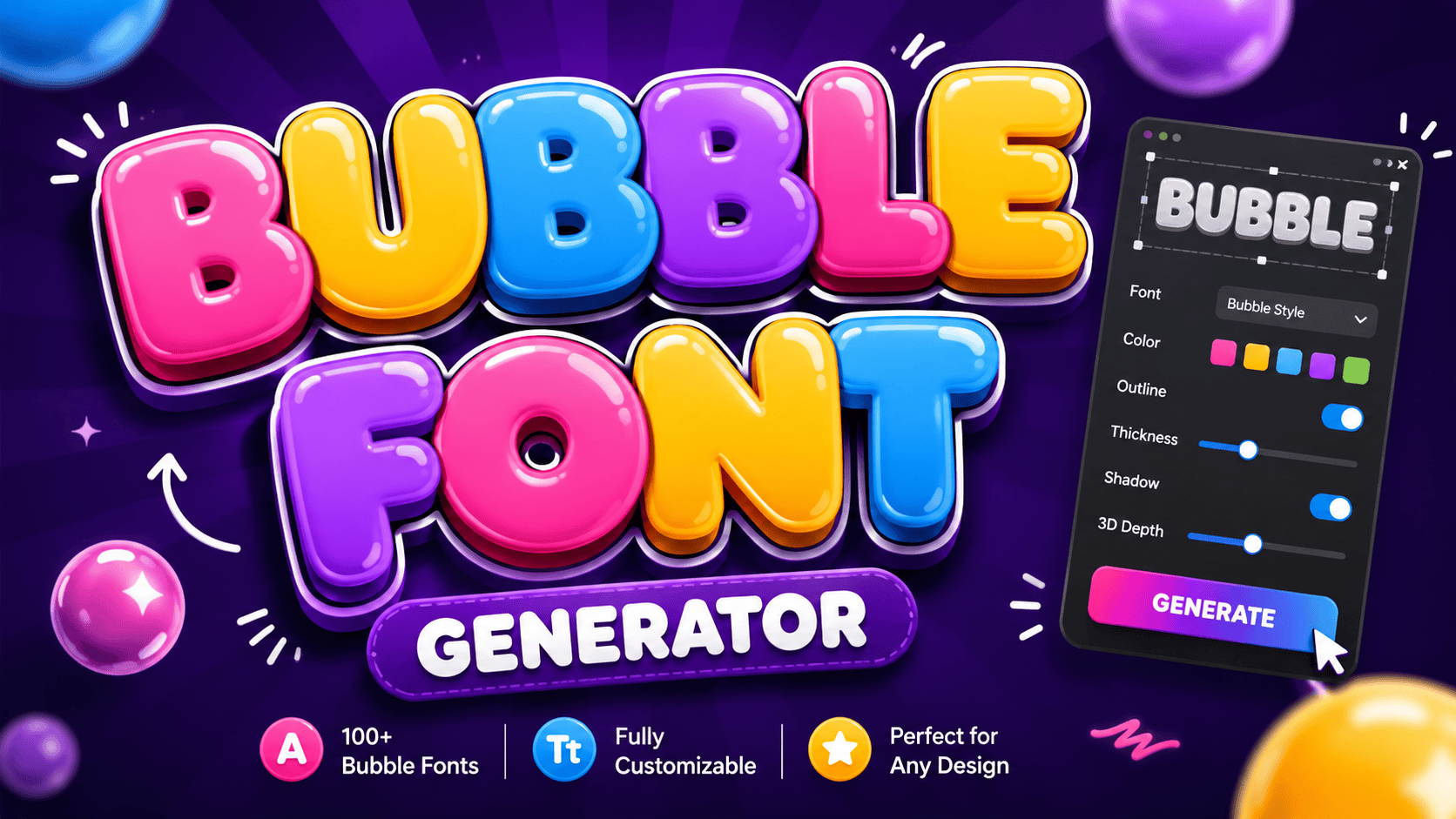
Bubble Font Generator Type your text below to see it transformed into bubbly styles. Clear Text Bubble Outline ⓐⓑⓒⓓⓔ ⓕⓖⓗⓘⓙ Copy Bubble Solid 🅐🅑🅒🅓🅔 🅕🅖🅗🅘🅙 Copy Square Outline 🄰🄱🄲🄳🄴 🄵🄿🄷🄸🄹 Copy Square Solid 🅰🅱🅲🅳🅴 🅵🅶🅷🅸🅹 Copy A bubble font generator is a free online tool that converts regular text into decorative bubble letters using actual Unicode characters. These circled letters appear rounded, enclosed, and instantly ready to paste across any platform. Unlike standard fonts, Unicode text generators produce two main types — lowercase circled alphabet and negative circled characters with dark circles. This high-contrast, badge-like look gets recognized across devices, any app, and all major platforms globally. What Is a Bubble Font Generator? A bubble font generator does something deceptively simple — it converts plain text into bubble letters instantly. Unlike design software, it runs in your browser, requires zero graphic design experience, and works on any modern device. What makes this tool genuinely different is standard Unicode — the bubble text it produces contains actual circled letters that render natively across Instagram captions, TikTok bios, Discord, Twitter, and WhatsApp statuses without any platform limitations. What It Does A bubble font generator transforms ordinary input into Unicode characters that visually resemble enclosed circles. You never need to install anything — just type, hit generate, and your bubble text gets copied to your device clipboard. What makes this tool genuinely useful is that its entire output behaves exactly like standard text symbols, pasted freely into Instagram bios, Discord messages, TikTok captions, Twitter posts, and WhatsApp statuses without any platform restriction. How It Works Visit the bubble writing font maker, drop your brand name or title into the input box, and hit the generate button. Within few seconds, multiple bubble font styles appear — from classic circles to graffiti bubbles. Pick your preferred bubble font style — cursive bubbles, squared bubbles, or something edgy entirely — and then press the Copy button. On Windows, use Ctrl+C; on Mac, Cmd+C pastes your text directly onto the target platform. Unicode Bubble Styles Unicode styles go beyond simple aesthetics — circled letters, squared bubbles, and parenthesis bubbles behave differently across platforms. These enclosed characters help you choose the right bubble text style for any occasion or social media update. Dark filled bubbles feel visually heavier compared to hollow circled letters, which carry a lighter playful appearance. Fullwidth characters naturally create block-like characters with extra width, while graffiti bubbles and cursive bubbles bring urban personality. Google Font Previews Not every design project needs custom typefaces — Google Fonts alone delivers the right bubble font aesthetic. Fredoka One, Bubblegum Sans, and Chewy are top bubbly fonts offering softly rounded letterforms without any specialized extra tool. Running previews across Baloo 2, Comfortaa, Pacifico, Lilita One, Boogaloo, Titan One, and Rowdies reveals distinct personality differences — each typeface leans into bubble roundness differently, making side-by-side comparison essential before committing to any final direction. How to Use Open any browser on your mobile or desktop device. Type your text into the input field, choose your preferred style, and watch instant conversion happen in just seconds. No account, sign-up, or payment is required. Once converted, copy and paste the result anywhere — Instagram bios, TikTok bios, Discord usernames, comments, or captions. The tool is completely free, easy to use, and works across every platform without loading delays or waiting. How It Works The bubble font generator maps each character to a circled Unicode character, bypassing font files entirely. Your bubble text styles render using Unicode characters any operating system recognizes, with no app installation or software needed. Behind the scenes, 6 distinct Unicode bubble styles span classic hollow circles, bold filled dark bubbles, squared bubble letters, uppercase, lowercase variants, and parenthesis style — each one instantly copyable without any bubble fonts actually installed. Why Use a Bubble Font Generator? People who skip expensive design software and turn to a free bubble font generator discover something genuinely interesting: fun, cheerful typography naturally helps your content stand out in any feed, bio, or Instagram post today. The real advantage lies in versatile application. You can compose a party message, craft WhatsApp statuses, or design merchandise using the same generator. The audience sees playful, edgy, or sophisticated bubble letters — your vibe, instantly. Where to Use Bubble fonts shine across social media profile pages, TikTok, and Instagram captions easily. Their playful bubble appearance suits kids content, party invitations, and toy brands. Gaming communities love using them for usernames and Discord servers. A website can leverage bubble letter fonts to build an approachable brand image effectively. Children’s content, educational materials, and birthday cards benefit equally. Even Twitter and fun posts use bubbly styles for digital brand engagement. Create Playful Logos in Seconds A playful logo emerges in seconds when AI reads your text description and preferred colors carefully. No graphic design experience is needed — your brand name transforms into a memorable logo using bubbly, rounded fonts automatically. The AI bubble font logo generator behaves like a modern design studio. Give it prompts and visual direction; it builds creative logos using filled bubble letters — no design skills, no subscription, and entirely unique output. High-Quality Logos for Any Application Most designers overlook how high-resolution output from a bubble font logo generator completely transforms toy brands and skincare identities. The glossy 3D effect and pastel color palette give each finished logo an approachable brand image. No design experience needed to craft a one-of-a-kind whimsical logo. Describe your vision via a prompt, and AI generates tailored results with background elements, accompanying graphics, and endless possibilities for cosmetics or birthday party branding. Using Bubble Fonts in Canva Canva pairs well with Bubblegum Sans and Fredoka One, two hand-picked bubbly Google Fonts delivering a bold bubble font aesthetic. Adjusting colors, rounded styling, and detail gives designers genuine creative freedom to craft standout visuals. Most designers download a unique bubble font logo, then directly import it into Canva for print use. The crisp, high-quality output perfectly suits event branding, … Read more
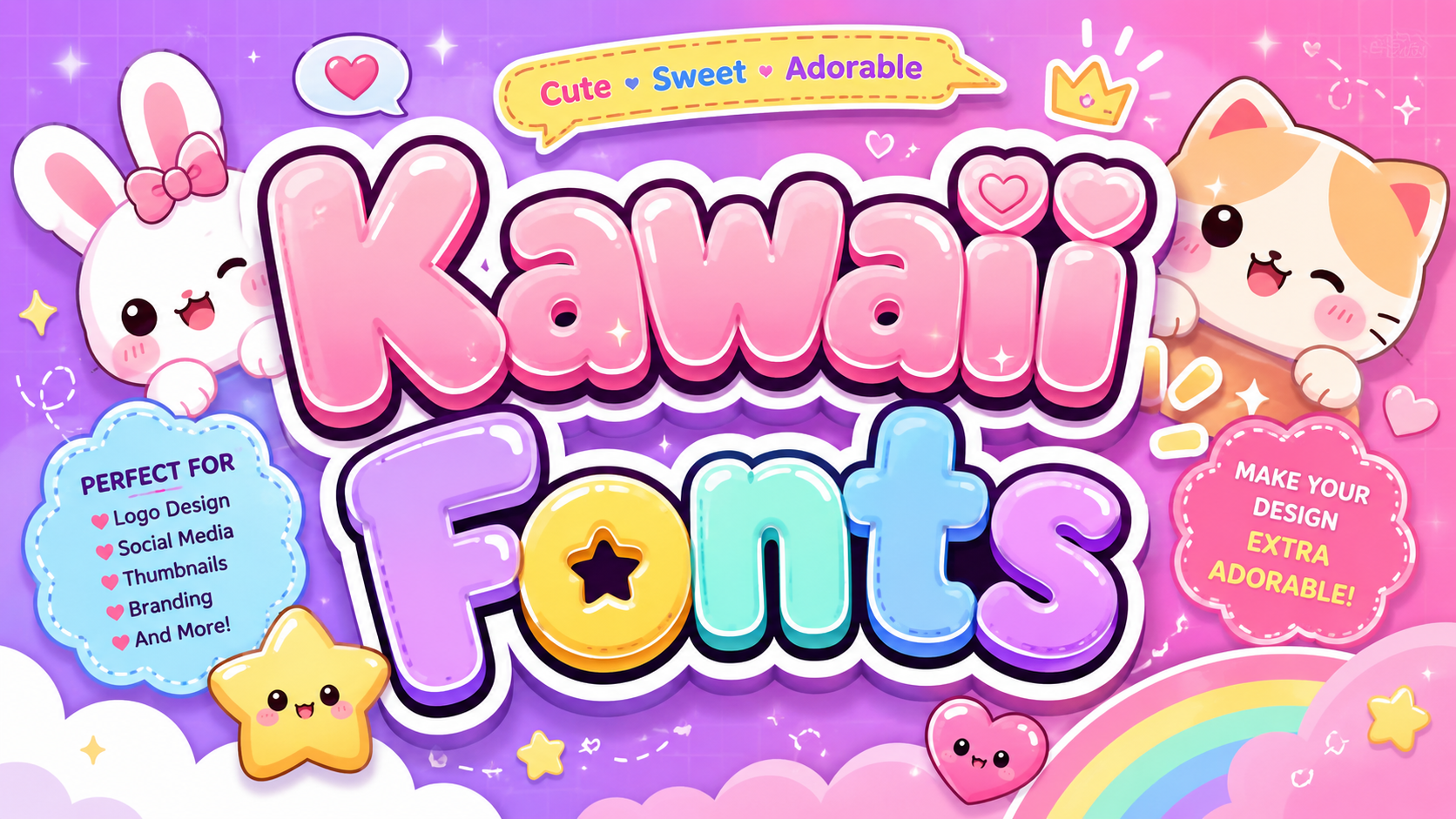
Kawaii Fonts That Will Steal Your Heart

Kawaii Fonts

Copied to clipboard! ✨ Kawaii typography, deeply rooted in Japanese culture, carries an unmistakable adorable quality shaped by Sanrio, anime, and Harajuku aesthetics. These stylized text styles pack maximum cuteness into standard letters, making every message feel genuinely playful. Unlike regular fonts, kawaii designs use Unicode characters, symbols, and special characters that render across all languages and computers. This universal standard means you can copy and paste cute fonts from any generator instantly, everywhere. How to Use Our Kawaii Font Generator Type Your Text Everything begins the moment you land on the page — there is an input box waiting, and once you type a single word, your text starts to transform and shift in ways you truly never expected. That live response is genuinely the real magic here — the real-time output lets you watch each character magically shift, giving you room to stylize naturally without any prior technical background or font knowledge required whatsoever. Browse the Styles Once your text has been entered, scrolling through the available options becomes the most enjoyable part — over 30 distinctly unique font styles appear, ranging from bubbly text to genuinely charming elegant scripts worth exploring deeply. The smartest approach is always to let your current mood guide the entire selection — scroll slowly through each option available, test a few styles, and settle on the one that feels most perfect for you. Click to Copy Committing to a style does not require saving files or anything complex — spotting the one you love means one clear thing: hit the button, and your cute text lands directly onto your clipboard without friction. Most people genuinely underestimate how satisfying that single click feels — there is no confirmation screen, no loading bar, just instant clean action. The sheer speed of it changes how freely you experiment with different looks. Paste Anywhere Your freshly copied kawaii text can now go just about anywhere effortlessly — paste it into a document, share it across any social media platform, or drop it right inside a messaging app in mere seconds. On Windows, a quick Ctrl+V does the job; on Mac, it is Command+V — just two effortless keystrokes that consistently impress friends and followers the moment they see your uniquely styled text appear anywhere you choose. Quick Steps Type your text directly inside the box — from there, freely browse through the categories that include hearts, flowers, animals, and sweets, with each one pulling your final output into its own deeply distinct visual direction. Once you find the style that clicks for you, just click once to copy — then paste it directly onto Instagram, TikTok, or Discord and let that single choice instantly redefine how your content looks online. Cute Font Categories Cute Text Cute text turns boring words into something truly lovable and stylish. With rounded letters, kawaii styles, and aesthetic touches, your text gains a soft, unique vibe that naturally shines across social media, Discord, and WhatsApp. Best Cute The best cute fonts blend soft script styles with genuine aesthetic charm. From circled letters to kawaii faces, each category delivers cutest fonts in an organized way where hearts, flowers, and sweets inspire every design. Kawaii Faces Kaomoji are Japanese text characters crafted with emojis, punctuation, and letters to form expressive cute faces. These adorable, animals-inspired, bubbly designs carry fun emotional appearance through simple symbols, making digital pop culture communication more vibrant. Hearts Heart motifs in kawaii typography feel cozy, joyful, and deeply sweet. They elevate any bio or caption, turning plain text into charming, unforgettable style that resonates with Love, kawaii vibes, and genuine friendly creative warmth. Animals Every animal design in kawaii fonts carries something deeply expressive. A bunny motif shifts plain text into something warm and memorable. Any true lover of cute typography knows animals breathe life into digital identity effortlessly. Flowers Kawaii fonts styled with cherry blossom motifs bring a feminine, Whimsical energy to pastel aesthetics. Cheerful Doodles of petals in rounded letterforms feel ideal for greeting card designs, planner pages, and soft girl Instagram bios. Sweets Candy shapes kawaii style in ways that feel simple yet profoundly expressive, much like soft sparkles scattered across a night sky full of stars. These sweet typographic choices radiate warm vibes, making messages genuinely delightful. Aesthetic The kawaii aesthetic fonts genre uniquely relies on smooth, gentle flowing curves and bubble-like shapes that feel naturally approachable, never rigid. Quirky proportions blend vintage casual handwritten warmth with modern display sensibility and recognizable charm. What Are Kawaii Fonts? Cute typography born from Japanese aesthetics, kawaii fonts trade sharp angles and edges for rounded shapes and soft corners. Each letterform feels warmly imperfect, carrying that Handmade, handwriting-style personality this distinctive font category truly embodies. Spanning 65+ distinct kawaii font styles — from Gothic and bold to Cursive and deeply dreamy — these Unicode-based designs beautifully redefine digital presence, channeling pure creativity into text that instantly captivates without any downloads or setup. Soft Curves Kawaii font style owes its charm to rounded letterforms shaped with decorative marks and calligraphy strokes. Every character within a cute fonts generator carries a hand drawn warmth that feels genuinely crafted, never digitally forced. Playful Structure Kawaii fonts defy conventional typographic logic by embedding italic curves, Bubble Letters, and decorative elements positioned above or below each glyph. This brain-rewiring structure shifts how we visually perceive playful characters across modern devices. Features Of The Kawaii Font Generator Vast Style Library Visual identity mastery begins when artists explore a massive selection of glyphs. Eschewing standard layouts, one selects from 30 distinct stylistic choices, including the glitchy Vaporwave aesthetic. My research proves varied appearances boost engagement. Designers often ignore the psychological weight of cute typography. However, selecting the right curve or spacing creates immediate emotional bonds. I have observed that specific characters can transform sterile digital environments into welcoming creative hubs. Real-Time Previews Witness real-time creative iterations while you type. Modern previews ensure no waiting because every unique glyph will update automatically. Essentially, no refreshing … Read more

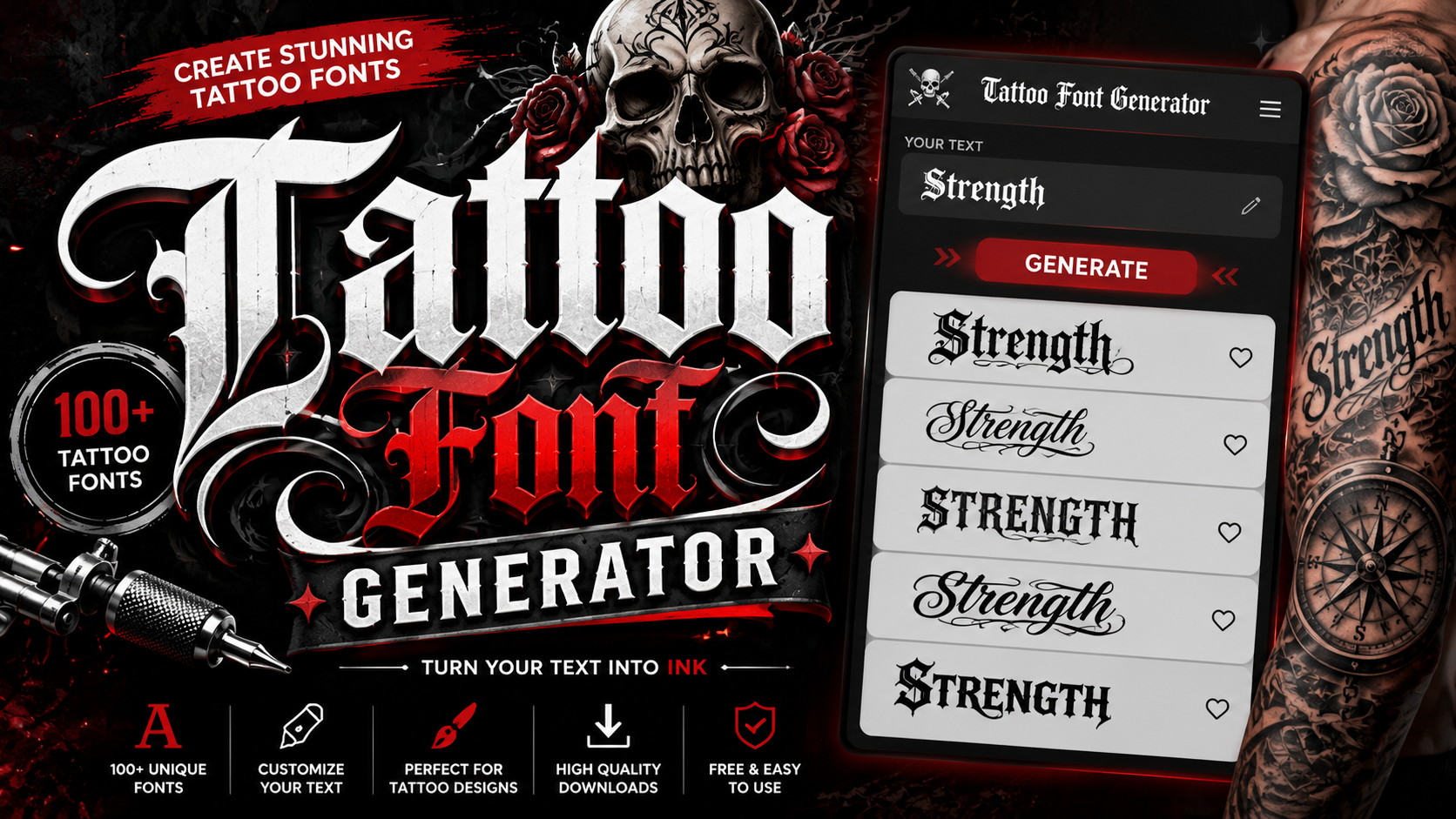
Ink Your Words: Free Tattoo Font Generator

Tattoo Font Generator

Ink Foundry Tattoo Fonts Type your phrase, adjust the size, and find your perfect lettering. Curated free fonts, perfect for planning your next ink. 48px All Script Calligraphy Gothic Traditional Chicano Modern Contrast ❤ Your Saved Ink × × Get the Code Copy this HTML/CSS snippet to use this font and phrase in your own designs. Seeking a perfect tattoo design requires a vision beyond standard lettering. Our tattoo fonts offer stunning font variations for body art. Simply input your text and explore stunning designs to personalize your identity right now. Achieving artistic style involves creative freedom. Use our text generator for font exploration before the ink. Whether for social media bios or stencil artwork, this free tool provides professional fonts with instant previews every time. How To Use The Tattoo Font Generator Before entering a parlor, use this free tool to visualize your personalized ink designs. Start by typing your name or a poignant quote into the tattoo font generator to craft a powerful statement instant searching. Adjust the size styles and weight to match your mood before the booking session. Selecting unique lettering helps transform any tattoo-style text into reality, ensuring the art resonates on your wrist or skin perfect blocks. Why Use Our Tattoo Font Generator In my experience, achieving creative inspiration requires tattoo previews before committing. Our tattoo font generator provides multiple styles like gothic or cursive in real time. This free tool ensures professional ink design results here now. Explore dozens of classic typography characters for custom designs. No hidden fees or watermarks occur here. Every script generator transformation helps standout tattoo lettering look eye-catching. Download your personalized text for the studio very quickly. Popular Tattoo Font Styles Artists often select gothic or elegant scripts for artwork. I test how distorted symbols and classic cursive lines flow. Creative inspiration requires curated font styles before committing to permanent inking via modern ink style creation. Switching mood between edgy typography and modern block letters defines personality. I pick bold blackletter to generate unique mockups. These font variations provide freedom, previewing tattoo lettering without noise or guesses during the creation process. If you want to explore more unique text styles, don’t forget to check out our gaming font generator. Who Is This Tool For Every professional artist needs efficient visualization methods before altering skin. Instead of sketching endless concepts, designers utilize this user-friendly utility across modern browsers. Test varied combinations instantly on your desktop without wasting valuable drafting paper. Beyond studio professionals, absolute beginners seeking personal meaning can explore diverse options directly via mobile. Share your ideas directly with friends online. Ensure total privacy while testing raw letters before committing them to body placement. Choosing Fonts By Placement Successful ink starts where skin meets logic. Choosing a wrist or collarbone requires an intimate understanding of how subtle initials or short initials behave when the body moves, ensuring the feminine flow remains perfect. Balance your personal style by analyzing how Old English dominates the back or forearm versus minimalist lines on a rib. Expert placement ensures masculine bold outlines don’t fade or lose their emotion over time. Name Tattoos Name tattoos carry deep emotion, often rendered in handwritten or elegant fine-line styles that feel personal. Whether placed on the wrist, collarbone, or forearms, names in dainty thin strokes honor someone who shaped your story. Using a tattoo font generator, you can preview multiple styles from blackletter to vintage and tribal, freely adjusting size, weight, and color in real time before sending a high-quality PNG reference image to your artist. For a mix of stylish text and unique symbols, you can also check out Cool Symbol. Popular Tattoo Font Styles Old English defines legacy in tattoo culture, carrying the stamp of centuries. Calligraphy-based scripts feel personal — like whisper-soft handwriting from a meaningful past, connecting moods, memorial bonds, and skin-deep choice into one powerful visual line. Script fonts, with flowing curves and thicker strokes, remain beloved on forearm and chest placements. Minimalist styles work where scale is tight. Trends evolve, yet full names, couple initials, and family marks never truly fade. Downloading & Sharing Your Design Saving your finished design file is genuinely simple here. Export it as a transparent PNG or SVG download — both are high-resolution and print-ready — with no account, no watermarks, and no hidden fees blocking your access. Share your design instantly — copy and paste styled text into Instagram captions, Facebook posts, Twitter, or Discord messages. For digital projects, the downloadable image works across all online platforms, giving each profile a distinct signature. Want to make your text look flipped and unique? Check out our mirror font generator. Tattoo Fonts for Social Media TikTok captions and online bios rarely get attention for font psychology, yet status updates using tattoo fonts drive engagement significantly. A memorable bio delivers digital identity with personal branding that genuinely makes profiles stand out.Copy-paste functionality turns digital platforms into personal canvas spaces. Through one click, content creators easily apply a coolwide range of socialdigital art — from graffiti to fine line — across messaging apps, comments, and posts.

Dominate With This Gaming Font Generator

Gaming Font Generator

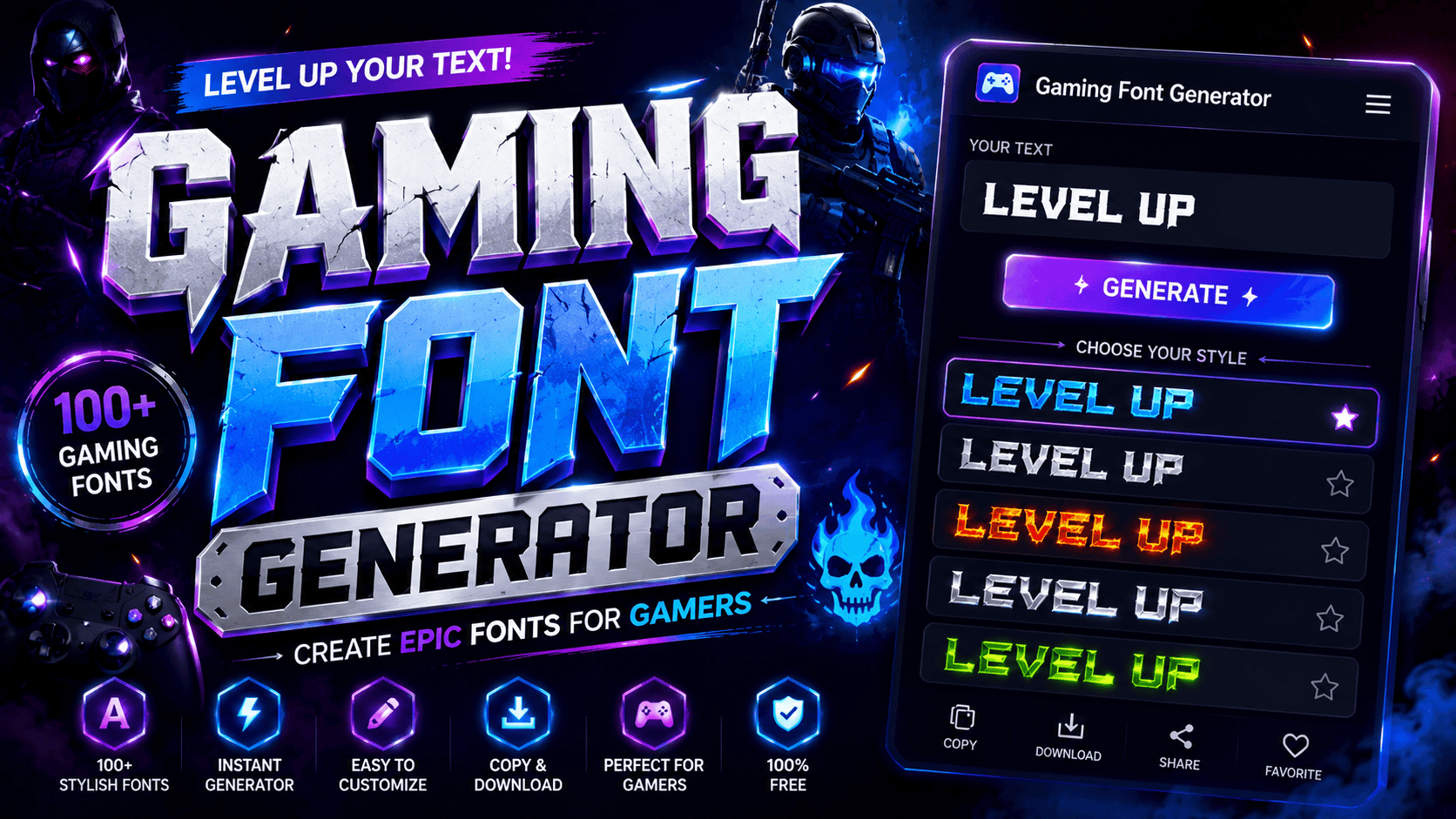
Gaming Font Generator GamingFontGenerator 🌙 Dark Type your own text… Font Size 28px Text Color Commercial Use Only Pixel Retro Futuristic Chunky Stencil Cartoon Aggressive Showing 0 fonts Clear Filters Copied CSS to clipboard! A gaming font generator does more than decorate; it redefines digital identity. Converting regular text into stylish text through Unicode character encoding lets gaming usernames and clan tags stand out across virtually every platform instantly. From PUBG to Fortnite, 1000s of active players already leverage fancy text tools to craft generated nicknames with font styles spanning bold, italic, and Unicode text styles that work seamlessly on Discord, Instagram, and beyond. How to Use the Gaming Font Generator  Step-by-Step Guide Type directly into the input box to enter text, or paste anywhere to import content. From there, browse categories, explore all 110+ styles, and choose style that fits, then let the tool transform it instantly. Once results appear, copy instantly via the copy button and share to social media posts on Facebook, Twitter, or messaging apps. Combine styles, mix and match across any platform to create unique effects with text. Find Your Font(s) The search bar at the top makes finding styles fast. Scroll through the list to explore fonts by font category, or hit inspire me to let AI Writer suggest something you never thought to try. Once your screen shows options, pick random fonts if you’re undecided. Add text into the box, generate text in chosen styles, then customize until the output feels perfectly yours and genuinely represents your gaming personality. Also Visit: Cursive Font Copy Paste – Cursive Font Generator Copy & Edit Text The editor gives you complete control over your styled output. Edit freely, change texts as often as you like, and add more text anytime. Nothing locks you in — refinement is always just one click away. Hit copy to send styled text straight to your clipboard. The tool lets you keep font styles exactly as designed. Swap out fonts anytime, because getting the final look just right is always worth it. Paste Anywhere Online Your styled full text sits in the clipboard, ready to go. Whether you’re working in a web editor, a standalone app, or any design tool, Unicode compatibility ensures the characters render without breaking or distorting. Copy your preferred results and paste them anywhere online, from profile pages and game chats to any comment section. You can even add to design projects directly, since the editor makes everything feel seamlessly satisfying. Must Go: Minecraft Font Generator How It Works Generating styled text has never been so seamless. Drop text into the first box and the fancy text generator delivers 110+ results — covering platform-ready options from Half-Life tags to Age of Empires nickname sets. The easiest way to proceed — once text transformations fully load, find your favourite output, hit copy, and paste it straight into messages, messaging apps, games, or social media posts where the game supports Unicode rendering. Where You Can Use Gaming Fonts Gaming fonts aren’t exclusively for Roblox or Minecraft players. From Social Media to TikTok, Twitter, and Facebook, they give your content unique text styling, letting unique usernames radiate personality, attract audiences, and hold attention longer. In business settings, gaming fonts emphasize unique ideas across Documents, presentations, and LinkedIn profiles. Messaging apps like WhatsApp and Telegram thrive on inspiring, elegant text messages making everyday work, Education, and Creative Projects purely fun. Also Read: Gothic Font Generator – Copy In Gothic Font Popular Use Cases Navigating the gaming community requires distinct flair. To stand out, I often convert my boring text into eye-catching designs for an IGN or Discord username, ensuring my gaming profile looks truly unique. Managing server roles or a clan tags list demands creative freedom. I generateglitchy or metal-inspiredfont styles to emphasize a personality that commands attention, making every YouTube video or digital communications feel inspiring.

Gothic Font Generator – Copy In Gothic Font

Gothic Font Generator

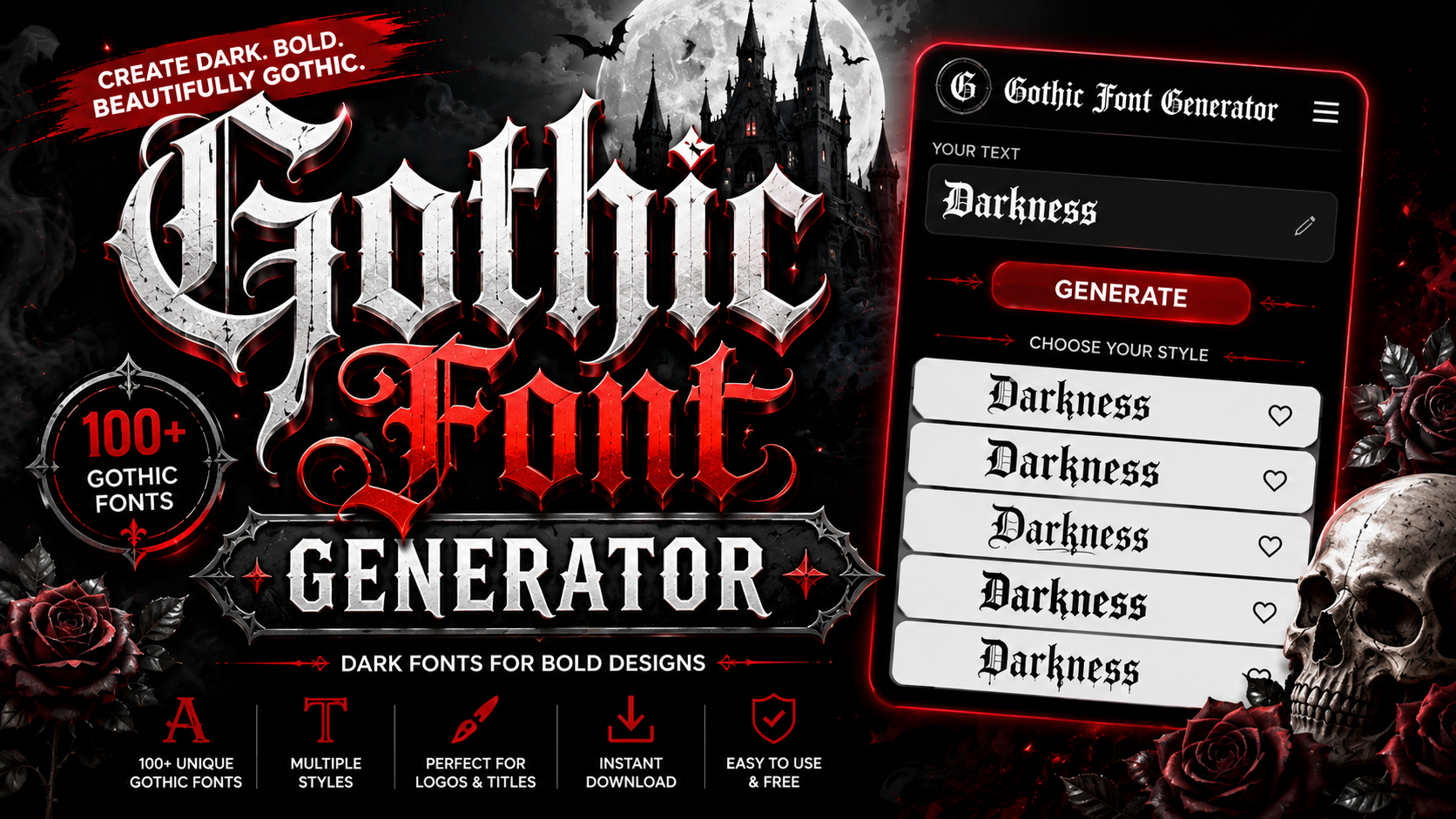
𝔊𝔬𝔱𝔥𝔦𝔠 𝔉𝔬𝔫𝔱 𝔊𝔢𝔫𝔢𝔯𝔞𝔱𝔬𝔯 ✦ Unicode Text Transformation Studio ✦ Type your text below and instantly convert it to Gothic, Fraktur, Cursive, Bubble, and 20+ other stylized Unicode formats. Copy anywhere — works on all social platforms. ◆ Your Text Input Characters: 0/500 Words: 0 Copy All Clear Download Filter: All Styles Gothic Fancy Fun Effects Showing 22 styles ◆ Tip: Click any preview box to select all — then Ctrl+C to copy. These are real Unicode characters that work everywhere. Surprise Me ✓ Copied to clipboard! Gothic font traces its roots to medieval script in europe, spanning the middle ages. Dense, angular letterforms with heavy strokes and thick strokes defined hand-written books, making 12th-century european calligraphy a historic, enduring art form. Today, a gothic font generator instantly transforms this legacy into modern design freedom. Users type, generate, copy, and paste bold, ornate unicode characters for tattoos, logos, and gaming names, maintaining that truly irreplaceable classic style. What Is a Gothic Font? The blackletter font rooted in the middle ages features thick strokes, ornate details, a bold stance, and a dramatic, mysterious visual personality. This timeless style gives any design a powerful edge modern fonts rarely deliver. Gothic style writing uses unicode characters to echo medieval old english manuscripts online. A gothic font generator instantly shapes posts, your game name, or profile text, layering a Victorian, dramatic mood into any creative project. How the Gothic Font Generator Works The gothic text generator converts your input into unique character codes, remapping standard letters into blackletter forms. Enter any word into the text field, hit generate, and output appears in seconds for quick copy-paste use. Behind the scenes, a converter translates each character into elegant gothic letters shaped by calligraphy. Results carry thin strokes, ornate flourishes, and deliberate emphasis — giving design projects a deeply masculine look and grounded typeface character. Popular Types of Gothic Fonts Blackletter gothic and old english gothic remain the most recognized display fonts, known for their tall, decorative strokes and serifs. Designers favor victorian gothic for formal projects, while tattoo gothic naturally dominates skin art culture. Alternate gothic suits modern branding and headlines, while fraktur roots trace back to 4th century calligraphy tradition. Vintage enthusiasts explore retro and script cuts; dark, grunge, and horror styles power medieval games and digital media. Also Go To: Font Generator Where to Use Gothic Fonts Gothic letters find their place on posters, banners, and invitations where historical themes demand visual authority. Tattoo designs, name art, vintage art, and quotes benefit from these styles, while clean designs gain impressive cultural weight. Social media platforms including Instagram, TikTok, Facebook, Twitter, YouTube, WhatsApp, Snapchat, and Discord all fully support gothic text. Pick any bio field, text messages, emails, or design project, then paste your username in this style. Benefits of Using a Gothic Font Generator Using a gothic letters generator transforms your creative approach to typography entirely. From eye-catching captions on Instagram to unique gaming IDs, you get powerful stylized text without any download — just instant, refined normal text reinvention. Sharing formatted text on Twitter, TikTok, WhatsApp, and Discord is always effortless with simple copy and paste across browsers. Free access supports personal use and commercial projects — no licensing rules blocking your stylish typographic expression. Gothic Fonts in Culture Fashion brands like Alexander McQueen and Balenciaga have long embraced gothic typography as a bold cultural statement. Music bands such as Metallica and Iron Maiden use album covers with this aesthetic to project raw authority. Magazines like Vogue occasionally incorporate gothic fonts in editorial layouts to evoke elegant, dark luxury. From halloween promotions to tattoo-inspired art, gothic-themed events, and weddings, these letterforms have embedded deeply across every cultural expression imaginable. Related Font Styles In my experience, old english gothic, blackletter gothic, and victorian gothic define truly traditional design. From decorative hand-written pages to modern custom logos, cursive font, italic text, and bold gothic each carry vintage character beautifully. Having tested different styles, alternate gothic and gothic number fonts effectively extend into web design, fantasy worlds, and brands. Bubble text, backwards text, upside down text, and small text suit online profiles and subscript contexts. 🔥 Make your text stand out – try this free symbol text generator Conclusion Whether you use this gothic text converter for a tattoo design, social media profile names, or a quick message, the results always deliver a sharp impression that elevates your caption, bios, or any creative output.From medieval ages to modern cool fonts used across YouTube, Snapchat, and gaming font, mirror font generator, gothic lettering within this generator spans culture, fashion, music, and fantasy, proving itself a uniquely fancy, versatile guide across websites and applications.

Font Generater
Privacy Overview

This website uses cookies so that we can provide you with the best user experience possible. Cookie information is stored in your browser and performs functions such as recognising you when you return to our website and helping our team to understand which sections of the website you find most interesting and useful.