Christmas Font Generator – Copy & Paste Festive Text

Christmas Font Generator

🎄 Christmas Font Generator Make your holiday words magical ✨ Enter your text Merry Christmas Preview size 24px Clear text Choose your Christmas style 8 styles All styles Festive Classic Fancy Tip: Copy a style and use it in your holiday cards, social media posts, messages, or Christmas designs. Christmas fonts turn ordinary greetings into festive messages through holiday-themed fonts, Unicode transformations, and Christmas emojis. I begin with the input field, type a short greeting, then compare style presets until the wording feels readable, seasonal, and suitable for the intended audience. A practical workflow uses preview, copy, and paste before publication. Check the destination app, line breaks, and truncation first, because every platform handles decorative characters differently. This simple review keeps each design clean while preserving holiday spirit, personality, and clarity. How to Use the Christmas Font Generator Begin with a short greeting, then add names or a CTA before choosing a style preset. Preview multi-line greetings, adjust spacing, and compare bold sans, classic script, or fullwidth options for clear festive text. For publishing, use copy all or copy as banner, then paste the result into social posts, emails, or Christmas cards. Check readability on small screens, save favorites, and keep one plain line as an accessible fallback. Pro Tips Start with plain holiday greetings, then test bold, script, and fullwidth treatments separately before combining them. Keep one hero line, preserve contrast, and use generous spacing so festive text remains readable across devices and platforms. For faster publishing, save favorite presets, prepare 3–5 variations, and rotate them through a weekly routine. Preview dark and light backgrounds, check mobile wrapping, and keep a simple fallback ready when special glyphs fail. Why Use a Christmas Font Generator?  A Christmas font generator gives creators a faster way to produce festive messages for holiday social media, invitations, and personalized digital Christmas cards without installing a custom font or learning design software. In my experience, Unicode-based styling works especially well for plain holiday greetings, captions, and business communications because it keeps text readable across devices, supports quick copy-paste, and adds seasonal personality. Also Read: Halloween Font Generator Copy Paste Key Features Useful controls include Classic Festive, Modern Minimal, elegant scripts, clean sans, fullwidth, and monospaced options, with preview, copy, paste, line breaks, color controls, shadows, and adjustable spacing. For campaign work, batch input, preset groups, compact copy buttons, preview multiple lines, and cross-platform rendering help teams prepare templates, banners, captions, and support replies efficiently. Key Components A practical generator combines a text field, style selector, live preview, alignment controls, font-size settings, background choices, and an obvious Generate button, allowing users to type your text, customize it, and save results. The strongest workflow separates a bold sans top line, script middle line, and monospaced CTA, then checks contrast, readable sizes, spacing defaults, and mobile wrapping before publishing across channels. Where to Use / Applications and Use Cases During the holiday season, I use a Christmas font generator to prepare social posts, emails, and promotional content before December arrives. It also supports invitations, print layouts, and a Word document when one design must travel across channels. For November planning, teams can copy a greeting, download as image, or pair text-to-image fonts with campaign artwork. This approach keeps seasonal messages recognizable while adapting them for announcements, offers, cards, and short-form publishing without rebuilding every composition. Common Mistakes to Avoid Many creators choose decorative Christmas fonts before checking readability, then discover that fancy text generator results fail across devices and platforms. I always test holiday greetings in social posts, email subject lines, and banners before publishing. Another frequent mistake is crowding a multi-line banner with heavy scripts, insufficient breathing room, and weak color contrast. Use short lines, a clear message, and a plain fallback so every channel preserves the intended seasonal personality. Best Tools And Methods A practical Christmas font generator pairs online font generator previews with Unicode checks, helping a designer compare bold sans, script, and monospace treatments before publishing across devices and platforms. I usually test copy buttons, favorites, and history against social media platforms, websites, and email clients; this workflow keeps holiday greetings readable, accessible, and consistent while speeding revisions. Also Go: Canva Advanced Techniques Experienced creators often begin with the target channel, then type your text and adjust alignment, letter space, and line gap before choosing a style group. This sequence keeps Christmas-specific text styles readable across social media posts, email subject lines, and banners. For seasonal campaigns, I build stacked rows with a bold header, script subline, and fullwidth accent, checking color contrast and plain-text alternative first. I then A/B test a script headline against a bold-sans headline, measuring CTR, saves, and readability. Expanded Examples And Copy Blocks In client work, I begin with a draft base message, then compare a bold header, script accent, and fullwidth footer. This produces consistent seasonal lines for banners, captions, and email subject lines without redesigning every placement. For a compact campaign, I prepare ready captions, a product banner, an Instagram caption, and formal wishes together. I keep plain wording available, check color contrast, and retain one plain-text alternative for dependable sharing. Conclusion A reliable Christmas font generator balances festive character with practical publishing needs. In my testing, a readable, lightweight style performs better across devices, platforms, social posts, and email subject lines than dense decorative lettering. Before publishing, check commercial restrictions, Unicode behavior, accessibility, and rendering on mobile. Keep the primary keyword in ordinary text, preserve clear message hierarchy, and choose a consistent brand feel for holiday campaigns.

Embroidery Font Generator – Create Embroidery Text

Embroidery Font Generator

Embroidery Font Generator Create custom embroidery-style text with different fonts, stitch patterns, thread colors, spacing, density and backgrounds. Download your design as a PNG. Your Text 0 characters EMBROIDERY Font Style Bold BlockStrong ImpactClassic SerifRounded ModernTypewriterScriptHandwrittenElegantWestern Stitch Style Satin StitchDense Fill StitchRunning StitchCross Stitch Font Size 100px Letter Spacing 2px Stitch Density 5 Stitch Angle 35° Line Spacing 1.2× Outline Width 2px Thread Color #B8860B Outline Color #6D4C09 Background Color #FFFFFF Design Options Transparent Background Thread Highlight Soft Shadow Auto Fit Text Generate Design Random Style Copy Text Download PNG Reset Embroidery Preview Ready to generate This tool creates a visual embroidery-style text design for digital use and PNG export. It does not create professional machine embroidery files such as DST, PES, EXP, or JEF. An embroidery font generator turns typed lettering into a visual embroidery concept, letting designers test font style, letter spacing, word spacing, and preview details before committing stitches to fabric, products, or apparel across common projects. From my workflow, useful tools balance readable letters with practical production choices, using millimeters, a stitch path, and a machine-ready embroidery file, so names, monograms, uniforms, caps, and patches remain clear after sewing on garments. Embroidery Font Generator Use / Steps Start by typing your text into the embroidery font field, choose a font, adjust letter spacing and word spacing, then review the layout before pressing the Generate button to create a preview before stitching begins. Next, select colors and a suitable size, check stitch density, confirm background color, and use transparent PNG or PES output when needed. Finally, use image download to save the design and test it before sewing. Features Useful features become obvious when the generator delivers a realistic embroidery effect, preview before sewing, fixed physical size, and sharp letters, helping designers judge scale, spacing, and thread behavior before production starts with confidence today. For practical workflows, browser access, free creation, no upload, no login, and support across tablet, phone, and any device make customization faster, while a machine-ready embroidery file keeps output convenient for everyday stitching tasks too. Also Read: Stencil Font Generator Benefits / Who It’s For From my workflow, embroidery text is most useful for e-commerce operators who need personalizing without manual tracing. Shoppers can preview names on caps, bags, and towels, while uniforms gain consistent lettering for repeat orders reliably. The practical benefit extends to gifts and branding: initials and monograms create a personal touch, while a short word keeps stitching manageable. I’ve found these choices especially effective when matching products, audiences, and production limits. Types Of Embroidery Font Styles Embroidery styles differ by stitch behavior, not simply appearance. Satin columns, running-stitch outline, fills, letter outline, and single-color running stitch produce different lettering effects, while stitch coordinates influence spacing, density, and fabric coverage on products. Some styles prioritize detail; thin letters suit smaller sizes, while bold letters and filled letters demand hooping and firm stabilizer support. I compare font previews before personalization, checking alignment problems, puckering, and final stitch-out clarity. Categories Embroidery font categories become clearer when organized by stitch behavior rather than appearance alone. I usually separate script, block, monogram, and varsity lettering first, then test density, spacing, and thread direction on actual fabric carefully. For decorative projects, cursive, chain stitch, cross stitch, 3D puff, and needlepoint styles each require different digitizing decisions. In practice, choosing the right style depends on fabric weight, hoop limits, readability, and stitch stability overall. Where To Use Embroidery Font Generator An embroidery font generator fits neatly into product personalization, especially for aprons, towels, bags, and labels. I use it when a client needs names, initials, or team branding previewed before production with better placement decisions. It also works for website logo projects, boutique monogram pieces, and repeat label runs. For machine work, exporting a PES or DST file helps connect digital lettering with practical stitching requirements before sending work onward. Embroidery File Formats Explained Choosing a file format is less about decoration and more about whether the embroidery software can prepare a dependable stitch plan for target commercial machines. DST remains the most widely supported option across production environments. For home machines, manufacturers may prefer a native format, so I check the machine brand before exporting. Pfaff, Babylock, Janome, Brother, Bernina, and Ricoma setups can differ in acceptable formats, settings, and transfer methods significantly. Conclusion After testing different workflows, I find digitizing quality matters more than decorative effects. A strong embroidery font generator turns typed words into clean, machine-ready output, balancing spacing, needle movement, and readable detail for consistent results. From production work, I have learned that preview accuracy builds confidence before stitching begins. Choosing suitable fonts, stabilizer, and export settings helps preserve the intended appearance across garments, logos, gifts, and professional orders with confidence.

Star Font Generator – Generate Unique Star Text

Star Font Generator

Star Font Generator ✦ ✨ ✦ Aesthetic Star Generator ✨ Star Font Generator Create aesthetic starry Unicode text, sparkling borders, and celestial fonts for Instagram, TikTok, Discord, and Roblox. ✨ Enter Your Text Here 0 chars • 0 words Star Aesthetics Original UPPER lower Title Case 🌟 Sample ✕ Clear ✦ Custom Star Decorator Builder Quick preset surround builder ★ [Text] ★ ✦✧ [Text] ✧✦ ╰┈➤ [Text] ✨ ✪ [Text] ✪ ༺★༻ [Text] ༺★༻ ⋆⁺₊⋆ [Text] ⋆⁺₊⋆ Prefix Star Suffix Star Live Preview ✦.┈━═ Star Aesthetics ═━┈.✦ Copy Custom Text ✨ 🔍 ✨ All Styles ★ Star Borders ✧ Aesthetic (⁠⁠╹⁠◡⁠╹⁠) Kaomoji 𝔄 Fancy Fonts ⭐ Favorites ✨ Copied to Clipboard! Ready to paste A star font generator turns ordinary typing into decorative text by combining Unicode characters, symbols, and visual styles. It gives creators quick copy and paste results for names, bios, profiles, and messages online today. From a practitioner’s perspective, testing across devices shows the strongest results balance aesthetic detail with readable presentation. Users can explore stars, sparkles, patterns, and different style while keeping decorated text practical for profiles and chats. What Are Star Fonts / Star Symbols? Star fonts are not separate typefaces; they are Unicode stars and decorative symbols placed with normal text to create star decorated fonts. Common marks such as ★, ☆, and ✦ add structure, emphasis, or character. In practical use, these symbols turn ordinary typing into fancy text, text art, or stylish text for bios, captions, and social profiles. I often treat them as visual accents, balancing aesthetic, creative, and readability clearly. How To Use The Star Font Generator Start by entering your text, then let auto-generation display 120+ star font styles through real-time previews. I usually compare several options before using one-click copy, especially when readability matters across profiles and messages today smoothly. For smoother work, keep the current browser open and test results on all devices. The mobile friendly interface needs no sign-up, making quick experiments practical when you want a polished star style without interruptions everywhere. Also Read: Create Gorgeous Bubble Font Generator Instantly Free Features It offers a free tool for creating star symbols, stylized fonts, and decorative symbols without software. Users can make text art, preview designs, then copy and paste polished results for profiles, chats, usernames, or posts. The feature set supports customizable star styles, quick copying, and platform use, helping creators add a magical and eye-catching identity. From social profiles to gaming tags, results stay convenient, expressive, and ready for everyday sharing. Benefits Of Star Fonts Star fonts give ordinary messages a clean look while adding decorative style and a pro-level aesthetic. For creative names, dreamy details can attract extra attention, especially when profiles need visual distinction across busy social feeds. For active users, gaming usernames become more memorable, while personal messages gain a polished identity. I often suggest four-point stars, solid star ★, or glowing star ✪ when emphasis should stay noticeable yet uncluttered naturally. Where / Who To Use Star Fonts (Use Cases & Platforms) Star fonts fit places where identity matters quickly: gaming usernames can frame a player name, while Instagram bio text adds personality. I often see TikTok creators using decorative designs to separate short posts and captions. Beyond social media, Discord communities use stars around tags, and Facebook posts can gain an aesthetic touch without changing the message. For branding, Twitter profile text and email signatures can create consistent online branding. Types Of Stars / Star Font Styles Star font styles differ mainly by silhouette, density, and surrounding marks. A solid five-point star feels energetic, while a hollow star creates lighter spacing. Circled stars add a compact badge-like finish for names and identity. More expressive options combine four-point sparkles with decorated lettering, while fullwidth layouts change spacing and visual weight. I often test fraktur, script, and bold sans variations beside simpler star symbols before choosing a final style. Creating A Stellar Aesthetic Creating a stellar aesthetic begins with restraint: combine subtle sparkles and a glowing look around phrases, then balance spacing, letter weight, and symbols. In my experience, this keeps creative lettering polished without making lines compete. For profiles, I often pair soft typography with star accents, using star borders selectively beside names, captions, or aesthetic bios. A measured Mix Fonts approach can add personality while preserving readability across screens and layouts. The Pro Gamer A pro gamer treats a nickname as part of competitive identity, so I usually test gaming usernames with Unicode stars, readable spacing, and supported characters before publishing. This keeps branding sharp without risking awkward display. For titles and profiles, Free Fire, PUBG, and Call of Duty Mobile players can personalize names with universally supported symbols, while checking each name-change field because some games may restrict symbols. In practice, these details keep stylish branding practical during competitive play. The Dreamer For a dreamer, star fonts turn ordinary messages into celestial text styles, adding a sparkle that suits reflective usernames, profiles, and captions. I often pair ☆ with simple wording because restraint keeps the mood memorable. For a softer identity, I use star-decorated letters beside short phrases, then test the result across mobile and desktop views. This approach feels personal yet practical, especially when Instagram bios need decoration without sacrificing readability. The VIP A VIP username should feel selective, not overloaded. I usually pair VIP usernames with restrained starry styles, then test layouts before choosing a prestigious identity that feels distinctive, readable, and intentional across platforms and profiles. From experience, the strongest look comes from balance. Bold fonts can establish presence, while decorative appearance adds status without clutter. A carefully spaced star symbol can strengthen a distinct identity and keep the profile memorable. Best Practices For Using Star Fonts I usually treat star fonts as accents, not decoration everywhere. A few sparkle effects can create a minimalist vibe, while repeated symbols may weaken readability. Match the star style with your message, audience, and platform. From experience, the strongest results keep important text readable and use symbols … Read more

Manga Font Generator – Create Unique Anime Fonts

Manga Font Generator

Manga Font Generator Type your text below to instantly convert it into aesthetic manga & stylish font styles. Clear Manga / Kana Copy Vaporwave Copy Small Caps Copy Bold Copy Bubble Text Copy From my experience, a manga font generator works best when anime text begins as a practical design choice, not decoration. Users can test font previews, reshape letter shapes, and match dialogue, titles, artwork, or effects. I look for tools that let creators compare a style quickly, then turn a short phrase into expressive lettering for manga panels, social posts, or YouTube thumbnails. Good generators balance readability, personality, and flexible control. How To Use Start by entering Your own text, then choose a style and preview several options. Use Multiline text when needed, and add line breaks to control stacked lettering before refining the final composition balance overall now. Adjust Text size, Line height, and Text alignment for readability. Test Outline controls, Background fill, or Transparent backgrounds, then export a PNG image or SVG lettering. The browser handles generation instantly without extra software today. Also Read: Disney Font Generator – Create Magical Disney-Style Text Features Manga creators gain from generated previews, deep customization, Live Styles, and real-time feedback, with controls for adjust kerning, letter spacing, alignment, and layout, keeping composition precise even without complex software across detailed creative production workflows. Beyond styling, Unicode Text generation, special Unicode characters, and text symbols support copy and paste workflows, while the Image Generator, neon gradients, Cyberpunk, 3D perspective, and glitch effects expand visual control for distinctive digital compositions. Use Cases Creators use a manga font generator when lettering feels flat beside a chapter title, short dialogue, or sound effect. From experience, Multiple font previews, spacing between lines, No signup required, and No watermarks improve workflow. These styles also fit Instagram Bios, Captions, Twitter, Discord Server Names, and YouTube Video Titles. For panels, Anime text PNG download serves posts, while Manga text SVG download supports digital layouts, thumbnails, and print layouts. Anime & Manga Font Examples Anime and manga examples work when Anime font styles, Manga font styles, Shonen Heavy, and Rounded Bubble treatments match each scene. Dialogue lettering can emphasize emotion, intensity, and sound, while keeping phrases readable and onscreen. For a cover or Social media posts, I compare Gothic, Cursive, Glitch, Spaced-out styles, Gradient, and Neon before exporting. Practical testing shows typography strengthens title, caption, and sound effect hierarchy without clutter across platforms today. Benefits For practical benefits, anime fonts and manga fonts give a name or title a stronger visual identity. I often customize lettering around artwork, using Bold Anime and Comic Text Effects for even stronger finished compositions. The workflow also saves time: download PNG or SVG output, then copy and paste it into social media, Instagram, Facebook, or Discord. Unicode supports Universal Compatibility while fully responsive layouts keep results accessible across screens. Understanding Manga Sound Effects Effective manga sound effects depend on visual timing, not volume alone. An Explosion may need dense Impact treatment, while Energy marks motion. I use Sharp edges when effects must cut through crowded artwork clearly during production. Quieter effects benefit from Whisper styling, controlled Bubble forms, and deliberate Text color. Adjusting Outline, stroke, and line height can separate the effect from dialogue while preserving readability, especially in compact panels across tight layouts. Optimizing Manga Text For Different Genres Genre-specific manga lettering works best when styles follow narrative pacing. For comedy, airy fonts and playful symbols can keep dialogue light, while action scenes benefit from bold weights, sharper edges, and compact formatting for readers. I usually test the same phrase across genres before exporting, because intended reading size changes perception. Horror may need Gothic treatment, romance benefits from Script variants, while sports manga often favors bold text and contrast. Conclusion A practical conclusion from my manga lettering work is simple: choose manga style deliberately, preview rendered text, and test line breaks before publishing. This keeps punctuation clear while helping every page feel consistent and polished. From experience, I compare fonts carefully, refine actual words, and check anime style against the surrounding artwork. Reliable downloads matter too, because a polished result should remain useful for editors, posts, profiles, and panels daily.

Medieval Text Generator – Create Ancient Style Text
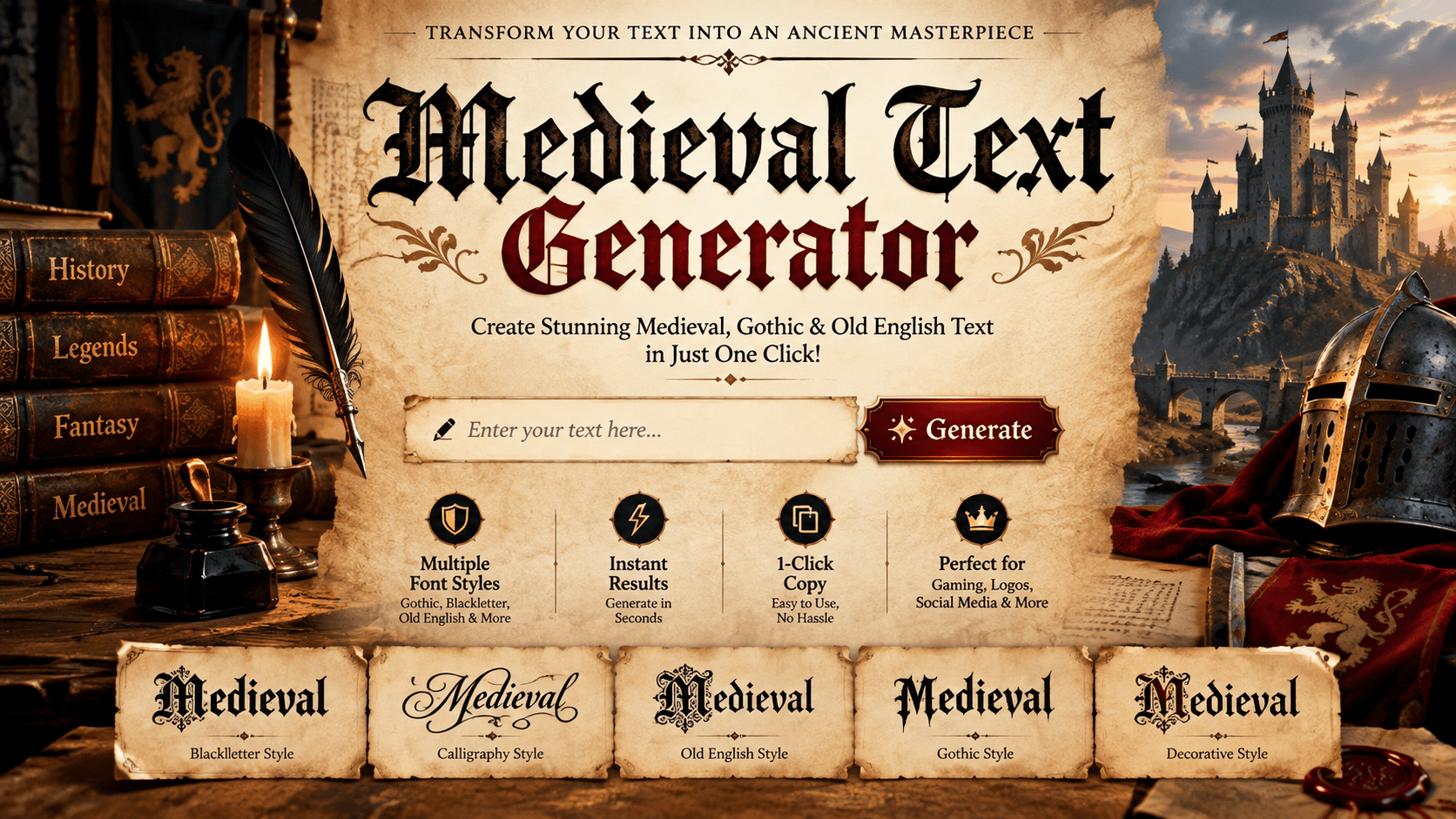
Medieval Text Generator

⚔️ Medieval Text Generator Convert normal text into Old English, Gothic, Fraktur, and Runic Unicode fonts. Input Text Chars: 0 ✨ Load Sample 🗑️ Clear Medieval gothic font generator brings manuscript culture into modern written communication, letting creators explore blackletter typefaces shaped by European history. These tools recreate letterforms with angular strokes and dense texture, giving ordinary words medieval identity. Beyond appearance, a medieval gothic font generator supports fantasy video games, DnD campaign map work, and dark fantasy projects. In practice, digital Unicode characters help creators preserve historical authenticity through atmospheric immersion and visual tradition. What Is Medieval Gothic Font? A medieval gothic font emerged through blackletter typefaces associated with 12th-century European manuscript culture, where broken strokes created dense text texture and compact forms that later influenced how medieval lettering appears in digital contexts today. In my design work, I use decorative variants when plain historical reconstruction feels too rigid; the goal is creative work that preserves period atmosphere while adapting spacing, contrast, and character shapes for readable contemporary projects. Also Read: Celtic Fonts Generator Best Use Cases For Medieval Gothic Font For practical projects, tabletop RPG culture, fantasy games, and historical reenactment benefit from medieval aesthetics revival because the lettering quickly establishes period, character, and setting before viewers read the finer visual details on each screen. I also use it for LARP, Book cover design, Event design, and fantasy UI when a project needs Maximum ceremonial drama; at smaller sizes, careful testing preserves clarity without weakening authenticity across devices and contexts. Categories Useful categories range from DnD and Tabletop RPG campaign materials to Fantasy Game Design, where immersive UI text, item names, lore entries, and loading screens create a consistent identity for users across creative projects online. Another category covers Fantasy Maps and World-Building, including continents, cities, mountain ranges, and ancient ruins. I also use these styles for LARP, Cosplay, and event invitations when a period-appropriate design context matters most in practice. Tips For Better For better medieval text, I first test the target context with Fraktur letterforms and a real-time preview. Keep short runs for readability, especially when ornate letterforms or visual complexity compete with surrounding copy during design. For headings and names, compare visual weight across Gothic Bold and Royal Gothic; do not assume ornate output is automatically better. Check mobile rendering on the target platform, because Unicode characters can expose internal detail. Where To Use Medieval Text Generator I use text generators for fantasy world-building, DnD campaigns, RPG game design, and character sheets, where medieval character styling quickly establishes tone. They also suit guild, kingdom, and dungeon maps, especially when visual identity matters. For design, these work well on medieval banquet invitations, Indie game studios, logos, marketing materials, and fantasy apps. Use decorative variants selectively, because streamlined modern legibility can matter more than period authenticity when readers scan. Similar Medieval Gothic Fonts — Compare Styles Similar styles become easier to distinguish when context enters the decision. ceremonial weight suits formal headings, while world-building texture supports quest scrolls and homebrew rulebooks where ornament should reinforce setting rather than dominate reading comfortably. For real projects, I compare medieval fantasy games, hand-drawn maps, and digital fantasy maps separately, because scale changes spacing and detail. genre credibility and manuscript energy matter most when style must feel intentional online today. Conclusion Medieval text gains lasting value when historically grounded choices meet practical design needs. I find that Medieval charm works best when structure remains clear, allowing online creators today to present distinctive lettering without sacrificing usability. A strong generator can deliver ornate output for titles while respecting a readability constraint. Used thoughtfully, styled letters become a visual community marker, supporting fantasy worlds, profiles, games, and atmospheric digital publishing across diverse contexts.
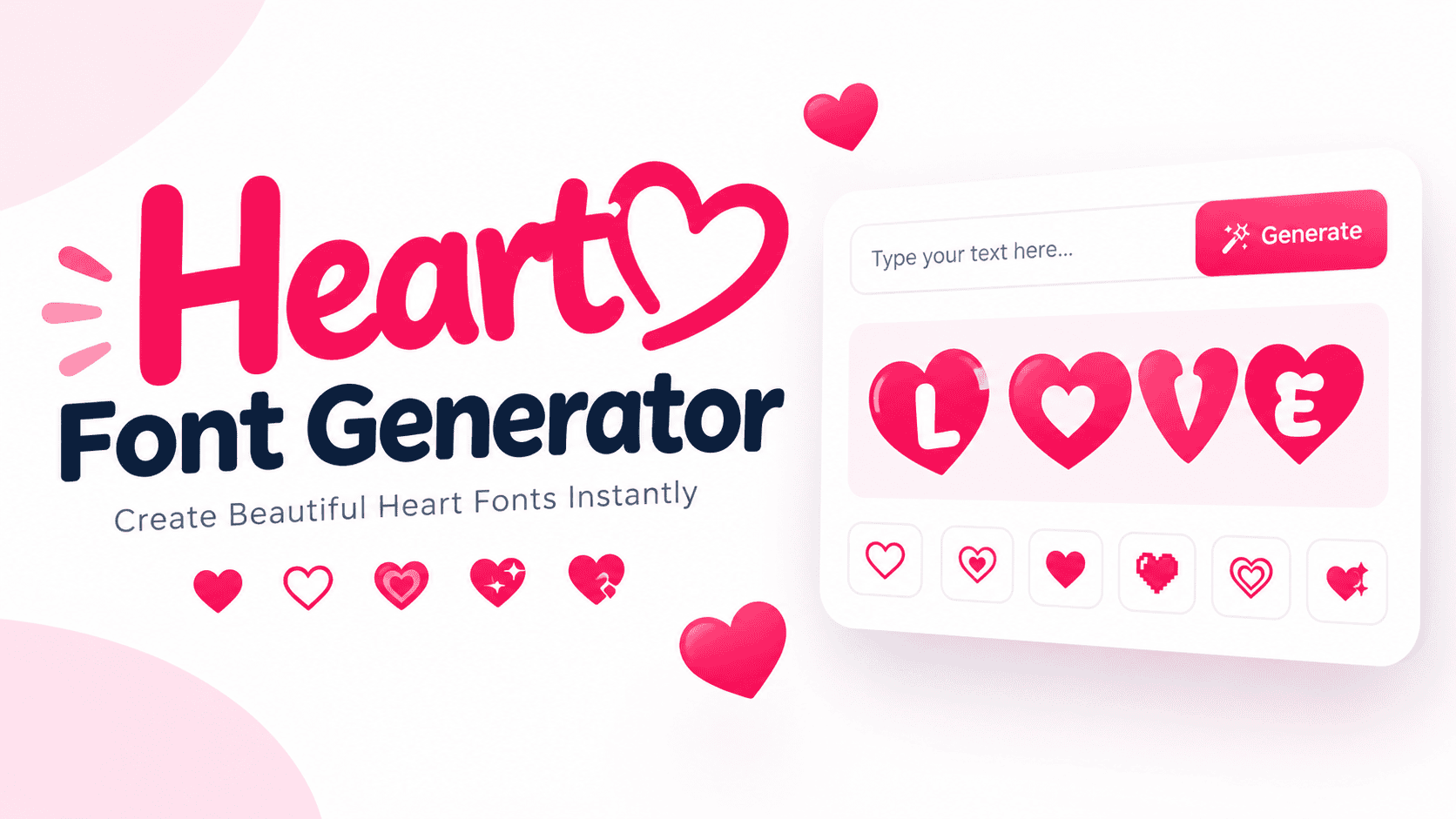
Heart Font Generator – Make Stylish Heart Text

Heart Font Generator

💖 Heart Font Generator 💖 Type your text below. Tap any style to copy it instantly! Copied to clipboard! 💖 A heart font generator turns messages into expressive text by combining Unicode characters, heart symbols, and decorations. I’ve found this especially useful for bios, captions, usernames, and romantic notes when ordinary typing feels too neutral. Instead of treating hearts as decoration, you choose a mood and personality through stylish formats, a cute touch, or romantic touches. The result remains easy to copy, paste, and share across platforms and apps today. What Are Heart Fonts/Symbols/Emoji? Heart fonts combine heart symbol forms with decorative characters to give ordinary text a more expressive identity. Heart emoji are colorful images, while symbols remain text characters, making each option useful across different digital spaces. In practice, I treat these choices as visual language: Unicode text designs can shape names, messages, or cute profiles, while heart colours add emotional context. Their appearance may vary, but affection often remains recognizable online. Also Read: Star Font Generator – Generate Unique Star Text Heart Colour / Emoji Meanings Heart colours communicate different moods beyond decoration. A Red heart commonly signals Love, while Orange can suggest Warmth. Yellow often represents Friendship, making colour choice useful for expressive digital communication today for posts and messages. In my experience, Green hearts suit Nature or balanced feelings, whereas Blue suggests Peace. Purple may express Sensitivity, while Black can fit Dark Humor or a more restrained emotional tone online when styling social profiles. How To Copy / Use Heart Symbols & Fonts To use heart fonts effectively, enter your message, test a simple heart style, then copy and paste the preferred result. I usually check readability before adding decorative characters to captions or profiles across different devices. For personal use, choose symbols that match the message rather than filling every space. A heart decorated text result can add extra personality to romantic captions, while keeping presentation natural across WhatsApp, Instagram, chats. Where / When To Use Heart Fonts Heart fonts fit moments when ordinary writing needs emotional emphasis, especially social media profiles, captions, couple usernames, invitations, and romantic messages. Their decorative appearance adds personality without requiring a special app or basic editing skills. I often recommend heart styles for greetings, profile introductions, and community posts where tone matters. Cute and romantic appearance works well for TikTok captions, Discord, and WhatsApp, provided Unicode text styles remain readable across devices. Why Use Heart Fonts / Benefits Heart fonts give posts extra personality by blending decorative characters with creative text options, helping a profile or caption feel personal. I often find this useful when a clean message needs warmth without lengthy design. They reinforce romantic tone across social media, including Instagram bios, love messages, and birthday wishes. Because styling remains text-based, users can copy and paste quickly, test styles, and choose a look matching the occasion without software. Popular Heart Font Styles Popular Heart Fonts range from elegant calligraphy and cute designs to bold heart embellishments, giving plain text a visual identity. In practice, I find Aesthetic Heart Symbols useful for profiles, captions, and romantic event announcements. Style selection can also reflect emotion: Romantic Heart & Love Symbols suit affectionate messages, while Big Heart Symbols, Colourful Heart Emojis, and decorative characters create stronger emphasis. Mixing subtle and bold forms keeps heart-themed text balanced. About Heart Font A heart font adds a warmer visual identity by turning ordinary lettering into stylish fonts with hearts and decorative shapes. This online tool can create custom heart-themed text for names, captions, profiles, and romantic occasions. In practice, I find heart styling most useful when a plain phrase needs personality without installing software. Users can transform text, explore themes, and apply heart decorations for Valentine’s Day, weddings, or everyday messages quickly. Conclusion A good heart font generator is less about decoration and more about choosing a style that fits your message. From heart decorated fonts to Unicode symbols, each result can add personality quickly, personal charm, today. In practice, I find creative text works best when it remains readable across platforms. Whether shaping a bio, caption, or username, thoughtful style choices keep love visible without overwhelming the original meaning online spaces today.

World Cup 2026 Font Generator – Create Soccer Text

World Cup 2026 Font Generator

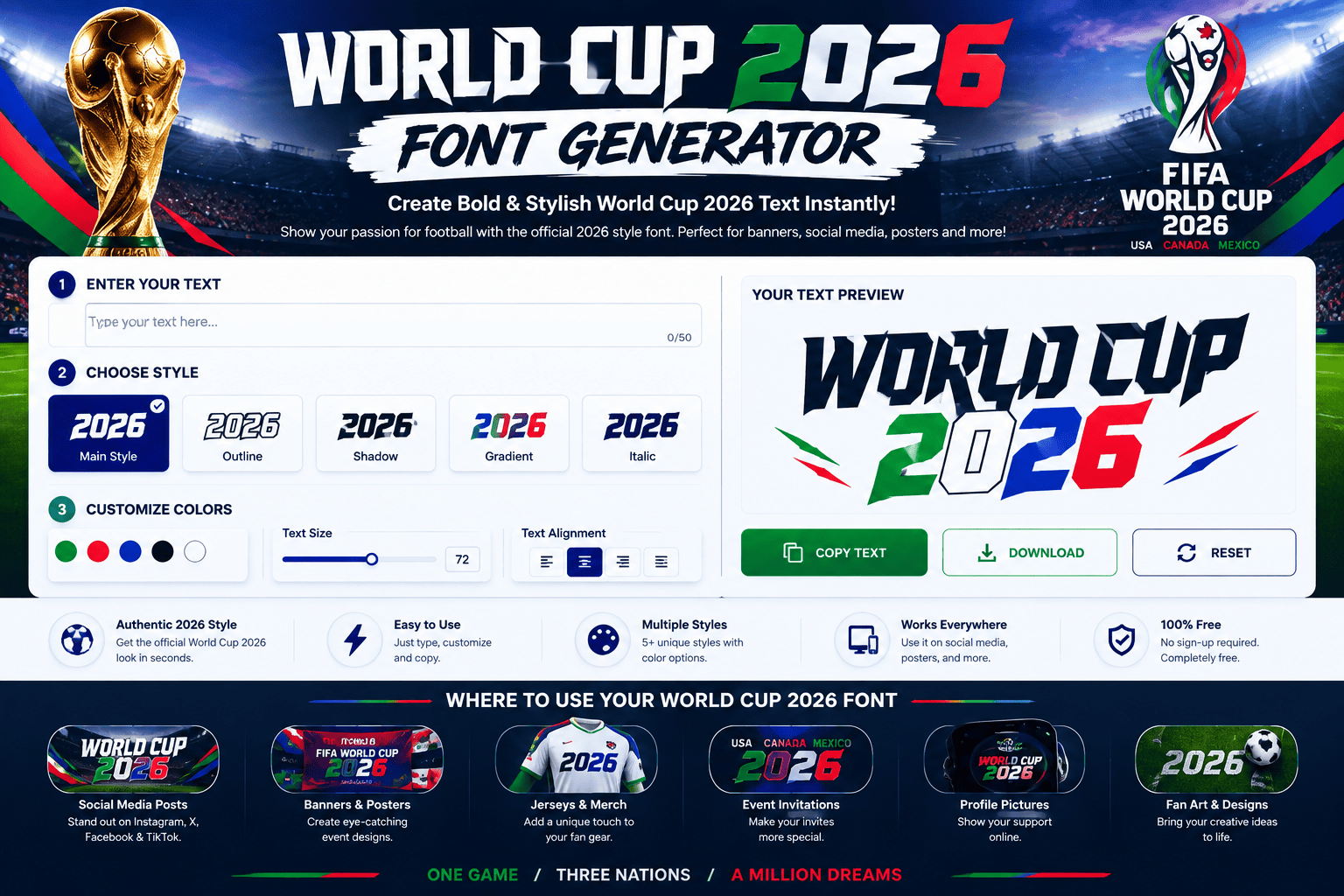
The World Cup 2026 font generator brings typography into fan design, letting users shape football phrases with a bold display style. In practice, I find Unicode characters especially useful for quick social concepts for creators. For polished projects, treat the visual result as tournament identity rather than an official asset. A careful workflow balances readability, generated lettering, copy, and paste, while keeping branding clearly fan-oriented across modern fan design projects. World Cup 26 Font Details In practice, WC2026 Style works best as a display treatment when tournament energy matters more than strict authenticity. I often test bold forms beside typography alternatives, checking balance, spacing, and how the visual identity reads. For World Cup 26 Font projects, the strongest results usually come from black, heavy, narrow lettering paired with a clear championship mood. This approach suits generated lettering, fan text, and supporter graphics without implying licensing. Is The World Cup 2026 Font Official? The official question is easy to misread: a FIFA reference does not automatically make generated lettering the tournament’s official typeface. In practice, many tools offer an official-style interpretation for fan projects and creative uses today. I treat such generated typography as tournament-inspired, not automatically licensed branding. The distinction matters when creating commercial graphics, posters, or social content, because usage rights and trademarks can impose separate limits, especially commercially and legally. Also Read: Racing Team Name Generator – Find Unique Racing Names Best Uses For World Cup 2026 Fonts Posters benefit from bold display treatments, while jerseys need compact lettering that stays clear at a distance. For watch parties, I use banners, fan art, and mockups to build consistent sports graphics across event materials. For digital promotion, social media visuals can reuse headlines, team names, and slogans in thumbnails or wallpapers. I favor tournament titles, championship phrases, and supporter graphics when creating memorable fan-oriented visual graphics for online campaigns. How To Create World Cup 2026 Typography To create polished World Cup 2026 typography, I usually start with a clear headline, then generate a bold graphic around the message. Adjust spacing and hierarchy before exporting PNG artwork for the final composition itself. For a poster, choose a strong display font, test typography at the intended viewing size, and keep lettering readable against imagery. This practical method produces a clean tournament design while preserving visual energy and personality. World Cup 2026 Font Examples Examples become clearer when WC2026 Style, World Cup 2026 Bold Sans, and World Cup Flag Letters are tested beside bold sans options. For match graphics, I compare generated lettering visually before choosing a visual style. I also test football and soccer lettering at practical sizes, checking display styles across related styles. A strong World Cup treatment should remain recognizable in tournament artwork while keeping supporter-facing typography crisp and football focused. Country Flags And Football Symbols I usually start with country flags because they identify teams instantly; adding football symbols gives usernames and captions more character. Unicode lets supporters insert these details into social media profiles without image edit work daily. For fan names, I find a restrained approach works best: combine one country combination with a single emblem-like mark, then copy-paste the result into a bio or caption. This keeps the typography highly readable today. Copy-Paste World Cup Fan Names Copy-paste fan names work best when identity stays obvious. I often pair country flags with football symbols, Unicode accents, then reuse them across bios, captions, and social profiles without extra clutter. For match day, test a few country combinations before choosing one. Clear supporter identity matters more than flashy styling, especially in fan content where names should remain readable beside national teams and team colors online. Best Font Size And Readability In practice, readability matters more than oversized styling. For World Cup graphics, I usually test small sizes first, then adjust wider spacing and a less-bold weight until letters stay distinct on mobile, posters, and screens. An ultra-condensed display style can work brilliantly for headlines, but compact letters become risky when viewed quickly. My preference is stronger contrast, generous spacing, and enough size to preserve legibility in scoreboard graphics and social posts. World Cup 2026 Font Download For a practical World Cup 2026 font download, I treat the generated lettering as artwork first. A PNG suits quick sharing, while a transparent PNG keeps backgrounds clean for posters, jerseys, and thumbnails online. When I need reusable text, I check whether the font file is actually installable and whether TTF or OTF export exists. Otherwise, the generator provides downloadable graphics without pretending to deliver a complete typeface desktop. TTF Vs OTF Vs Generated PNG For editable typography, I favor an OTF or TTF font file because an installable format scales cleanly across projects. OTF often handles advanced features, while TTF remains broadly compatible with everyday design software and devices. A PNG is different: it is image artwork, not a reusable font. A transparent PNG works well for generated graphics, overlays, and fan designs, whereas downloadable font file formats preserve live text for later edits. Free Use And Commercial Licensing Before publishing commercial graphics, I check the license first, especially when tournament names, emblems, club badges, or trademarks appear. A free generator can cover creative output without automatically granting broader rights for every commercial project. From my experience, commercial use needs clearer boundaries than casual fan content. Check whether royalty or attribution requirements apply, and separate generated artwork from protected branding before selling jerseys, posters, or campaigns to customers directly. World Cup 2026 Font For Social Media For social media, I favor fonts that keep styling compact across Instagram, TikTok, and Discord. Short names, captions, and statuses remain cleaner when football-themed shapes support readability without overwhelming profile spaces on mobile screens today. I often adapt FWC26 lettering into YouTube Shorts titles, supporter graphics, and wallpapers, then reuse the display font for watch parties. Consistent spacing helps fan graphics feel recognizable while preserving quick scanning and visual content. World Cup 2026 Font For Posters, Jerseys, And Banners For sports posters, I … Read more

Ancient Font Generator – Copy & Paste Ancient Text

Ancient Font Generator

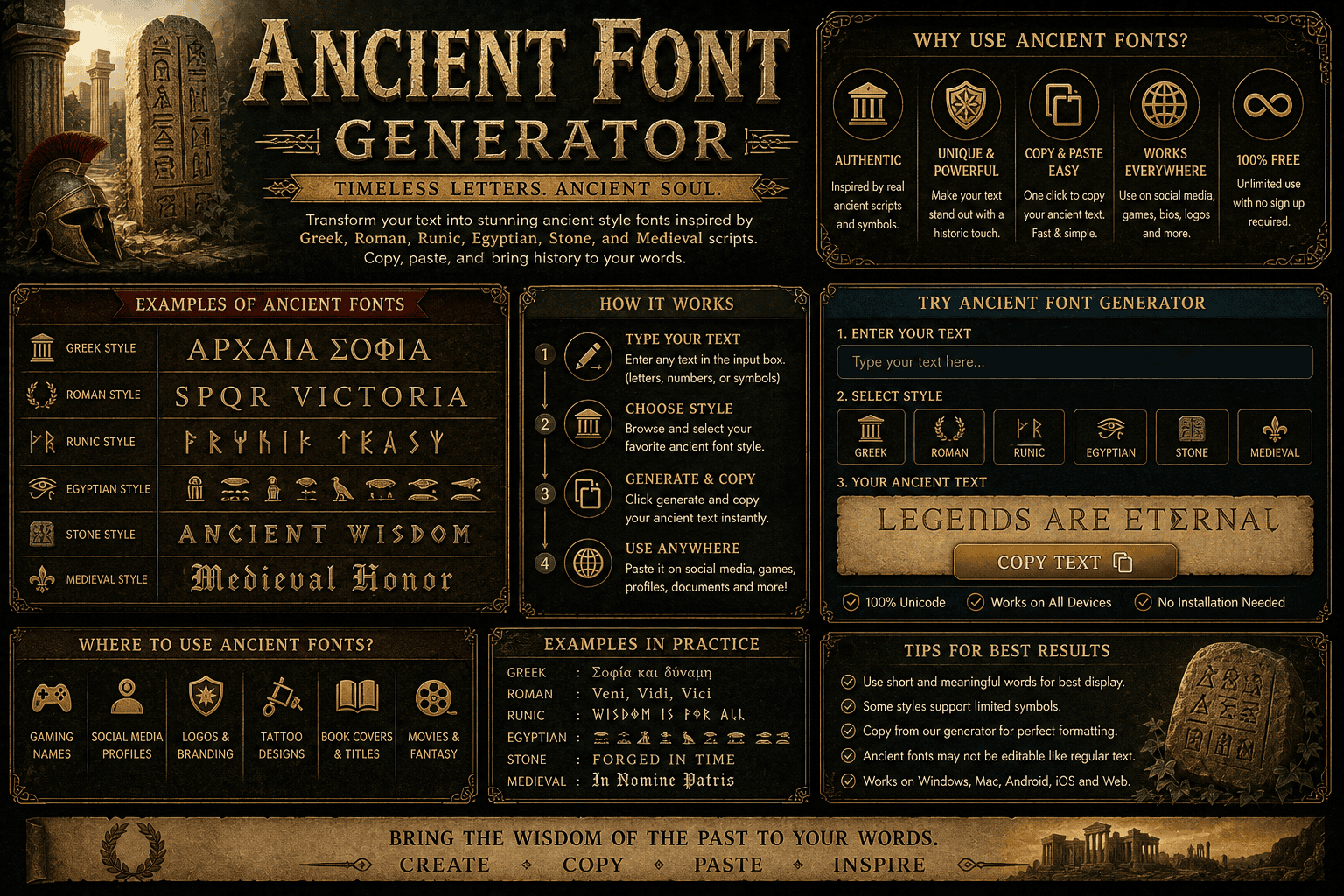
Ancient Font Generator Transform ordinary text into elegant ancient, medieval, blackletter and runic-inspired Unicode styles. Copy your favorite style instantly. Enter Your Text 0 characters • 0 words Try Example Clear Copy Result Choose an Ancient Style Click a style to generate ⚔ Blackletter Bold 𝔄𝔫𝔠𝔦𝔢𝔫𝔱 𝔗𝔢𝔵𝔱 ✦ Medieval Blackletter 𝔄𝔫𝔠𝔦𝔢𝔫𝔱 𝔗𝔢𝔵𝔱 ♜ Double-Struck 𝔸𝕟𝕔𝕚𝕖𝕟𝕥 𝕋𝕖𝕩𝕥 🏛 Ancient Bold 𝐀𝐧𝐜𝐢𝐞𝐧𝐭 𝐓𝐞𝐱𝐭 📜 Classical Italic 𝑨𝒏𝒄𝒊𝒆𝒏𝒕 𝑻𝒆𝒙𝒕 ✠ Small Capitals ᴀɴᴄɪᴇɴᴛ ᴛᴇxᴛ ᚠ Elder Futhark Inspired ᚨᚾᚲᛁᛖᚾᛏ Ω Greek-Inspired ΑΝCΙΕΝΤ ΤΕΧΤ ◉ Ancient Circle Ⓐⓝⓒⓘⓔⓝⓣ Generated Ancient Text Blackletter Bold Your generated text will appear here… Download TXT Copy Generated Text 0 Characters 0 Words 9 Available Styles Note: This generator uses Unicode characters to create decorative ancient and medieval text styles. The Runic and Greek-inspired options are stylized character mappings, not translations into historically accurate ancient languages. Copied successfully! An ancient font generator becomes useful when modern layouts need historical character without sacrificing readability. I have found that combining Greek typography, classical inscriptions, and text styles can make designs feel deliberate rather than decorative. Instead of treating every historical typeface as decoration, I test Greek characters, English characters, multiple styles, and upper and lowercase options against the message, then refine the font style before download for real projects today. How To Use / Steps To Generate Enter your text, select a font style, and study its appearance before generating. I usually compare several forms digitally, because readable lettering keeps projects practical while preserving historical aesthetics without sacrificing clarity or personality anywhere. Then Copy and paste the result, check spacing and alignment, and inspect texture at different sizes. For an engraved look, I prefer restrained ruggedness and a focused design, letting instant results guide adjustments before publishing. Popular Uses / Where To Use Your Font I see old english fonts perform well on Halloween posters, but ancient temples also inspire museum exhibits, book covers, and classroom projects where historical aesthetics need a recognizable typeface without overwhelming the surrounding design visually. For branding, invitations, tattoos, or social posts, I favor gothic script when the message needs timeless beauty; designers can pair it with marble white, golden olive, or texture across custom prints for a period-inspired finish. Also Read: Old English Font Generator About The Font Style Textualis gives the style a disciplined medieval character, while blackletter and Fraktur add dense, formal structure. In practice, I find this combination works best when stylized letterforms remain readable and spacing stays deliberate. Classical typography often balances authority with ornament, and a calligraphic form can soften rigid construction without losing historical character. For projects seeking an aged appearance, Roman influence can provide cleaner proportions and stronger visual balance. Create Text Graphics With Old English Fonts Old English lettering can turn short phrases into polished text graphics, especially when an Old English font forms sharpen the historical mood. I often pair heavy bold letterforms with restrained layouts for readability online today. For Instagram posts, logos, or book covers, the Old English structure adds authority without overwhelming content. Using a font family with clear stylized letterforms helps preserve character while keeping generated text practical and visually balanced. Why Choose Our Greek Font Generator? Our free Greek font generator gives creators a practical way to explore authentic Greek alphabet characters without sacrificing readability. I especially value its balance between classical Greek elegance, customization, and modern digital flexibility for designers. Rather than treating Greek letters as decoration, the tool supports meaningful cultural projects, educational work, and designs that benefit from historical significance. Its varied fonts make ancient character forms feel accessible today across digital projects. The Greek Alphabet The Greek alphabet has shaped Western writing systems for roughly 2,800 years, yet its value is not merely historical. Its letters still distinguish inscriptions, scholarly typography, and modern treatments of classical literature today with clarity. In practice, I find each Greek letter useful for balancing character and readability: familiar script forms support philosophy and science projects, while subtle spacing preserves the disciplined rhythm associated with ancient texts without copying antiquity. Important Note Important: an Ancient Font Generator may create stylized text, but Unicode characters can behave differently across apps, websites, and profiles. Always check readability, historical accuracy, and copy/paste behavior before publishing your generated design online clearly. From my experience, authentic Greek text and ancient Hellenic scripts need context; decorative effects should support the message, not distort it. For academic work, verify characters before printing, engraving, or using them commercially for projects. Closing CTA Bring your next design to life with an ancient font generator built for creativity, typography, and historical significance. Choose a Greek font generator, test authentic Greek text, and create lettering connected to ancient cultures today. Start small, then explore classic styles for branding, invitations, posters, or profile work. My approach favors readability, so your powerful message stays clear while cultural inspiration adds character. Generate text, copy it, and create visuals. Conclusion A strong Ancient font generator should balance character with practical design. In my experience, the best results give academic work a classical touch, while ancient wisdom and culture remain visible through shaped letters and spacing. For designs, I prefer testing readability before adding decoration. A project should make its lettering easy to adapt, because a font generator supports experimentation without losing character when preparing cultural events where authenticity matters than ornament.

Celtic Fonts Generator – Copy & Paste Celtic Text

Celtic Fonts Generator

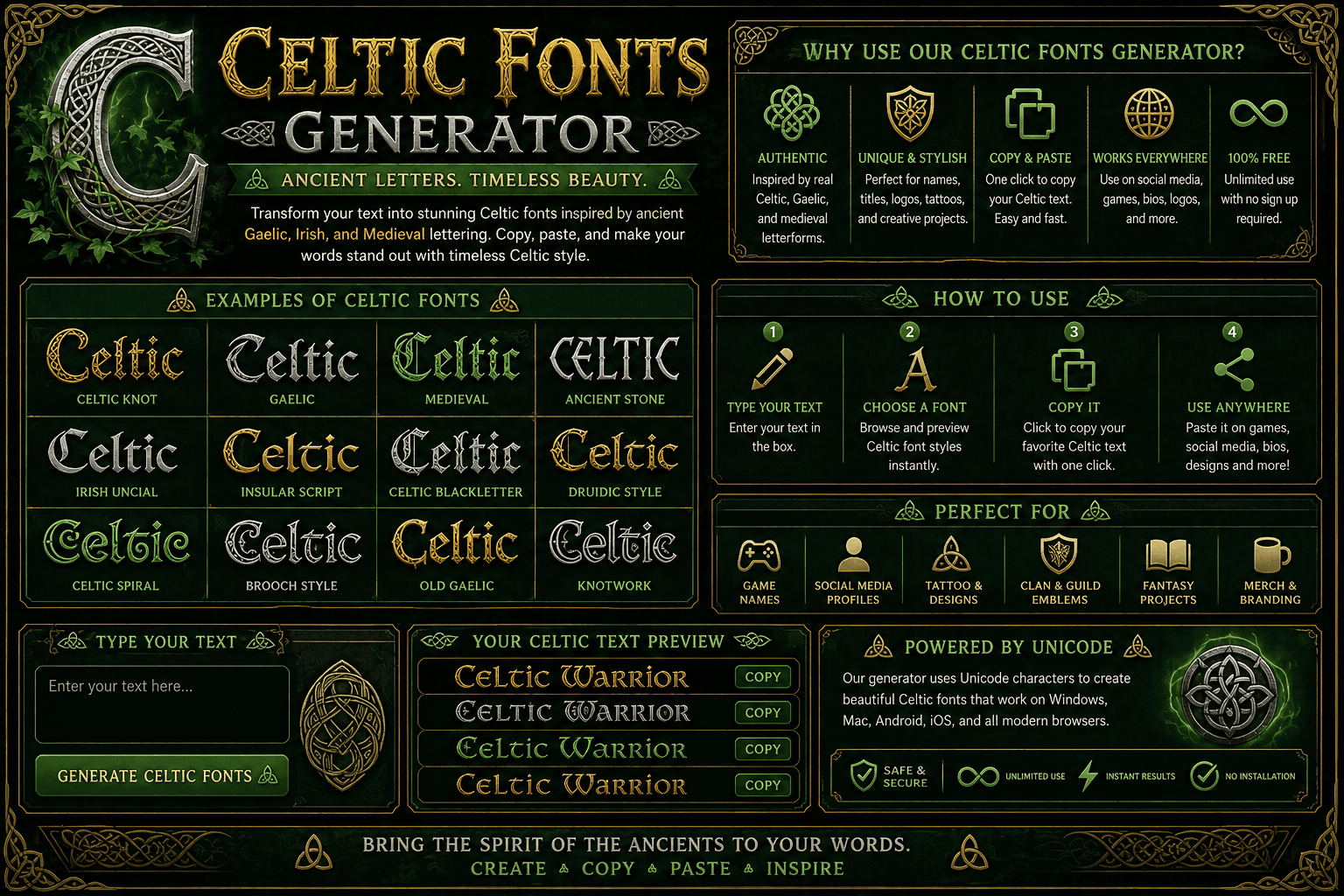
Celtic Fonts Generator Create elegant Celtic-inspired text with medieval, ancient, ornamental, and inscription-style typography. Customize your text and copy or download the finished design. Your Text Celtic Spirit Celtic Style Uncial Medieval Celtic Display Insular Ornamental Knotwork Text Alignment LeftCenterRight Font Size 48px Letter Spacing 1 Text Color Text Case NormalUppercaseLowercase Extra Bold Generate Reset Live Preview 13/500 Celtic Spirit Copy Text Copy HTML Download SVG Celtic Fonts Generator • Customize your text instantly Copied successfully! A Celtic font generator turns historic letterforms into practical design choices, letting you test Celtic fonts quickly before committing. From my experience, early visual testing prevents awkward spacing, weak contrast, and unsuitable character shapes today. Rather than treating ornate lettering as decoration alone, I use curated collections to match mood, readability, and purpose. A mobile-friendly interface and free access also make experimentation easier when fresh ideas develop between projects today. Create Text Graphics / How To Use The Generator I begin with the Celtic Fonts Generator by testing a phrase, then adjust the Font Preview until letter spacing feels balanced. This keeps ornate details readable while revealing whether the chosen style suits my project. For generate text tasks, I compare Font Size options before saving the image. Checking contrast, spacing, and punctuation early prevents awkward results, especially when preparing invitations, social graphics, or decorative headings for different screens today. Also Read: Ancient Font Generator About Celtic Fonts Celtic fonts often draw from historical designs, insular scripts, and Celtic knots, yet modern typefaces can sharpen readability. In my practice, the strongest results balance ancient Celts character with clean, contemporary lettering for digital work. Their identity also connects Ireland, Celtic culture, medieval manuscripts, and decorated initial letter traditions. I find Celtic Irish fonts especially useful for invitations, tattoos, and Irish themed projects, where distinctive lettering supports Gospels inspired artwork. Why Use Our Celtic Font Generator? I use a Celtic font tool when character matters, especially for titles, badges, and themed projects. The Latest styles often balance historical texture with readability, so I can test a Popular look without sacrificing clarity. From Kells and Celtic Garamond The 2nd to Kells Uncial, I compare forms before settling on one. A good generator lets me adjust Font Color, preview text, and choose Large or Small output for consistent results. Font Listings Font listings become easier to compare when each preview shows distinctive Celtic forms, historical themes, and readable spacing. I usually test several Celtic fonts before choosing one for Irish festivals, greeting cards, or digital designs. A useful listing should reveal font family details, alternate letter shapes, and practical rendering quality rather than promising style alone. Check diacritic letters, decorations, and modern Celtic fonts together, then select the strongest visual match. Final Thought A strong Celtic font choice begins with intent: Font Preview can reveal whether Gothic Texture Quadrata feels appropriate for headings, logos, or artwork. My approach is to test readability first, then refine character and spacing. For practical projects, Font Name and License Type deserve equal attention. A Free option may suit experiments, while commercial use requires closer checking. That small review keeps creative work distinctive, usable, and professionally well prepared.

Halloween Font Generator Copy Paste

Halloween Font Generator

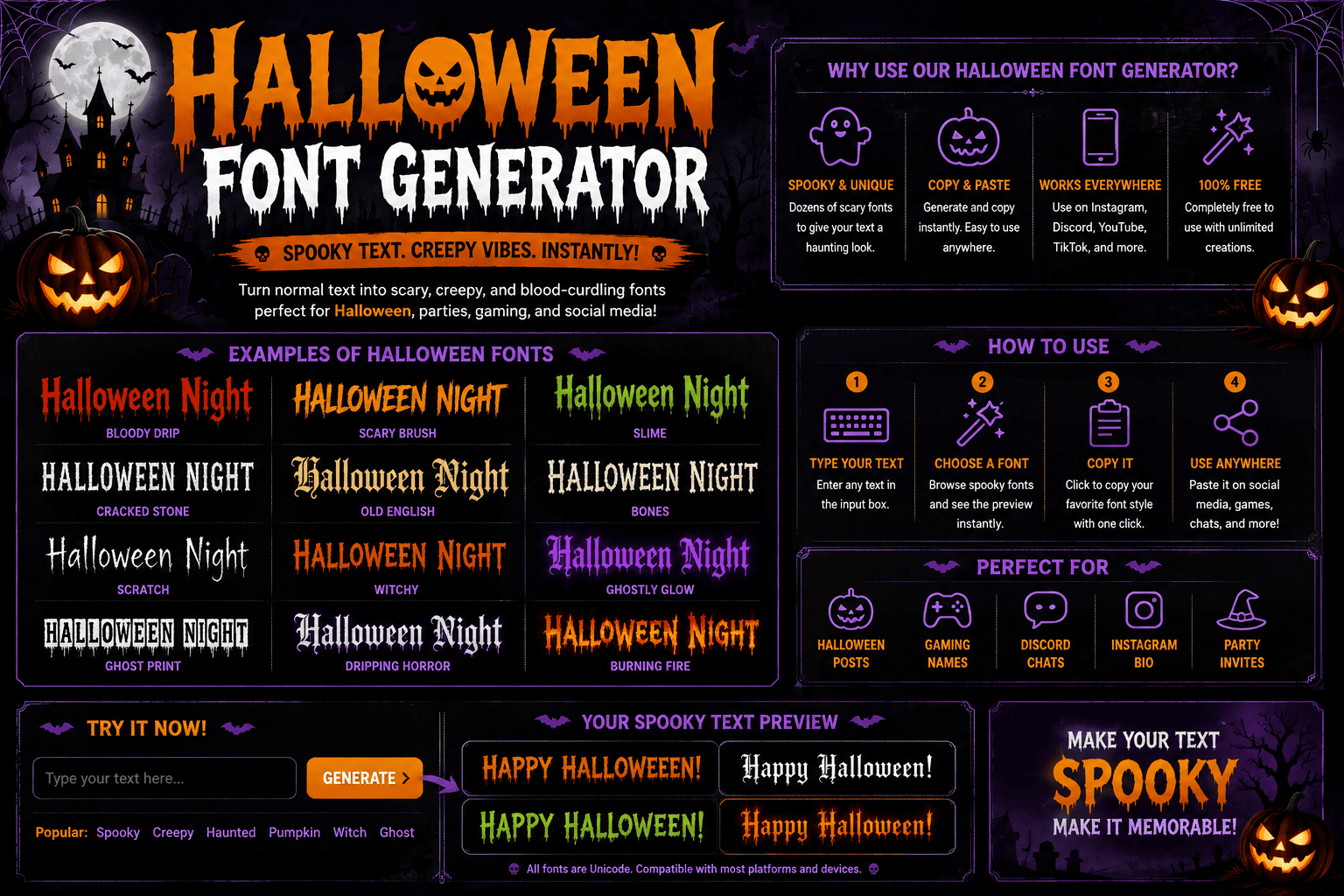
A practical Halloween Font Generator turns ordinary text into Halloween-themed lettering, combining spooky character choices with decorative typography. I find Unicode characters, special characters, and copy-and-paste options especially useful for quick social media publishing online. For Instagram, TikTok, or Discord, the generated text can shift a message toward creepy, scary, seasonal personality. font selection, customization, and visual effects help balance personality, clarity, and platform compatibility through themed designs and graphics. How To Use The Halloween Font Generator First, start by entering your English text into the generator, then test an unusual font style before settling on one. I usually compare readability, Unicode text, text styles, and spacing together before copying results consistently. Next, preview the chosen Halloween treatment across platforms, especially for gaming, invitations, and signs. Adjust the style, save the result, then copy and paste it where supported, or embed a graphic when necessary online successfully. Also Read: Corrupted Text Generator – Corrupt Your Text Instantly Gothic / Blackletter Gothic / Blackletter styling gives Halloween lettering a medieval edge, especially when blackletter, Gothic typography, and horror details create dense forms. I often use UnifrakturMaguntia for titles because its dramatic structure remains recognizable at display sizes. For darker projects, pairing Pirata One with restrained spooky fonts can add atmosphere without overwhelming messages. Halloween typography works best when contrast,spacing, and display typefaces are judged together across posters, invitations, or themed graphics. Bloody / Dripping Horror Bloody and dripping horror typography works best when letterforms suggest movement: blood, drip, and controlled edges create tension without sacrificing readability, especially across posters, invitations, merchandise, and Halloween-themed social designs at smaller sizes without distortion. From my design work, bloody lettering becomes more convincing when contrast stays controlled. Pair horror themes with clear text, then test the mobile version, because dense effects quickly reduce legibility on smaller screens for audiences effectively. Witchy / Magical / Script For witchy lettering, I favor handwritten curves that keep witchy character without sacrificing clarity. A script treatment works especially well for cards, labels, and social graphics when the letters feel fluid, compact, and naturally connected. In Canva, I prefer customizable designs with templates that let the script breathe. For Halloween party graphics, pairing pumpkins, witches, ghosts, or skeletons with restrained lettering keeps the magical mood polished rather than cluttered online. Cute / Playful / Kid-Friendly For children’s Halloween designs, kid-friendly type works best when playful details stay clear on small screens. I often pair pumpkin, ghost, and decorative text with soft lettering, keeping the mood cheerful rather than frightening easily. A generator can turn ordinary words into playful Halloween typography for party invitations, crafts, or social media posts. Cute styles should remain readable, copy-paste friendly, and suitable for young audiences without overwhelming the overall design. Glitch / Cursed / Distorted Glitch effects become compelling when creepy fonts fracture clean lettering into unstable shapes. For Halloween projects, I favor stylized text with controlled distortion, especially when Unicode supports quick copy-paste experimentation across digital typography scenes today. On mobile, visual complexity can hide meaning, while unsupported platforms may replace characters unexpectedly. I test scary fonts at small sizes, refine spacing, and add decorative characters until cursed text stays readable for online creators. Where To Use Halloween Fonts Halloween fonts work beyond party invites: I use them in social media posts, captions, and usernames when a seasonal identity needs immediate character without editing every Halloween-themed post manually for Facebook, Twitter/X, or YouTube daily. Beyond sharing, they suit Halloween invitations, event graphics, and themed designs; I recommend posters, flyers, display text, and decorative lettering for Halloween decorations, haunted-house signage, and party spaces where atmosphere matters as much as readability. Social Media On social platforms, Halloween fonts can sharpen bios, captions, and usernames without redesigning an entire profile. I often use Unicode styles, decorative text, and copy-paste elements to add seasonal personality quickly and consistently through stories. For online creators, smaller mobile text works well across YouTube thumbnails, Facebook, and Twitter/X. Mixing spooky symbols with emojis keeps posts recognizable, while restrained typography prevents display issues and preserves readability on phones during seasons. Gaming In gaming, I find usernames work best when gaming profiles gain a clear Halloween edge without sacrificing readability. horror accents, distorted Unicode, and sharp spacing can make player identities feel darker, competitive, and instantly recognizable. For gamers and streamers, Halloween typography also strengthens community branding. I often pair server names, role titles, and channels with consistent spooky styling, keeping every label practical enough for gameplay, menus, and fast-moving chat. Invitations For invitations, I usually favor a strong bold display style that establishes the mood before guests read details. Party invitations work best when seasonal designs support the event without overwhelming practical information or readability clearly. From experience, the best design purpose is atmosphere first, clarity second. Match the audience and platform, then test spacing, contrast, and hierarchy so every invitation feels distinctly Halloween-themed while remaining easy to understand visually coherent. Posters And Signs Effective Posters And Signs rely on contrast before decoration. For Halloween events, I usually test spooky typography at distance, then add signs, flyers, and decorations only when the message remains instantly readable, clear, and memorable. From a practical design view, Halloween fonts work best when hierarchy is intentional. Use seasonal designs for headings, restrained display typefaces for details, and physical projects when printed output needs genuine impact for visitors consistently. Crafts And Merchandise Merchandise becomes more distinctive when apparel, mugs, stickers, and cards shape a consistent spooky identity. For crafts, I prefer readable lettering that still feels thematic, especially across small labels, packaging, and decorations, and seasonal displays. With Cricut projects, a real font gives better control during cutting work, while generated text suits ideas. I have found Halloween projects work best when custom lettering stays clean enough for production, yet retains character. Canva / Design Projects For Canva projects, I usually build the Halloween mood with Halloween font, readable stylized text, and small visual details before adding decorative elements. This keeps flyers, invitations, and social graphics polished … Read more