Typewriter Font Generator – Create Vintage Text Online
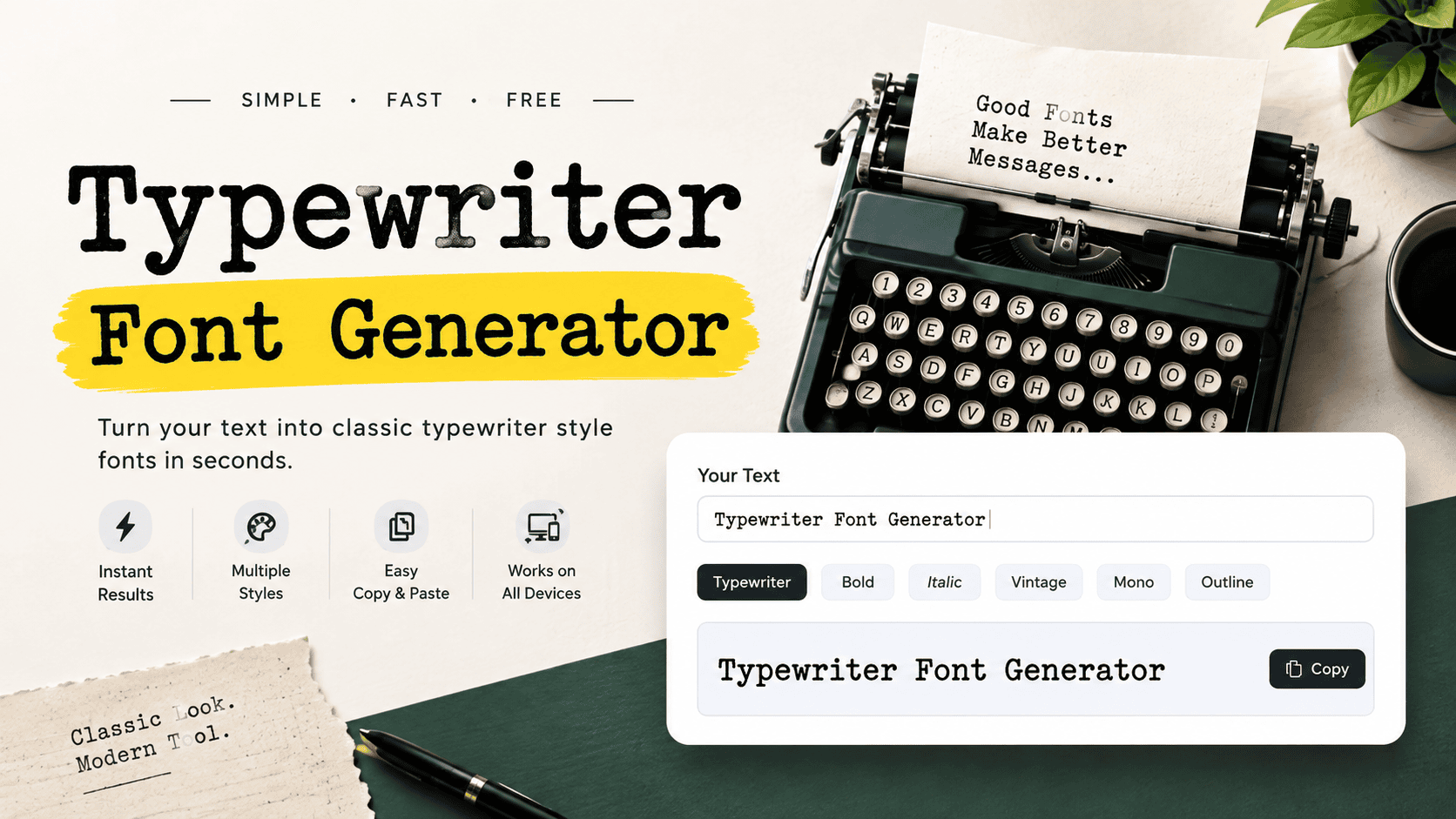
Typewriter Font Generator

Typewriter Font Generator 0 characters | 0 words Clear Text Copy to Clipboard A Typewriter Font Generator turns ordinary text into a classic, monospaced typeface with a vintage feel, bringing nostalgia and retro character to modern projects, while preserving readability and an old-school aesthetic for memorable digital writing. From quotes to branding, I’ve found this tool useful when a design needs readable characters, spacing, and authentic appearance. The generator works online, processes locally in a browser, keeps data private, and delivers instant result. What Is Typewriter Font / Typewriter Text Generator? A typewriter font recreates the visual logic of mechanical typewriters through monospaced lettering, giving each character deliberate spacing. A font generator turns ordinary text into a vintage-looking style without changing the words themselves today, online. From my experience designing typewriter-style layouts, the strongest results balance authenticity, classic character, readability, and subtle imperfections. A text generator makes that transformation practical, whether the finished output supports personal writing or creative projects, branding. How To Use The Typewriter Font Generator Start by entering your text into the input box, then choose a typewriter font that matches the vintage mood you want. Adjust size, spacing, and color before checking the live preview carefully with the tool. For practical work, I test short passages first, then create the output and download it for social media, documents, or branding. The generator processes everything in your browser, keeping the workflow simple, fast, and secure. What Can You Do With Typewriter Font Generator Tool? Create nostalgic text for social media, posters, stories, or quotes using a typewriter-style font, classic monospaced lettering, and the generator. I often test vintage designs, compare styles, and give branding a retro feel without editing. Beyond decoration, the tool helps shape authentic typewritten text for projects, packaging, journalism, and creative writing. Explore serif or sans-serif choices, adjust font presentation, and build clean outputs retaining subtle imperfections, readability, and old-school appearance. Also Read: Fortnite Font Generator – Create Cool Gaming Fonts Typewriter Font Translator Typewriter Font Translator converts ordinary text into a typewriter inspired style, useful when a translator must preserve characters, spacing, and visual shape while moving between languages. It offers a simple way to create consistent output. In practice, I use it for documents, notes, captions, and design drafts where timeless formatting matters. The online tool can generate results, then copy them for social sharing or professional projects without changing the message. Regular Expressions And Custom Transformations Regular expressions make custom transformations precise when rules control characters inside an input string. In practice, I use substitution patterns to reshape text, remove unwanted letters, and produce consistent output without repeatedly editing entries manually. For complex projects, test each pattern against a small preview before saving results. This approach keeps custom text transformations predictable, especially when clicking through generation controls, checking the output box, and applying suggested character changes. Saving And Sharing Fonts A reliable save routine keeps fonts ready for later editing, while share options make unique styles easy to send through a URL, clipboard, files, or media. I usually test each result before publishing it consistently. For mobile work, browser processing can preserve private data while users download creations to an installed device or open them in programs. That workflow suits blogs, posts, and storytelling, especially when quick access matters securely. Popular Uses For Typewriter-Style Text Detective stories, crime notes, and historical projects gain character when typewriter styling adds authenticity without sacrificing legibility. I often use it for reports, captions, and archival posts where a worn surface feels intentionally human today. For branding, invitations, personal journals, or nostalgia campaigns, minimalist type can create charm quickly. A retro-inspired treatment may suggest mystery and intrigue, while restrained irregular marks keep digital text convincingly tactile online with unusual personality. Download These Typewriter Fonts For reliable projects, I usually save several fonts after testing their typeface character. Vintage-inspired options work well for covers, while modern designs suit digital notes; keeping files organized makes later editing, reuse, and sharing much easier across projects. A practical collection should include Courier, American Typewriter, and Olivetti styles, especially when a project needs nostalgia, craftsmanship, or a minimalistic feel. I prefer downloading a few variations first, comparing readability, then selecting the most appropriate font for publication. Analog Typewriter A convincing analog setup depends on mechanical behavior: firm keystrokes, uneven spacing, and subtle ink variation. I find this combination more believable than perfectly clean digital imitation, especially when the final typeface needs character today. From a design perspective, an analog workflow can support nostalgia while preserving modern clarity. Adjusting letter density and horizontal space makes each line feel physically produced, rather than merely styled to resemble a vintage machine. Also Read: Disney Font Generator – Create Magical Disney-Style Text Detective – Typewriter Typeface A noir typeface works best when its ink feels imperfect rather than polished. In practice, I use this typewriter treatment for detective layouts where lines, uneven densities, and faded marks create tension, restraint, and realism. Historical detective printing benefits from distressed texture, but readability still matters. I prefer a typewriter style with rugged finish, restrained shadow, and slightly added character, so clues, headings, and case notes remain believable without looking staged. Notenic – Typewriter Typeface I approach Notenic as a type study where realistic representation meets varying ink densities, giving each line a lived-in look. The result feels old, quietly atmospheric, distinctly detective, practical for focused headings and notes. In practice, this noir direction avoids excessive polish; its imperfect designs preserve the essence of typewriters, while slightly distressed marks add nostalgic character. I find this balance useful for focused headings, notes, and creative titles. Not My Type Typewriter Font I treat Notenic as a restrained typewriter face where aesthetics matter, yet modern character remains visible. Its measured forms suit interfaces, notes, and compact layouts that need authenticity without sacrificing clean reading across digital screens. In practical use, I find its sensibilities work best beside lines, especially when a document needs personality without heavy distress. It feels ideal for … Read more
Fraktur Font Generator – Create Gothic Text Online

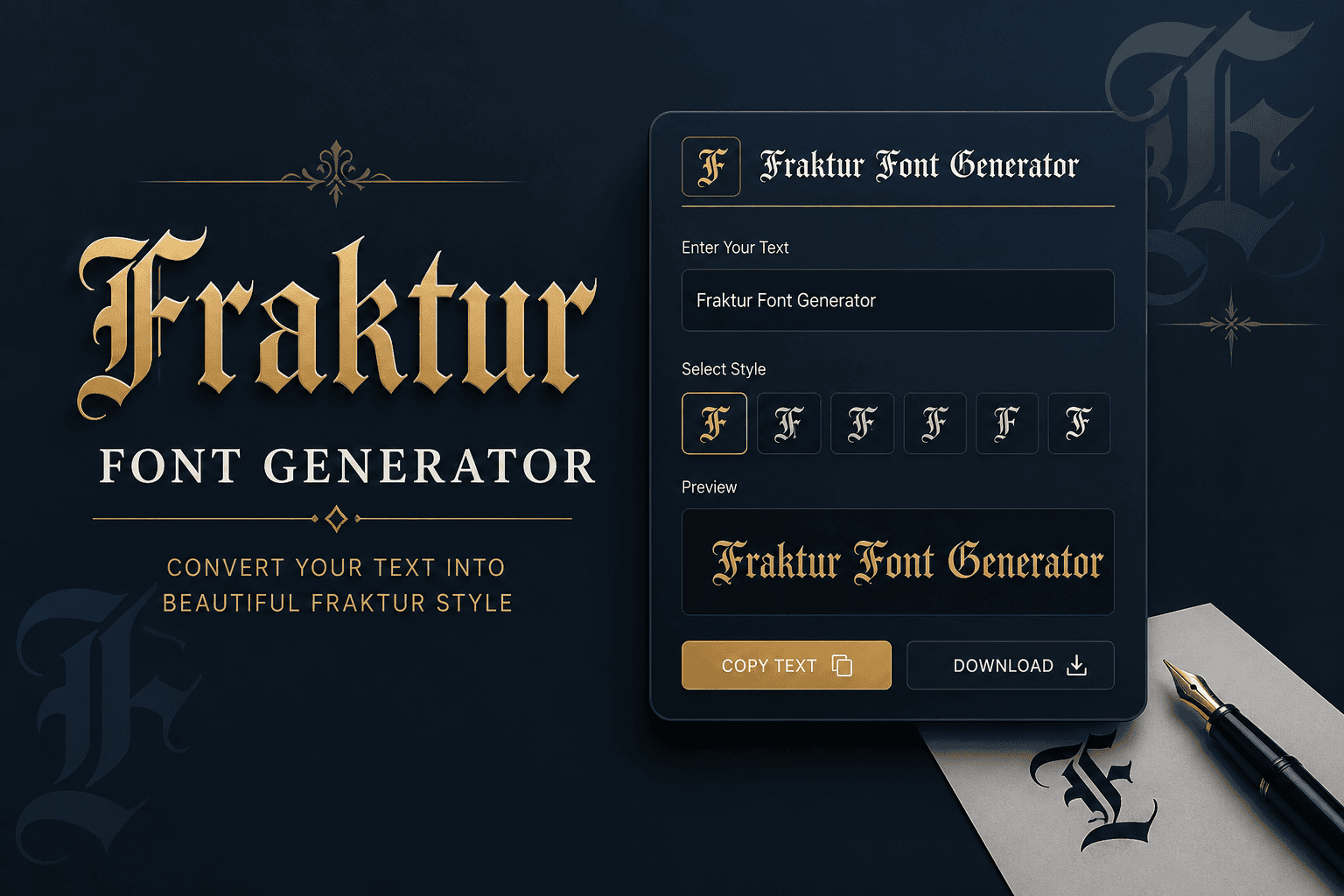
Fraktur Font Generator

Fraktur Font Generator Convert your normal text into stylish Fraktur and Gothic-style Unicode text. Fraktur Fraktur Bold Enter Your Text Example 0 characters 0 words Generated Fraktur Text Copy Text Download Share Clear How to use the Fraktur Font Generator Enter your text above and the generator will automatically convert it into a Fraktur-style Unicode text. Use the generated text in social media bios, usernames, gaming names, posts, designs and other places that support Unicode characters. Fraktur gives ordinary text a historic weight through angular letterforms, dense Fraktur shapes, and the visual character of blackletter. I use a Fraktur text converter when a name, title, or short message needs distinctive presence. Modern generators make that style practical because Unicode preserves Fraktur characters as real text, allowing easy copy, paste, and sharing across social media. The result adds atmosphere without requiring traditional font installation or specialized software. How To Use Enter your text in the tool, then convert it into Fraktur text. I usually preview the output first, checking Unicode characters for accurate display before copy-paste into a platform, document, or social media. For practical use, compare the result with your favorite fonts and test different styles before posting. Fraktur output can suit usernames, headers, messages, captions, and academic themes, while readability guides where each generated version belongs. Why Use / What Is Fraktur Fraktur offers a distinctive historic feel through broken strokes and angular forms, making text appear more authentic. I use it when a project needs German heritage, academic character, or a Gothic atmosphere without installing fonts. Fraktur developed in 16th-century Germany as a blackletter typeface, balancing ornamentation with readability. Today, a Fraktur font generator converts typed characters into Unicode styles, useful for usernames, headers, posts, and experimental design across digital contexts. Also Read: Big Text Generator: Make Words POP! Skip The Copy-Paste On Social Media When I work with Fraktur, I avoid treating social media as a simple copy-paste channel. Unicode characters let styled text travel across platforms, while concise formatting preserves atmosphere without installing a custom font cleanly. For profile names, comments, posts, or captions, I prefer short Fraktur text because heavy styling can hurt readability. Test the output first, then paste finished characters into Facebook, Instagram, TikTok, or Discord before publishing carefully. Best Fraktur Styles The strongest Fraktur styles balance historic weight with legibility; Gothic variants can feel formal, while Bold Fraktur adds heavier blackletter presence. For names, titles, and compact designs, this approach keeps shapes recognizable and visually distinct. In practice, I compare 𝔉𝔯𝔞𝔨𝔱𝔲𝔯 against 𝕱𝖗𝖆𝖐𝖙𝖚𝖗 before choosing a look. Single-word layouts suit atmospheric branding, while small sizes favor the sturdier option, especially when letters must remain readable across social posts, logos, or headings. Also Read: Powerful WhatsApp About Text Generator Fraktur Keyboard (Page-Specific Tool Feature — Historical Styles By Century) On a Fraktur keyboard, I prefer treating style selection as a compact history lesson: 16th century forms can feel dense and angular, while later 20th century variants usually appear cleaner for contemporary typing and display. A useful historical control lets users compare Unifraktur, Old English, and other styles beside Fraktur letters without changing meaning. In practice, this makes the keyboard a research-friendly tool for testing authentic appearances across real projects. Also Read: PUBG Fonts Conclusion This typeface remains valuable when design, use cases, and historical Fraktur matter more than novelty. In practice, I find Blackletter Classic especially reliable for heritage branding, while Gothic Bold suits display contexts needing stronger presence. A final check is whether the chosen style preserves clarity alongside character. Double Struck Gothic can add formal precision, but a restrained historical approach often gives lettering the most convincing result for practical publishing today.

Disney Font Generator – Create Magical Disney-Style Text

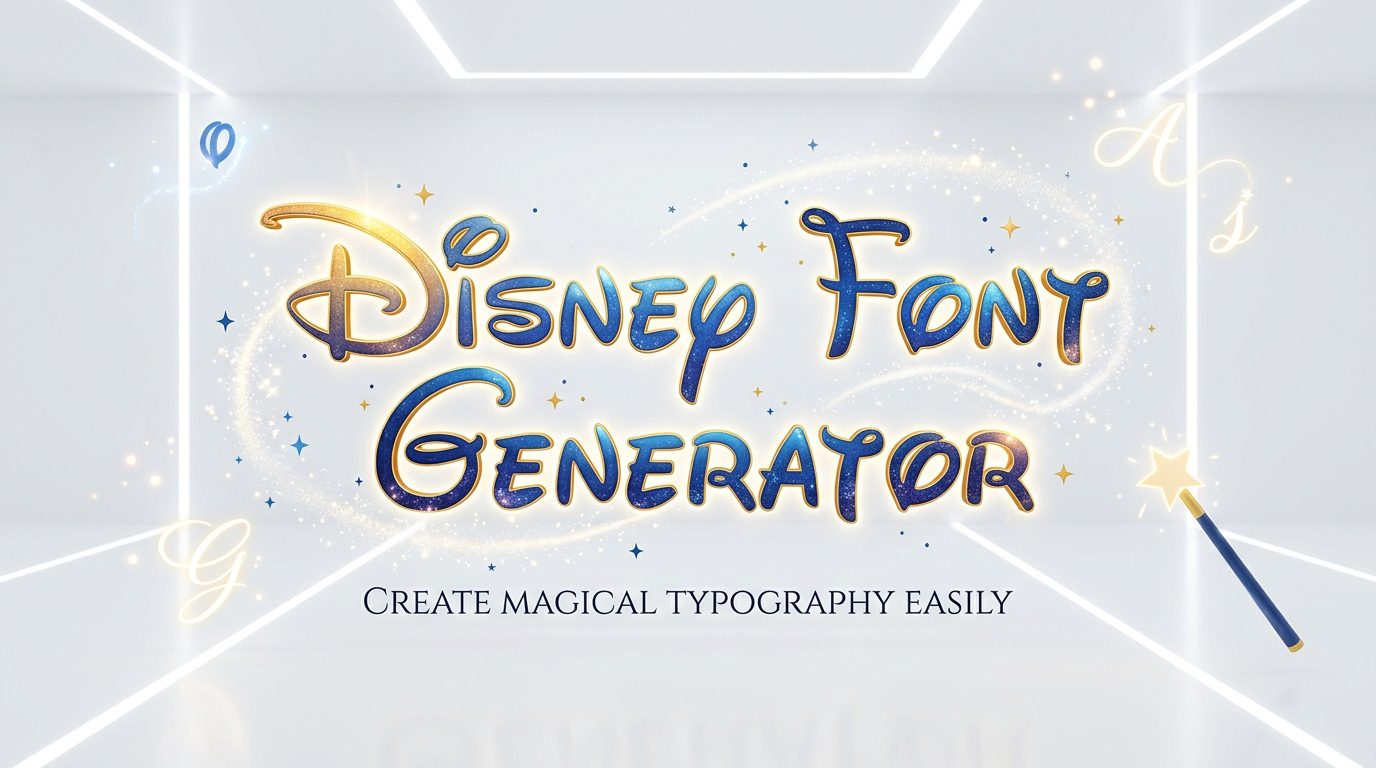
Disney Font Generator

✨ Disney Font Generator Create magical, fantasy-style text for social media bios, usernames, captions, invitations and creative projects. Enter Your Text 0 / 5000 Magic Begins Dream Big Once Upon a Time Mickey & Friends Font Style Classic FantasyMagic ScriptDream BoldFantasy ItalicBold MagicElegant Script Text Effect NoneSparkle GlowSoft ShadowOutlineGolden Magic Text Size 52px Letter Spacing 1px Text Color Preview Background LightWhiteDream CreamDarkMagic Purple Live Preview Updates automatically Magic Begins 📋 Copy Text ✨ Copy Styled HTML ⬇ Download TXT 🗑 Clear ⚡ Live Generator Instant preview while typing 📱 Responsive Works on phones and desktops 🔒 Browser Based Your text stays on your device This is an unofficial Disney-inspired text styling tool and is not affiliated with or endorsed by Disney. A Disney Font Generator turns customized text into Disney-inspired lettering for creative projects, while Disney typography, Waltograph, Disney wordmark, and handwriting cues support recognizable visual identity. I test script character, keeping fan-made font separate from branding. What matters most is context: castle imagery, storytelling, nostalgia, and personalized text can suggest Disney culture without copying protected marks. For digital art, I balance playful style, readability, and originality, keeping generated lettering intentional throughout. What Is the Disney Font / Disney Font Generator? A Disney font is less a single typeface than a family of lettering cues built around recognizable Disney typography. A Disney Font Generator turns typed words into themed graphics, combining script, cursive, and castle elements. In practice, I treat the generator as a design tool rather than an official source: it applies Disney-inspired styling to custom text, supporting personalized artwork, social graphics, and nostalgic projects while preserving familiar visual identity. History and Evolution of Disney Fonts Disney typography evolved through recognizable lettering rather than one fixed typeface. Early Disney-associated typeface traits emphasized a recognizable D, sweeping capitals, and connected lowercase, while Walt Disney signature influences shaped the familiar script style overall. Later, Disney logo development responded to digital reproduction, legibility, and screen display, turning branding into a flexible visual identity. The 2011 logo redesign refined the castle, supporting digital applications while retaining recognizable identity across typography. Also Read: Arabic Font Generator – Copy & Paste Stylish Arabic Waltograph Font Waltograph captures familiar handwriting through a flowing signature and recognizable script. In practice, I find its appeal comes from cursive forms that suggest nostalgia while keeping custom names, captions, and fan designs visually distinctive online. For projects needing a fan-made font, Waltograph works best when lettering remains readable rather than overloaded. Its Disney-inspired fonts suit themed graphics, while personalized design benefits from restrained spacing and consistent shapes across layouts cleanly. Types / Styles Of Disney Fonts Disney font styles range from script lettering and handwritten typography to playful typography, each changing the personality of text. In practice, I find style selection matters most when matching a mood, audience, and visual identity. Other styles lean toward recognizable branding, traditional lettering, or modern trends, while movie-inspired styles may emphasize fantasy and storytelling. Generator should offer font variation, allowing users to test visual recognition before settling on a favorite. Why Disney Typography Feels Magical Disney typography feels magical because familiar lettering triggers childhood memories while storytelling and fantasy give each character visual meaning. In my experience, even simple custom graphics gain warmth when the Disney castle appears nearby visually. That effect is not purely nostalgic; recognizable lettering supports emotional recognition, while visual language connects movies, theme parks, and personal expression. I often notice this balance makes personalized graphics feel polished without losing playful character. The 2011 Logo Redesign The 2011 redesign favored restraint: Disney simplified the logo presentation and retained the wordmark, strengthening logo evolution while supporting modern typography. In practice, that shift made the identity easier to recognize across expanding Disney properties. From my design perspective, the change matters because cultural identity can survive simplification. The streamlined mark connected storytelling with recognizable lettering, letting the castle and wordmark carry more brand recognition without extra clutter visually today. The Disney Castle Icon The Disney castle carries castle imagery beyond decoration, pairing recognizable style with visual language. In my experience, this icon anchors Disney typography, adds personalization, and gives custom graphics a polished identity without overcrowding lettering. Distinct. Using castle selection and castle positioning can shift emphasis, while automatic positioning preserves balance. Digital graphics, birthday invitations, and social media graphics gain character when the castle supports, rather than competes with, customized text consistently. How To Use A Disney Font Generator Start by entering a name, phrase, or caption into a Disney Font Generator, then test font styles that suit your themed designs. I usually compare preview results before choosing a polished, readable treatment for consistency. For practical output, consider Unicode support, copy and paste behavior, mobile compatibility, and platform testing. Experienced users can adjust spacing, color choices, and text sizing, then save a generated image for sharing across platforms reliably. Also Read: Twitter Font Generator: Bold Magic Customization Options A good tool should let you adjust text color, background color, font size, and font variation selection while previewing each change. I usually test readability before choosing a final visual balance for Disney work online. Beyond basic controls, customization can include shadow effects, decorative styles, castle layout, wordmark-only layout, or personalized text, depending on context alone. For social media, I prefer subtle shadows and consistent color combinations that remain recognizable. Creative Uses Of Disney Fonts Disney font projects can move beyond logos into personalized graphics, invitations, posters, and social media posts. I often use creative expression to turn ordinary names into playful designs for fan communities and family events today. For practical projects, digital art and custom text make themed titles useful across YouTube, Instagram, and TikTok. Experimenting with decorative styles and Disney lettering can add personality without overwhelming readability or layout in practice consistently. Best Practices And Tips In my workflow, high-resolution output matters less than consistency when scaling playful lettering. Check letter spacing, stroke consistency, and visual identity before exporting, especially for social media graphics where small details quickly become noticeable onscreen. … Read more

Double Struck Font Generator – Create Stylish Text

Double Struck Font Generator

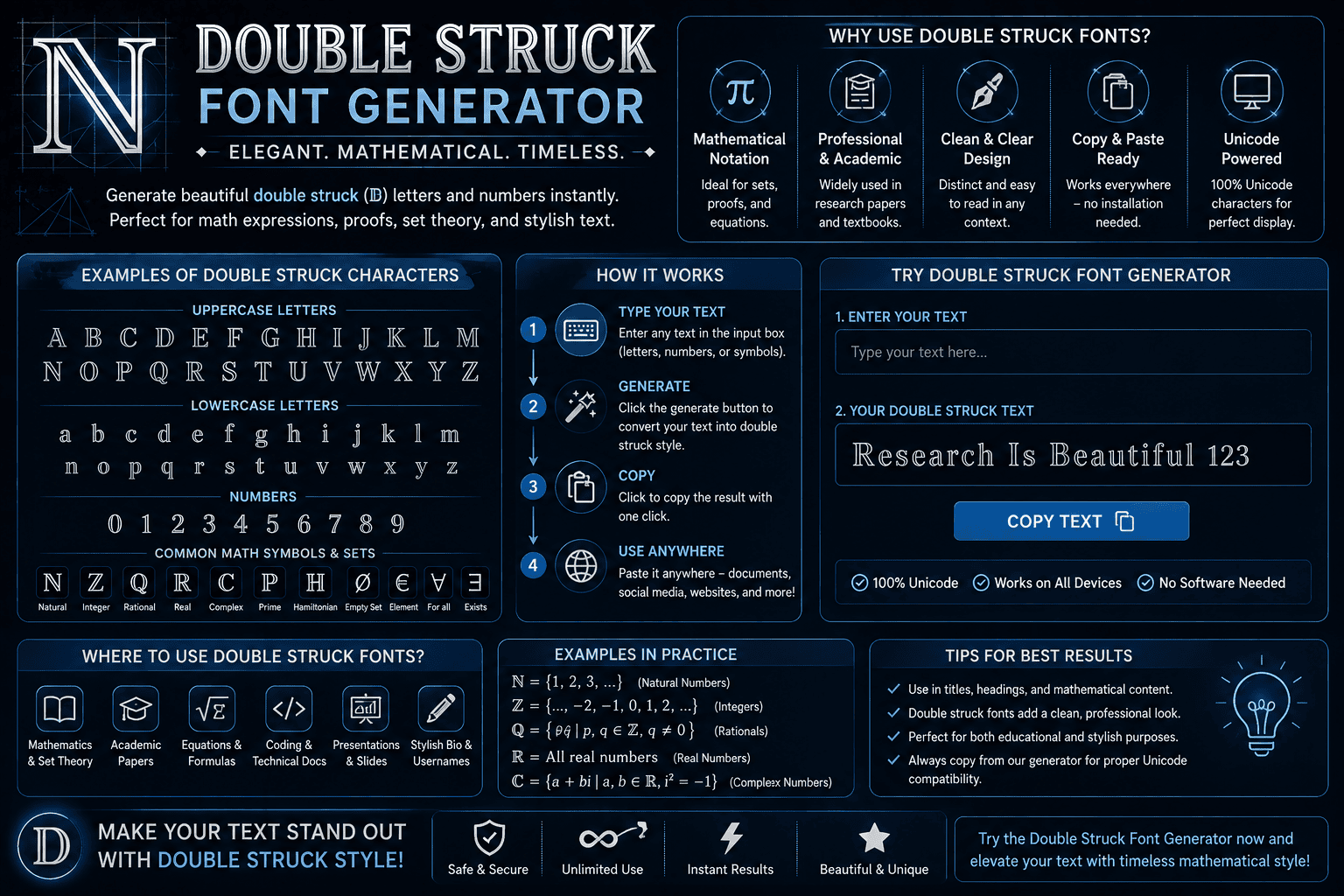
Double Struck Font Generator Convert your text into 𝕓𝕝𝕒𝕔𝕜𝕓𝕠𝕒𝕣𝕕 𝕓𝕠𝕝𝕕 instantly. 0 characters • 0 words Clear Text Copy Double Struck Text A generator based on Mathematical Alphanumeric Symbols creates real Unicode text, producing a styled alphabet suited to formulas, identities, and number sets. This approach avoids font installation, while making copy and paste straightforward. In practice, ℝ, ℂ, ℤ, and ℚ can remain recognizable as characters, and readability becomes more consistent when specialized notation needs a distinct visual identity across plain text workflows today. What It Is / How It Works A Double Struck real Unicode generator creates letterforms without an installed font, letting you copy-paste into Instagram bios, Discord, and tech handles. Hollow letters can sharpen math notation, while a tool manages rendering across chat apps. Each character uses a double-struck equivalent. The generator maps letters and digits into Unicode characters, producing clean results for ℕ, ℤ, and ℚ. This works well for LaTeX, crypto, and Roblox names, subject to device coverage. Where To Use Double Struck Text Double-struck text fits social profiles, Gaming communities, and technical posts when a distinct format helps separate number sets, variables, or identifiers. I often use it for short labels where visual emphasis matters without adding images. A practical choice is shared Unicode content for copyable names, categories, and brief labels across digital spaces. It works best when audiences recognize stylized digits and glyphs, while readability, accessibility, and modern platforms remain priorities. Also Read: Fontes Aesthetic That Transform Your Style Tips & Best Practices Use minimalist choices when double-struck text supports profile aesthetics rather than replacing readable type. In my testing, a clean accent works best for usernames, short labels, compact visual emphasis, and reference pages in profile layouts. For practical work, keep number sets distinct and treat typography as functional structure. Technical documentation benefits from consistent spacing, while presentations need restraint, especially when the same stylized text appears repeatedly across shared workflows daily. Compatibility & Support In practice, compatibility depends less on the generator and more on the destination. platforms with Unicode-friendly surfaces usually preserve characters, while fallback glyphs can appear on older devices, changing how double-struck text looks. I test outputs across browsers and common apps because screen readers, non-Latin characters, and accented characters can behave differently. A reliable workflow checks character coverage before publishing, especially when mixed text requires fallback support. Common Math Symbols Ready To Copy Common symbols become especially useful when a double-struck result needs immediate reuse. I regularly check the math register for familiar set notation, then verify character mapping before copying letters, digits, number sets, or examples today. For practical work, copyable output should survive ordinary text fields without substitution. I test render characters across platforms, watch for fallback, and prefer Unicode-supported characters when sharing formulas, labels, examples, or compact mathematical expressions today. What It Costs To Paste Pasting double-struck text costs nothing for most users because Unicode style travels as plain text, not a font. The main cost is occasional conversion, compatibility checks, or replacing characters when font coverage is limited there. For everyday profiles, notes, and technical references, there is rarely a monetary fee. The practical expense is attention: checking accessibility, searchable text, modern browsers, and Unicode-friendly surfaces before relying on a pasted character set. Is It Free, And Can I Use It Commercially? Using double-struck text is generally free because the generator creates Unicode characters rather than licensed artwork. For ordinary publishing, social posts, or business notes, there is usually no added fee beyond byte counts and storage. Commercial use deserves a closer check: generated characters may pass through surrogate pairs, unit counts, UTF-8 filters, or new-block characters. In practice, the main issue is encoding-length, not typography licensing, especially with legacy-block characters and UTF-16. Also Read: Pls Donate Text Generator (Copy & Paste) | Fast & Free Hollow Letters: Which Style Do You Actually Want? Hollow letters often trigger naming confusion because users expect a double strike effect, while generators may produce outlined glyphs. In practice, compare style comparison carefully: true double-struck characters carry mathematical identity, not merely visual hollowness. For polished results, use readability comparison before choosing an outline, especially where a plain-text label matters. My workflow checks character reference, interactive previews, and click-to-copy behavior, then verifies image rendering when hollow styling is decorative. Blackboard Bold Is Not The Same As Double Strike Blackboard bold and double strike often overlap visually, but they are not identical systems. blackboard bold is a typographic convention, while double-struck equivalent describes Unicode characters designed for direct type text and copy workflows online. In practice, I check the actual character rather than trusting appearance: mathematical sets such as ℝ, ℂ, ℕ, and ℤ belong to established notation, whereas styled text may simply imitate that look without matching notation. Which Toolbar Options Work With Double Struck In a real editor, I test smart toolbar controls before styling text: ALL CAPS, single letters, initials, and punctuation usually preserve copy-ready behavior, while tiny UI fields can clip unusual characters on compact editor screens. When working with identifiers, constants, or labels, I prefer toolbar actions that leave Unicode characters intact. A clean look matters, but long lines and visual noise can expose missing glyphs or inconsistent rendering across editors. More Mathematical Typography Styles Beyond double-struck characters, LaTeX mathbb offers a formal reference style, while Monospace provides fixed-width contrast. In practice, I compare uppercase, lowercase, and digit sets first, because each changes mathematical readability on screen across interfaces. For display work, Outline, Script, circled letters, and boxed letters create distinct layers without replacing mathematical meaning. I usually choose math semantics first, then test Unicode blocks across editors before publishing on mobile and desktop. Group 1 – What Is It / Definition Definition A double-struck generator creates characters resembling mathematical blackboard notation, using a lookup table rather than a conventional real font. Each supported character receives a value inside a Unicode supported range, making results pasteable across platforms. In practice, I treat it as character substitution: the tool checks a standardized … Read more

Old English Font Generator Copy Paste

Old English Font Generator

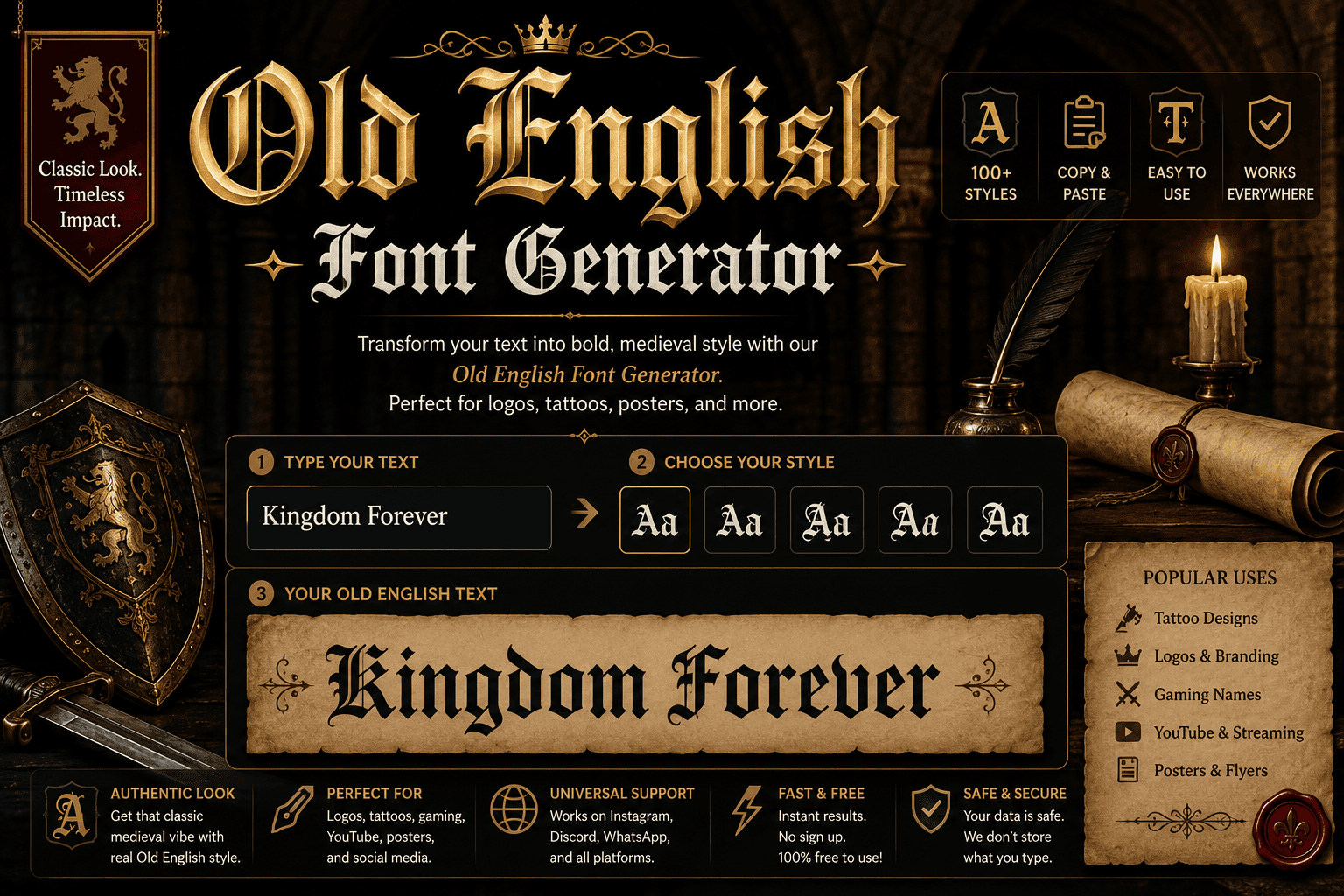
Old English Font Generator Enter your text: Bold Old English: Copy Regular Old English: Copy An Old English font generator turns text into a medieval look through blackletter styling, Unicode, and each distinct character. In practice, I use this online tool to test styles, compare readability, then copy finished text. For designers, the generator is less about installing font files and more about producing decorative text quickly. I use a phrase, review the preview, and adjust the font style until the lettering feels natural and usable. Key Takeaways The most useful Old English fonts balance historical character with practical readability. I usually test Classic Old English on real text first, because thick vertical strokes and ornate detailing can quickly overwhelm a crowded layout. For Gangster Style work, restraint matters more than decoration. Bold Old English, heavier weight, and short names suit logos and headlines, while a clean phrase preserves impact, legibility, and recognizable blackletter character in practical projects. Also Read: What Is Typography and Why Does It Matter? How To Use The Old English Font Generator Open the generator, enter your wording in the input box, and choose an Old English style. The preview updates in real time, letting you compare character shapes before you copy the finished text for sharing. For practical use, test the result across Instagram, Discord, or other platforms, then adjust the style when characters render poorly. I usually copy, paste, check readability, and keep the version that looks balanced for sharing. Creative Uses For Old English Text Old English text can sharpen streetwear graphics, especially when a designer wants historical weight without adding clutter. I often use it for logo-style text, album artwork, posters, and profile visuals where dense letterforms create recognition. For personal projects, tattoo aesthetics work well when names or short phrases need a dramatic edge. Experimenting with Chicano lettering can also produce distinctive compositions, provided spacing, readability, and the surrounding design remain carefully controlled. Why Use Our Old English Font Generator? Our Old English Font Generator turns typed words into blackletter character styles, making experimentation faster across bios, captions, usernames, and posts. I value its quick copy-paste text workflow because it keeps design exploration practical online. From classic lettering to bold blackletter and Gangster Old English Font variations, the tool helps test phrases, initials, and names before publishing. Unicode output also suits Instagram, Discord, TikTok, and WhatsApp when platforms support characters. Also Read: How Unicode Supports Different Writing Systems Old English Font Generator — Copy And Paste Anywhere Old English Unicode lets a finished phrase travel beyond a generator, while plain copy-paste text keeps the chosen style usable in Instagram bios, captions, Discord usernames, documents, and creative layouts without installing fonts anywhere reliably. From my testing, paste works best when the destination can render the characters correctly; platforms may handle them differently, so switch to a simpler variant when boxes appear, especially across apps and devices in practice. Old English Fonts For Tattoos Before planning a tattoo, preview the chosen Old English lettering at full size. Compare styles, test exact wording, and check how each letter will sit against skin curves; scales cleanly matters when details age later. A name, date, or quote needs spacing, so I prefer discussing design with a tattoo artist before ink is applied. A proper Old English font file helps the artist recreate intricate forms for lasting wear. Things To Know Before You Paste Before you paste Old English text, check whether the platform preserves Unicode characters. I test display names, comments, and channels first, because some apps support only specific Unicode character sets, leaving plain text there instead. For reliable copy and paste, verify servers, comments, and messages after posting. Keep your wording short when ornate characters fail, then Switch styles or choose a different Old English variant that characters stick consistently online. Also Read: Twitter Font Generator: Bold Magic A Short History Of Old English Type Across 1000 years, script styles changed as old English language moved from manuscripts toward print, with Textualis establishing dense letterforms. Its calligraphic form later influenced blackletter traditions used for formal display and headings in Europe. By print culture, Schwabacher and Fraktur refined the visual vocabulary, while William Caslon later inspired revival work through Caslon Black. I often see this lineage reflected in modern tools seeking an engraving look for character. Tips For The Best Results For best results, begin with Letters only and choose a readable Old English style before adjusting the size. I usually test contrast first, because dense blackletter can lose fine details when characters become too ornate. Keep the wording short, check unusual letters in a preview, and verify App support before sharing. My practice is to compare styles, then pick the version that keeps readability strong across every screen and platform. Also Read: Small Text Generator Conclusion This generator is most useful when treated as a finishing tool, not a shortcut. I test short statement phrases, compare styles, and check readability before placing stylized text into a final design for digital publishing. The strongest results often come from classic blackletter with restrained bold blackletter choices, especially when historical character, tradition, and dramatic Old English style need balance. Keep exact phrase intact, then review each glyph at size.

Cursive Font Copy Paste – Cursive Font Generator

Cursive Font Generator

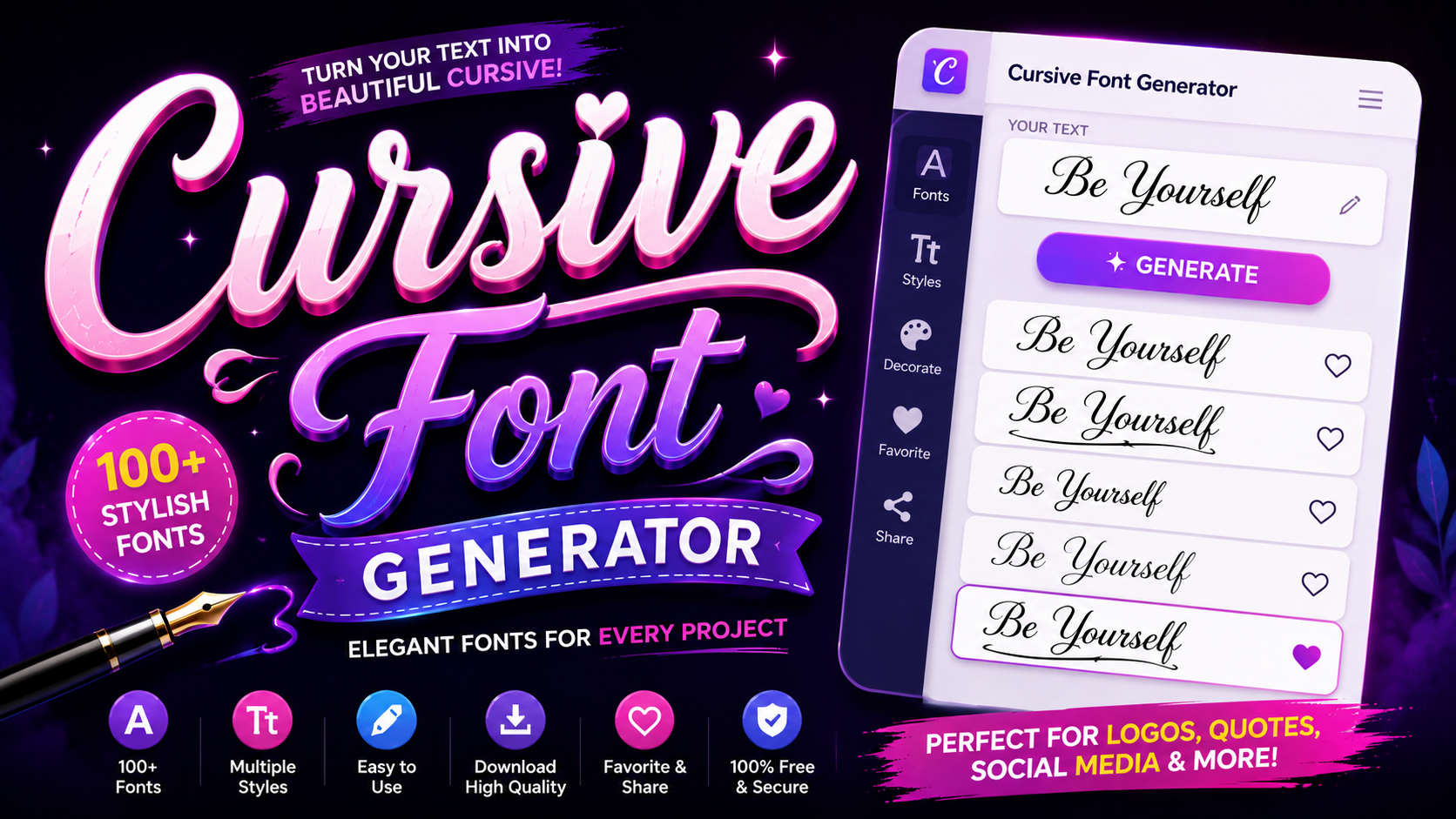
𝓒𝓾𝓻𝓼𝓲𝓿𝓮 𝓕𝓸𝓷𝓽 𝓖𝓮𝓷𝓮𝓻𝓪𝓽𝓸𝓻 Type your text below to transform it into elegant cursive Unicode styles and handwriting fonts. 0 Characters | 0 Words Clear Text Live Cursive Studio & Image Exporter Font Family: Great VibesDancing ScriptAlex BrushSacramento Size (36px): Text Color: Type something above to see live cursive preview… Download as PNG Image Unicode Cursive Styles (Copy & Paste for Social Media) Copied to Clipboard! Cursive has always carried a certain weight — not just aesthetic, but historical. Long before digital cursive existed, scribes during the Roman era and 1st century AD shaped flowing letterforms that influenced generations of educated people worldwide. What began as connected handwriting using pen and paper evolved into something far more layered. The Latin alphabet, shaped through continuous strokes, gave rise to elegant typefaces that now travel instantly across any computer or device. What is a Cursive Font Cursive fonts replicate connected handwriting through continuous strokes, creating flowing letterforms that feel elegant and handwritten. Unlike plain text, these typography styles carry timeless beauty, giving every word a unique character that captivates instantly. From romantic wedding invite designs to branding with a serious edge, cursive writing brings personality and vibe to digital world content. What once lived only on professional documents now transforms boring text into something genuinely beautiful and expressive. Also Read: Why Does Copies Stylish Font Different On Iphone Vs Android How to Use the Cursive Font Generator Getting Started With the Generator Using a cursive font generator is surprisingly straightforward. You simply type your desired text into the input box, and the tool instantly generates multiple cursive font styles for you to explore and choose from freely. Once the output appears, just hover over any style you prefer and hit the copy button. That copied cursive text transfers directly to your clipboard, making the entire process clean, quick, and remarkably easy to execute. ✨ Convert your text into stylish mirror fonts instantly Pasting Your Cursive Text Anywhere After copying, head to your preferred digital platform and simply paste the result into posts, messages, or comments. The regular text transforms into elegantly styled script without requiring any special tools or formatting adjustments. What makes this genuinely impressive is how few clicks stand between ordinary typing and a beautifully scripted finish. Even across platforms like Instagram or Discord, the steps remain consistent, clean, and completely frustration-free throughout. Where to Use Cursive Fonts Amplify Your Social Media Presence With Cursive Fonts Most people underestimate how cursive text reshapes an online persona. In the digital age, typography becomes your silent ambassador, making lasting impressions before a single word registers consciously with your audience. Elegance isn’t accidental on social media. Strategic use of cursive creates a statement that communicates timeless class, helping your social media profiles feel graceful and polished, making you naturally stand out everywhere. Captivate Attention With Stunning Social Media Bios A well-crafted bio written with cursive font and genuine finesse doesn’t just sit there — it makes visitors scroll and stop, turning casual browsers into followers through sheer alluring visual magnetism. Cursive letters generator tools give your social media bios that stylish, captivating quality. Each cursive letter seems to glide naturally, creating a reflection of personality that feels both artistic and deeply personal. Share Cursive Text Across Multiple Platforms Elegantly styled content thrives when it maintains fluidity across every channel. Using cursive font with simple copy and paste functionality keeps your blog, posts, and messaging consistent without requiring technical expertise. Cursive text moves quickly between platforms, ensuring your social media post retains its character everywhere it lands. The beauty of sharing styled text is how effortlessly it preserves copy and paste simplicity. Instagram Fonts Not every cursive style suits Instagram equally. Calligraphy-inspired fonts elevate bios and captions, while bubble fonts bring personality to story highlights. Choosing script variations keeps your profile looking polished and consistently elegant. Trending IG story headers written in refined script signal credibility instantly. From bios to captions, the right fonts transform ordinary content into something visitors genuinely remember, engage with, and revisit frequently. ✨ Create beautiful text art instantly with this free text art generator Discord Fonts Gothic lettering has always fascinated gamers and community builders alike. On Discord, glitchy, freaky fonts applied to server roles and nicknames help personalities stand out within fast-moving chat messages authentically. Discord culture rewards visual creativity. Whether you represent fierce gamers or thoughtful community builders, using distinctive gothic styles in nicknames and chat messages communicates identity before anyone reads your actual words. Twitter/(X) Fonts Cursive fonts injected into tweets and Twitter/X feeds give your personality a visual dimension that bold or italic styles alone cannot achieve. Headers and pinned posts benefit most from refined script treatment. Script fonts in pinned posts signal intentionality. Most accounts ignore typography entirely, making bold and italic formatting a quiet competitive advantage across crowded Twitter/X feeds where personality must surface immediately and memorably. Also Read: How to Curve Text On An Instagram Story (iPhone, Android & iOS) Facebook Fonts Calligraphy styling transforms Facebook marketing posts dramatically. Event invites written in charming fonts feel personal rather than promotional, while bold impact style text within community groups commands attention without feeling aggressive. Facebook rewards content that feels human. Applying bold, decorative calligraphy to community groups and marketing posts creates warmth that algorithmic plain text never achieves, making event invites feel genuinely worth attending. TikTok Fonts Bubble text and graffiti fonts dominate TikTok aesthetics right now. Fun, on-trend captions using cute aesthetic lettering capture attention within the first frame, stopping scrollers before the video itself even registers. TikTok thrives on funky visual energy. Captions styled with bubble text or graffiti fonts feel native to the platform’s personality, signaling creators understand the cute aesthetic their specific audience actively seeks and rewards. Minecraft & Gaming Fonts Gothic lettering and metal fonts define serious gamer identity across Minecraft and broader gaming communities. Applying custom script fonts to usernames and skins creates a fierce, memorable presence that casual players simply lack. Gaming culture takes usernames seriously. … Read more

Arabic Font Generator – Copy & Paste Stylish Arabic

Arabic Font Generator

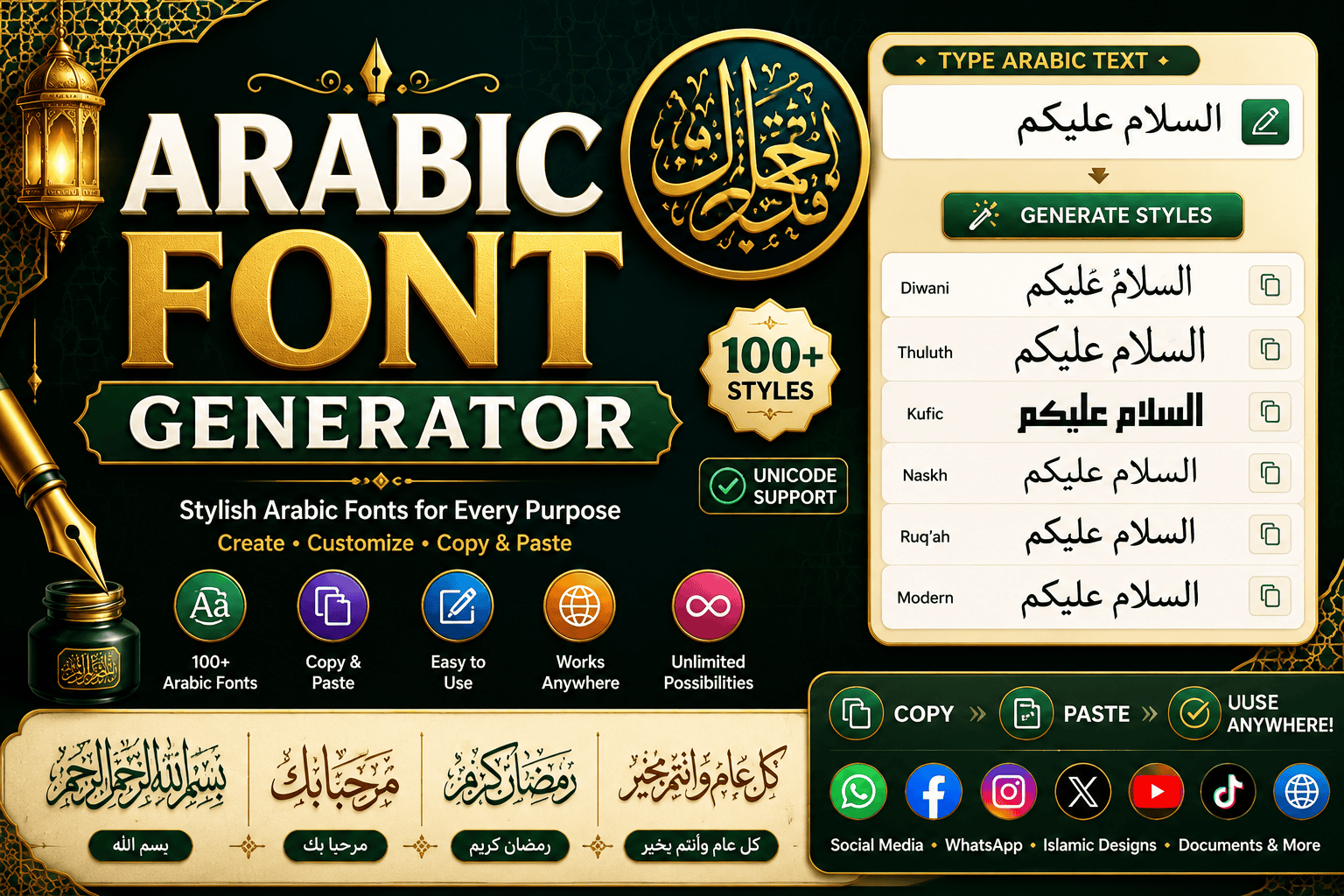
مولد الخطوط العربية (Arabic Font Generator) Type your Arabic text below. Calligraphy fonts are great for web design, while Decorated text copies perfectly to social media. All Styles Calligraphy Fonts Decorated Text As a seasoned designer, I easily bypassed the steep learning curve of traditional typesetting. This modern Arabic font generator instantly respects sacred Islamic art rules, ensuring each script stroke remains culturally accurate and highly fluid. I often observe standard tools fail to render complex ligatures properly, especially in delicate styles like Thuluth. Yet, crafting bespoke Instagram bios demands flawless typographic connectivity to engage global readers with genuine script structural heritage. How to Use First, enter text in our box. Simply choose your favorite style without any signup or hassle. This online tool is fast and easy, allowing anyone to create beautiful stylish text in seconds with zero effort. Next, instantly copy and pasting your new result directly onto an Instagram bio or profile is swift. Alternatively, download designs in crisp PNG or SVG formats to save time on diverse branding design craft projects. Also Read: Why Does Copies Stylish Font Different On Iphone Vs Android How Alt Code Generator Works The system instantly maps standard characters to gorgeous Arabic calligraphy styles. By converting modern keyboard inputs, the algorithm respects the unique flowing nature of the traditional writing system to generate stunning fonts for your screen. Whether you prefer historic Kufi or elegant Diwani, this software renders complex typefaces beautifully. It dynamically adjusts characters, seamlessly embedding those essential vowel marks to preserve the true cultural depth of each script style form. Also Read: Fancy Text Generator – Transform Your Text Into Something Fancy Features Our platform prioritizes modern aesthetics, seamlessly blending contemporary designs with traditional scripts. You get an instant preview of every curve, ensuring your visual retains an authentic vibe while incorporating a bold, geometric style in SVG. Additionally, crafting designs with a transparent background simplifies integration across mediums. Creators can customize colors to match their branding or easily explore delicate lettering for personal tattoo ideas and evocative poetry without formatting tricky issues. Why Choose This Tool This system offers a completely free environment to elevate your text without hidden charges holding you back. Within seconds, you capture a stunning artistic flow that makes standard digital interfaces look remarkably unique and professional. Engineered to be beginner-friendly, our interface bypasses complex learning curves completely. You require zero professional design skills to generate exquisite compositions, as the mobile-friendly workspace flawlessly displays delicate accents like harakat beautifully on any screen. Types / Styles of Arabic Fonts As an experienced designer, I believe that embracing traditional Arabic calligraphy unlocks pure visual beauty. Distinctive historical variations like structured Kufic, fluid Naskh, and ornamental Diwani showcase sweeping curves that instantly elevate modern digital layouts. Integrating a rich tradition with contemporary aesthetic demands requires selecting appropriate script styles. I frequently recommend modern Arabic fonts to secure an elegant look that respects heritage while ensuring fresh, captivating typographic balance for branding. Also Read: Big Text Generator: Make Words POP! Popular Arabic Calligraphy Uses Observing modern designs reveals how Quran transcripts and historical religious texts inspire contemporary branding. We craft logos using a connected style to engage native readers, ensuring the Arabic language retains its profound, glorious heritage forever. Whether applying Kufic geometry for structural headings or deploying elegant calligraphy to elevate your WhatsApp status, adjusting custom colors creates an artistic impact. Such bold strokes reshape basic electronic canvases into striking masterpieces very rapidly.  Arabic Font Style Copy Paste Instantly transform any normal text using our Arabic Font Generator to achieve unmatched typographic elegance. This smooth process remains incredibly fast and easy, letting you seamlessly copy paste the newly inspired layouts directly online today. Create beautiful captions that stand out on popular Facebook posts quite easily. Even without employing a professional graphic designer, generating this stylish text for your feed remains an effortless method of modern online content sharing. Also Read: How to Curve Text On An Instagram Story (iPhone, Android & iOS) Where You Can Use Arabic Font Style Crafting a premium visual identity attracts attention across modern digital platforms. Integrating beautiful letterforms into your social posts ensures that your unique messaging remains absolutely perfect for diverse global audiences seeking deep, authentic engagement online. Applying an attractive style transforms standard communications into an elegant experience. Utilizing stylish text across corporate branding or artistic media consistently elevates standard projects, providing a highly sophisticated touch that resonates powerfully with every viewer. Also Read: Wide Text Generator – Fast & Free Arabic Script Studying Arabic scripts reveals a sacred geometry where each stroke serves as a spiritual portal. My experience shows that using a free online generator preserves authenticity while modernizing traditional layouts into beautiful, scalable vector assets. We know that historical types like Naskh provide highly readable book prose, while poetic Nastaliq thrives on beautiful curved letterforms. Modern decorative styles bridge these physical eras, offering designers fresh, highly innovative creative tools today. The Arabic Language Linguistic flow connects directly to spiritual identity when writing sacred Quran verses. Expressing phrases like Bismillah or Alhamdulillah turns everyday communication into profound Islamic Calligraphy Art, elevating spoken heritage into truly stunning, lasting visual masterpieces. Transmuting standard plain text into eye-catching formats ensures your message stands out dynamically. In our online ecosystem, converting boring digital communication using stylish typographic characters preserves linguistic beauty while expanding modern global cultural reach today. What Our Website Offers We provide a powerful tool designed to immediately transform simple text into exquisite Arabic calligraphy styles. Experience complete flexibility as you craft gorgeous digital art using our curated selection of premium fonts with absolute ease. Our generator ensures a smooth experience for professional designers seeking high visual appeal. Every rendered curve highlights a clean, stylish aesthetic, honoring the deep cultural heritage of this traditional writing system effortlessly on any platform. What Users Say Our community praises this fully responsive platform because it delivers a perfect match for branding projects. Creators love how simple clicks trigger fast downloads that … Read more

Small Text Generator in 1 Click ✨ Copy & Paste

small text generator

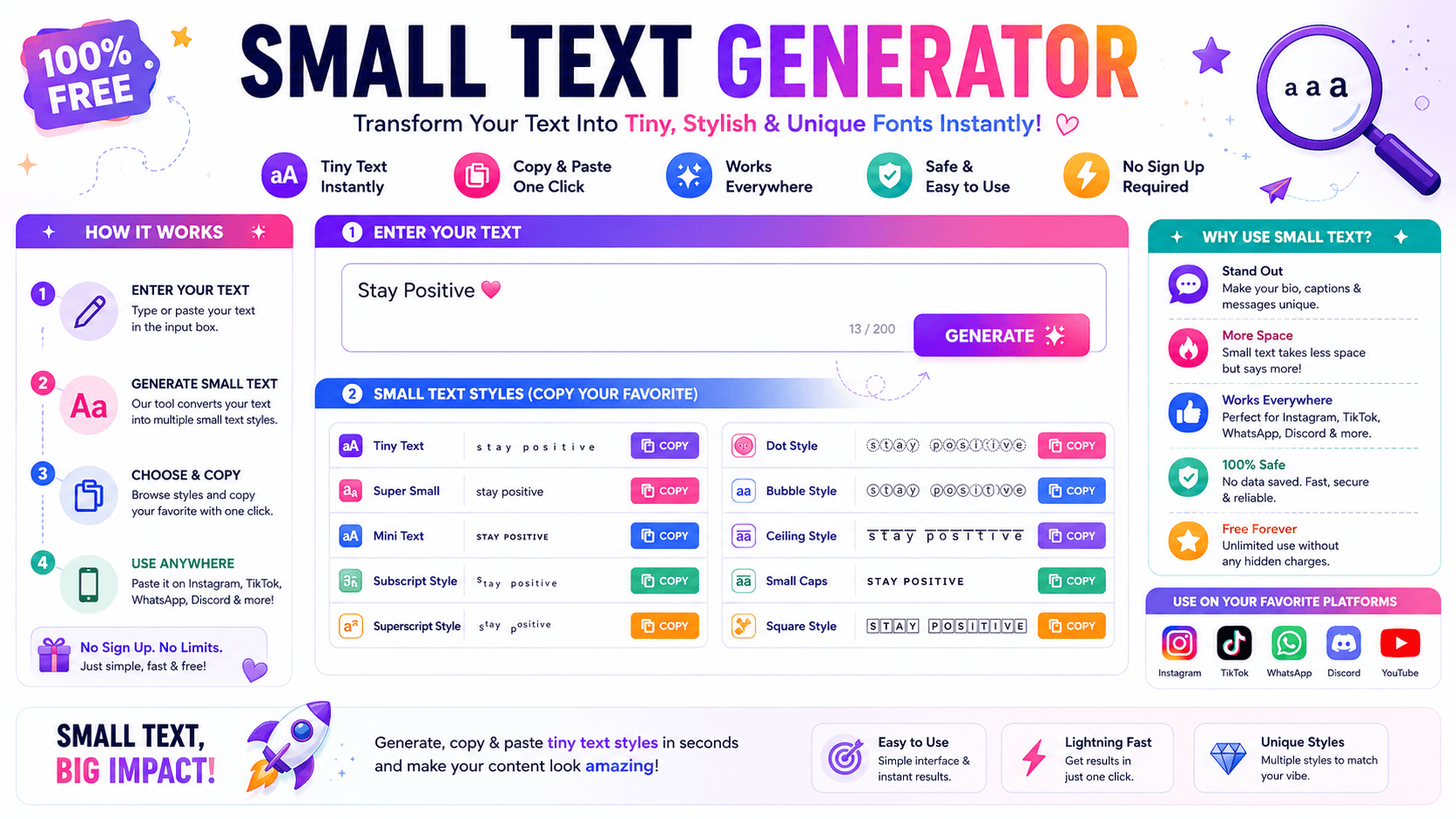
ULTIMATE EDITION Small Text Generator Transform standard copy into intricate small caps, superscript arrays, social media flairs, and advanced Unicode structural designs instantly. Load Sample ABC abc Clear Canvas Chars: 0 Words: 0 Spaces: 0 Read Time: 0s Small Caps Copy Superscript (Tiny High) Copy Subscript (Tiny Low) Copy Bubble Enclosed Text Copy Mathematical Bold Copy Wide Aesthetic (Reddit Flair) Copy Squared Block Text Copy Upside Down (Inverted) Copy Running fontgenerater.com taught me a small text generator isn’t just a novelty tool — it’s a standard way to convert ordinary writing into tiny, stylish fonts using Unicode, giving bios and captions attraction across social media. A small text font also proves practical beyond looks: students format footnotes and references for MLA or APA academic requirements, while gamers choose Discord names and refine an Instagram Bio instantly, completely free and online. What Is a Small Text Generator Operating this tool shatters the illusion of traditional font scaling. Instead of changing sizes, it forces a complex system to convert standard inputs. Your understanding of typography shifts once you realize it maps distinct Unicode. Injecting these stylized outputs reveals how normal letters transform instantly into novel small letters. Practitioners exploit this architectural quirk to fashion smaller characters that remain fully legible across diverse current social media apps and venues. Also Read: Fancy Text Generator – Transform Your Text Into Something Fancy How to Use the Small Text Generator Achieving a distinctive identity across operating systems requires bypassing traditional font limits. This online tool manipulates the Unicode Standard, shifting character sets to yield instant results. Paste your text here for an immediate visual aesthetic. Commanding audience attention on crowded platforms requires unexpected formatting. This ecosystem easily converts standard inputs into a small text font. It remains highly convenient to use when replacing normal text with unique, customized stylistic variations. Why Use This Small Text Generator Deploying a small font generator distorts traditional digital aesthetics deliberately. When screens overflow with loud announcements, going tiny forces users to focus deeply. I use these understated tactics so client bios instantly stand out quietly. Crafting unique names requires subtle textual choices that subvert expectation. My experience shows that adjusting an Instagram Bio or embedding unexpected captions disrupts scrolling patterns, offering a highly stylish alternative to standard, boring online expressions. Where to Use Small Text Deploying micro-scripts across an Instagram bio or Twitter post bypasses standard layout constraints. As a practitioner, maximizing engagement within digital comments requires tactical typographic shifts, forcing digital content to truly stand out inside crowded feeds. Optimizing Facebook comments or distinct Discord names establishes immediate visual authority. Utilizing these scaled characters for aesthetic purposes alters user perception, providing developers unique tactical design advantages across various modern social media digital interfaces globally. Also Read: Tiny Text Generator – Instantly Stylish Understanding Unicode (How Small Text Works) In my design experience, real visual downsizing is a total illusion. Users do not shrink standard text fields; rather, they swap individual letters for a completely mismatched alphabet cataloged deep inside the global Unicode system. Consequently, digital screens present these rogue unicode symbols from specialized unicode sets quite effortlessly. This phenomenon effectively encapsulates how standalone platforms render unexpected small text fonts, bypassing corporate restrictions through clever, decentralized character engineering choices. Small Text Letters / Alphabets Working with electronic frameworks taught me that selecting the right typography drastically alters project tone. Typical glyphs often crowd the screen, so substituting them with balanced small letters creates a clean, structured, contemporary visual hierarchy. Integrating these minimized symbols across responsive devices completely redefines digital design. My personal testing confirms that scattering styled variations provides a unique look that subtly captures attention without sacrificing any inherent local viewport rendering readability. Also Read: Big Text Generator: Make Words POP! Small Text on Social Media Platforms Tweaking an Instagram BIO successfully bypasses rigid corporate restrictions. Industry expertise proves altered usernames immediately capture feeds. Developing a customized aesthetic assists creators to stand out during hyper-competitive social media posts inside popular digital apps. Deploying miniature scripts inside WhatsApp or YouTube disrupts conventional typographic algorithms. Strategic network experiments reveal timelines on Facebook and Pinterest prioritize stylistic variance. Consequently, optimizing contemporary social media platforms including Reddit or Twitter triggers visibility. How to Choose the Right Small Text Font Selecting optimized typography requires analyzing target interfaces. Manual installing fonts fails on a small screen, demanding smart technology instead. Operators deploy cleaner text to ensure complex formulas or academic equations remain perfectly legible during rendering. Elevating corporate branding involves extracting characters beyond traditional LaTeX environments. Modern graphic design incorporates unique digital art elements, allowing users to seamlessly broadcast customized micro-narratives across popular social media apps without breaking core aesthetic guidelines. Also Read: Creepy Text Generator – Make Creepy Text That Chills Spines Instantly Small Caps Navigating the nuances of typography often leads to small caps, a stylistic choice that offers a sophisticated aesthetic. Unlike superscript or subscript characters, these small letters provide a professional and refined modern look for titles. My personal experience with digital design has taught me that using small caps effectively requires a subtle hand. Integrating these fonts into profiles or blogs adds a creative touch while maintaining standard textual readability. Superscript Elevating digital layouts requires understanding how typography shifts higher than normal lines. In my testing, using a caret symbol often fails across platforms, so rendering text that appears as superscript solves layout bugs quite elegantly. When mathematical symbols like cubed values are needed, utilizing specific Unicode blocks ensures stability. These custom alphabetical symbol sets remain fully available in superscript forms, bypassing traditional software limitations to deliver clean, exceptional online typography. Subscript Managing layouts requires deep expertise. When platforms display a lacking subscript alphabet, utilizing online generators fixes it. I routinely encode complex chemistry notations like H2O or various Mathematics symbols through this low mini text system. Inserting a stylized Subscript lowers down any digital symbol effectively. My analytical perspective shows that adding these tiny, custom subscript numbers works smoothly across social platforms like Discord, injecting clear science … Read more

Wide Text Generator – Fast & Free

Wide Text Generator

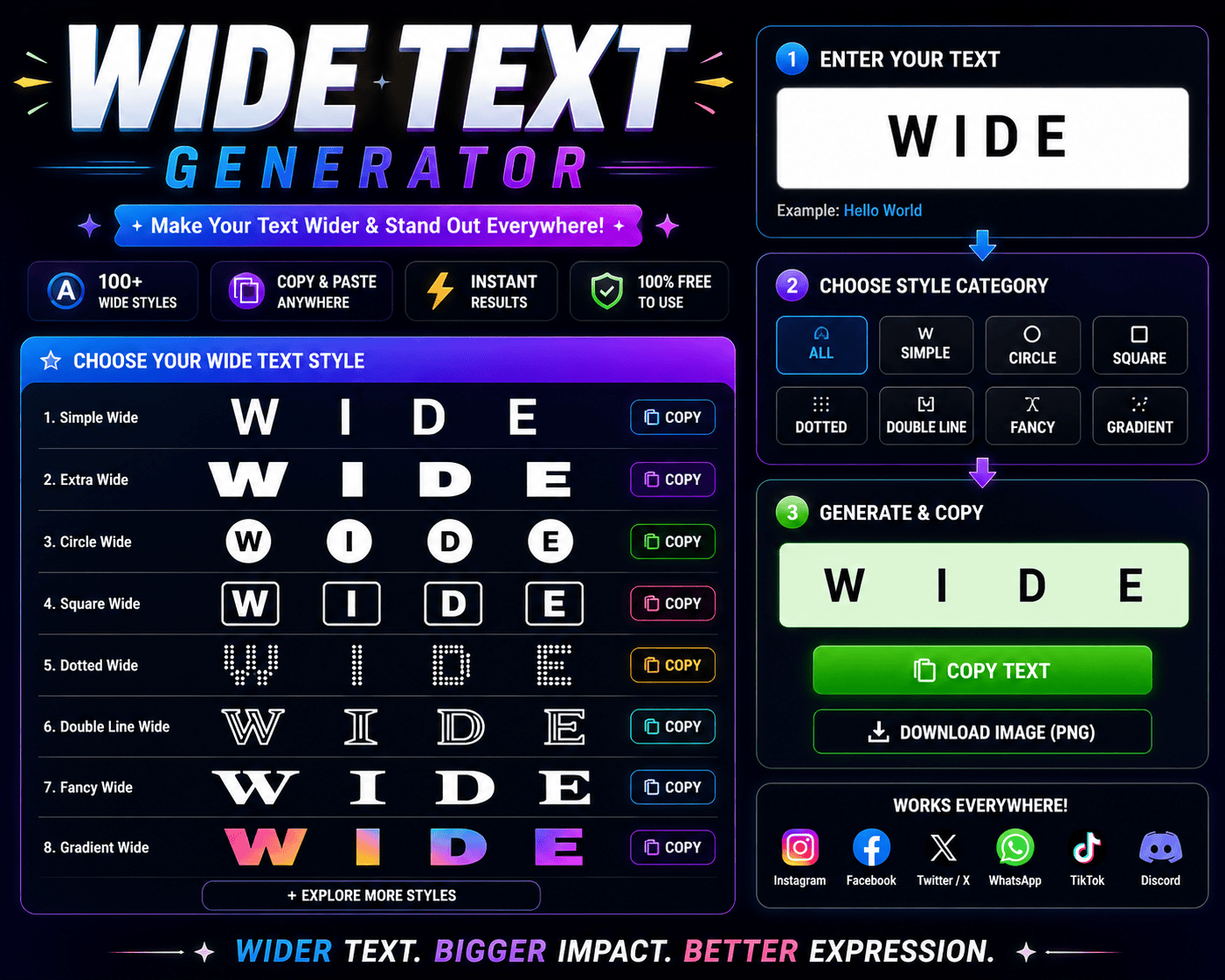
Wide Text Generator Type or paste your text below: Extra Spacing: 1 UPPERCASE lowercase Generated Wide Text: Characters: 0 | Words: 0 Copy to Clipboard Clear Text copied successfully! I’m constantly amazed at how simple the wide text generator is. Type your English text into the box, choose a font style, and use copy and paste — the widened text transfers to any platform instantly. Just 4 easy steps: 1 enter text, 2 click to pick a style at the bottom, 3 highlight, cut, copy, and paste, then 4 place in a chat, profile, or share with friends for free. Get Noticed with the Wide Text Generator Manually formatting text in a browser never gives you true distinct spaces. The wide text generator leverages unicode characters to get every word or phrase spaced out perfectly, ensuring you stay noticed on any platform. The wide font generator broadens letters and characters to help you communicate the intended message more powerfully. Copy and paste the wide text — or just copy then paste — to garner attention wherever your fonts land. Also Read: Small Text Generator in 1 Click ✨ Copy & Paste Where to Use Wide Text and the Wide Text Generator? Social media, social media handle, bio, profile, caption, platforms, next announcement — wide text makes you noticed. The wide text generator lets you transform and emphasize statements digitally, so friends pay attention and never ignore you. Birthday greetings, party invites, blog post and landing page titles — WhatsApp, Telegram, chat apps and your website or blog all get a fresh look. Copy and paste widened text in wide format for subtle messages. How to Choose the Right Font with the Wide Font Generator? Wide text isn’t always about being loud — it’s about branding with purpose. In business settings, the wide font generator offers professional-looking fonts that stand out without feeling diluted or too informal for serious professional use. Pairing fonts depends entirely on tone. Font styles from the wide text generator should match your design and never clash with plain text. A smart pair creates impact by making regular kerning feel instantly prominent. Also Read: TikTok Fonts That Go Viral ✨ Copy & Paste What Is Large-Type.com? Think of large-type.com as a genuinely handy tool for sharing text — phone numbers, passwords — with a person who’s further away in the room. Nothing gets transmitted to servers: everything is rendering locally in your browser. The site renders a large font display across your entire screen, making text easy to read from across a room. No data leaves your device — just grab the link and share output with anyone instantly. Must Visit: Bold Text Generator What Can I Use It For? Show a co-worker your WiFi password or IP address from across the room without leaning over their shoulder. Just share your screen with large text they can easily read from several feet away in seconds. Use it to display a phone number for a friend, profess your love across the room, or make text bold enough that even a runaway train of distractions simply won’t stop them from seeing it. Also Read: Cursive Font Copy Paste – Cursive Font Generator Gothic Font Generator – Copy In Gothic Font

Fancy Text Generator – Transform Your Text Into Something Fancy

Fancy Text Generator

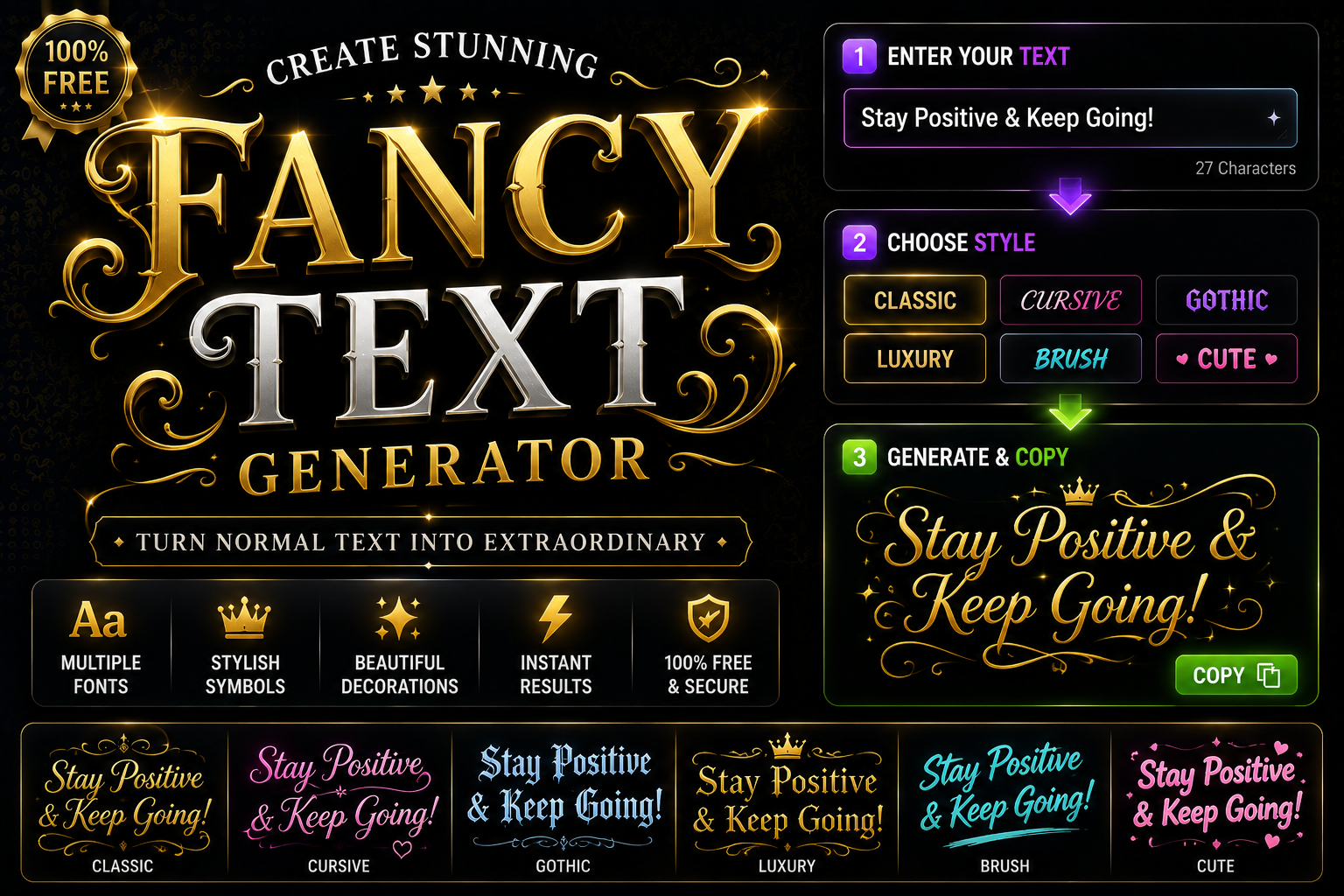
✨ Fancy Text Generator Type your text below to instantly convert it into elegant, aesthetic, and cool fonts for social media. Hello World 11 characters | 2 words Modern digital communication feels deeply sterilized. Standard text across corporate devices strips away raw human identity, forcing us to adopt coded representations. That is why a chaotic glitch aesthetic offers genuine psychological liberation right now. From my engineering experience, users mistakenly assume software downloads new files. Instead, hidden Unicode structural encoding reinterprets basic alphanumeric systems. Manipulating this systemic architecture lets us instantly manifest gothic styles onto any modern web platform. Subverting default design disrupts human cognitive patterns. When audiences browse an ordinary Instagram feed, encountering creepy or zalgo arrays forces deep visual breaks. This mechanical generator phenomenon alters how online communities process language right away. What is a Font Generator & How it Works (Unicode Explained) Contemporary environments exhibit distinct characters whereby Unicode assigns values for each glyph. A software tool or native Generator utterly fails to modify data. It swaps specific plain, regular keystrokes into unusual symbols producing mock fonts. Operators frequently convert basic data for gaming handles or social hangouts. Merely copy such mathematical conversions plus paste outputs anywhere remotely. The resulting stylish text stays entirely legible throughout different ecosystems including global websites. Technically, Since target hardware lack installable fonts for exotic mutations, architectures glance towards that widespread library. Activating a specific style enables users to type normal prose thereby instantly producing unique visual designs for their projects. How to Use the Font Generator (Step-by-Step Guides) Digital identity shapes online reality. Instantly transforming your standard website presence requires deep psychological intent rather than complex coding. Type selected phrases directly into the box area. Watch how multiple strange styles suddenly appear here. Contrarian creators skip generic formatting to influence platform algorithms. Click the desired aesthetic variation that matches your energetic frequency. Copy the altered text structure immediately. This sudden structural disruption changes how human eyes perceive messaging. Paste these customized symbols anywhere you truly want, including Twitter or inside a Discord chat room. The next step involves evaluating audience engagement metrics. Your input modifies standard communication layouts into unique personal artistic expressions. Where to Use Fancy Fonts (Platforms & Use Cases) Deploying aesthetic fonts across Instagram bios or TikTok comments instantly grabs reader attention. My digital marketing work proves bold usernames amplify personal branding, making everyday communications distinct within modern crowded social media app platforms today. In Gaming Communities, stylized clan names and custom usernames give a unique edge. Players across Steam or Discord use cursive or Gothic text styles for gaming tags, making boring profile designs stand and shine completely. For offline creativity, Business design teams embed elegant typography within promotional ads or email campaigns. Integrating calligraphy into wedding invitations or custom tattoo art helps announcements capture maximum impact, ensuring important information remains still readable. Accessibility Considerations Screen readers fail completely because assistive tools view stylized text as mathematical symbols rather than actual words. This unsupported behavior destroys content readability across diverse devices, making user inclusion an Important obstacle for modern digital technologies. In my professional experience, visually impaired users hear absolute gibberish when custom characters are parsed. These different abstract symbols confuse older synthesizers, rendering beautiful text completely inaccessible unless web designers prioritize strict semantic accessibility standards. Excluding large audiences occurs accidentally when platform text transforms into chaotic unreadable blocks. When People navigate modern online portals, encountering broken glyphs on popular websites proves that decorative aesthetics frequently damage core software application interfaces. Compatibility Considerations Total systemic failure happens when recipient devices lack underlying font support. Achieving seamless cross-platform compatibility remains elusive, as specific apps cannot render unusual Unicode strings correctly everywhere, resulting in blank rectangles instead of intended messages. Operating systems interpret data differently, breaking visual consistency. An iPhone displays stylized scripts beautifully, However a legacy Windows machine or alternative Android device may fail, exposing deep rendering gaps across distinct mobile and desktop ecosystems. Testing output across environments reveals how a web text generator creates unintended aesthetic variations. Characters that look uniform on your clipboard often shift subtly, causing social media feeds to display text completely differently than expected. NEW: 170+ Font Styles In 10 Categories.. Transforming plain typography alters modern digital design. This library provides an essential superpower for breaking away from standard layouts. Implement curated aesthetics to inject immediate magic into communication, reshaping how the entire creative industry shares. Embrace chaotic Zalgo or subvert expectations using vibrant Bratcore patterns. Social platforms require distinct visual identities. Deploy dark horror elements alongside soft pastel accents, establishing a unique rebellion against uniform interfaces. Elevate your online Aesthetic. Generating highly catching text directly affects user engagement metrics. Beyond common corporate logos, individuals decorate custom tattoos or digital graffiti with expressive flair. Discover intricate Calligraphy options to showcase authentic digital personality across alternative networks. Best Font Styles You Can Try (Live Previews) Digital interfaces demand distinct stylistic decisions. When you craft peculiar digital persona layouts, selecting a cute bubble lettering alters engagement metrics rapidly. Users seeking higher visibility should mix diverse structural formatting components on a platform. Online communication requires prompt distinction. Authors frequently build striking headers to save processing time amidst rendering tailored communal channels captions. Experienced layout architects look closely at real-time rendering preceding finalizing their styling selections for posts. Advanced software generators leverage complex algorithmic glyph mapping system rules. Modern illustrative design professionals shun traditional files, altering standard strings into vibrant visuals. Applying defined AI prose effects modifies the default font display lacking tools. Why These Styles Matter Using Fancy styling disrupts standard digital patterns. In my experience, ordinary messages get ignored, but altered shapes immediately catch the human eye. When compared to default formatting, custom aesthetics inherently command deep psychological audience attention. Platforms like Google cannot read these distinct character shifts as traditional typeface configurations. Creators convert linguistic information into special mathematical variations. Therefore, common digital environments render these customized Fonts natively, bypassing restrictive software design limitations. True digital identity flourishes when network tools respect user Privacy … Read more

Font Generater
Privacy Overview

This website uses cookies so that we can provide you with the best user experience possible. Cookie information is stored in your browser and performs functions such as recognising you when you return to our website and helping our team to understand which sections of the website you find most interesting and useful.