Invisible Text Generator – Generate Blank Text Online
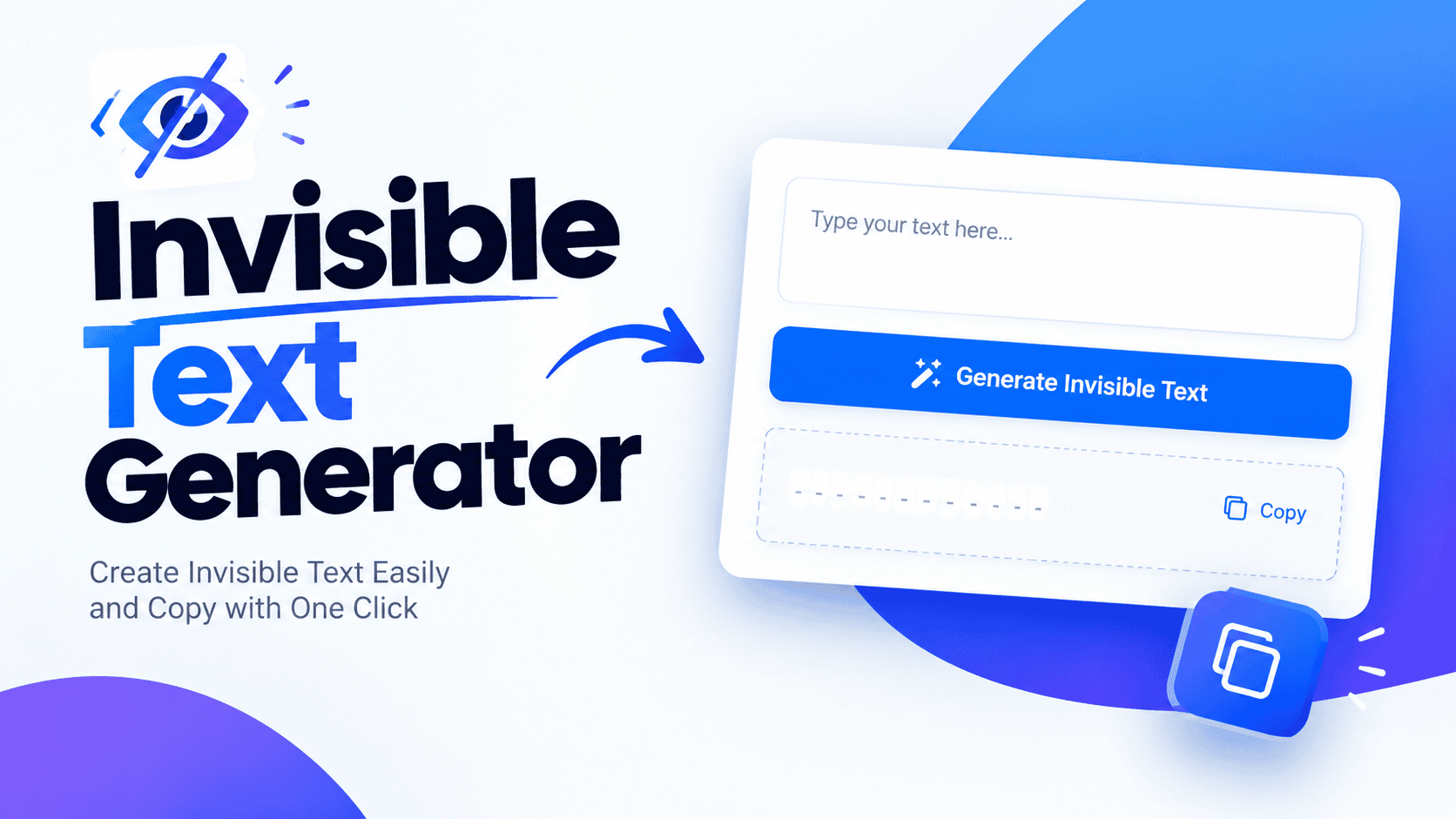
Invisible Text Generator

Invisible Text Generator Character Type Hangul Filler (Best for Gaming/Usernames)Braille Blank (Best for WhatsApp/Messages)Zero-Width Space (Best for Bios/Formatting) Number of Characters (Max 150) Copy to Clipboard An invisible text generator can produce a single Unicode code point with no visible glyph; I have seen it stored and processed as a real character. In practice, blank characters help when field needs content. A useful test is whether a character remains no visible content while preserving digital presence and formatting effects. In practice, it can occupy space, survives validation, and stays stored without creating visible marks in fields. What Is Invisible Text Invisible text is digital content containing invisible Unicode characters that create no visible glyphs. Unlike a blank area, a character remains encoded, giving apps, websites, and games something they recognize when the screen appears empty. From practical testing, I treat it as valid content rather than nothing: a generator produces blank text that platforms may accept for usernames, messages, bios, spacing, or required form fields where regular spaces are rejected. How To Create / Generate Invisible Text To create invisible text, choose a suitable character type in the generator, set the character count, then press the copy button. Paste the generated result into the target field and confirm it remains hidden there. For more use copy and paste with the string and test it inside social media, messaging apps, or games. Some platforms accept special characters, while others strip them during validation, so check before publishing content. Also Read: Reverse Text Generator – Create Backwards Text Where To Use Invisible Text / Platform Support Invisible text works differently across platforms, because each service interprets Unicode and formatting characters according to its own validation rules. I regularly test Instagram, TikTok, Discord, and messaging apps before recommending a character choice first. For practical use, WhatsApp and iMessage can accept a Braille Pattern Blank, while Twitter/X may handle a Zero-Width Non-Joiner differently. Roblox, Valorant, and Google Forms require platform-specific testing across devices and browsers before deployment carefully. Unicode Character Types / Tables A table of Unicode characters separates a regular space from an invisible character by code point and behavior. It can identify Hangul filler, U+3164, zero width space, and U+200B during practical testing before deployment carefully. For blank output, a reference table also distinguishes braille pattern blank, U+2800, zero width non-joiner, and U+200C. These valid characters may render differently across platforms, so I verify each choice before use in actual applications. Can Invisible Text Be Detected? In practice, invisible characters are detectable even when nothing appears on screen. A platform can inspect each Unicode code point, classify its character type, and reject or normalize it during processing on receipt or submission. My testing shows detection depends on context: Zero Width Space, Hangul Filler, or Braille Pattern Blank may pass one field yet disappear elsewhere. Sanitization, platform filters, search indexing, and accessibility handling expose or remove them. How Do I Add Invisible Line Breaks In Instagram Captions Or Bios? On Instagram, I usually build line breaks by placing Zero Width Space characters between caption sections. They stay visually empty while preserving separation, letting each paragraph begin neatly without relying on ordinary spaces that Instagram may collapse. For bios, I test the Zero Width Non-Joiner separately because saved profiles can behave differently. Paste the character at intended break points, preview the bio, then save; this approach helps preserve readable spacing without visible marks consistently. Does Invisible Text Work On TikTok, Snapchat, Or Telegram? TikTok, Snapchat, and Telegram do not handle invisible Unicode characters identically. Each service applies its own rules, so a blank-looking string may survive in one area but disappear, normalize, or be rejected entirely there later. For use, test the profile or messaging area first. A display name may preserve an invisible character even when username fields remove it, while message composers can behave differently after sending, editing, or saving changes. How Do I Send A Blank Message On WhatsApp Or IMessage? On WhatsApp, a blank-looking message is usually created by copying an invisible character and pasting it into the message box. The bubble appears empty, while the app still treats it as content for delivery normally. For iMessage, the same approach can produce an empty-looking message, although results depend on the chosen Unicode character, device, and filtering. I test the copied text first, because compatibility can change after app updates unexpectedly. How Do I Get An Invisible Name On Roblox? On Roblox, an invisible text username depends on the display name check. In practice, I test Hangul Filler first because it may pass validation while Roblox rejects plain spaces for a blank-looking identity with testing. Paste the generated character into Roblox, save the name, then verify it after reopening the profile. Because filters change over time, test again when updates affect gaming environments or naming behavior, since platform policies vary. Also Read: Typewriter Font Generator – Create Vintage Text Online Will Invisible Text Work In Form Fields And Input Boxes? Invisible text can work in some form fields, but acceptance depends on validation rules. A zero-width character may satisfy a required input while a normal space is rejected, despite appearing identical to users on screen. In my testing, browsers usually preserve compatible Unicode characters, yet websites can sanitize or normalize them before submission. For HTML form fields, Zero Width Space may pass checks, while stricter systems remove it automatically during. What Is The Difference Between Invisible Text And A Regular Space? A regular space usually comes from U+0020 and creates a visible gap, but it may be stripped by platforms. Invisible characters are real characters that occupy no horizontal space while remaining valid digital content often. For blank usernames or required fields, a Zero-Width Space can survive where ordinary whitespace fails. A Braille Pattern Blank renders an empty glyph, yet software still recognizes the underlying Unicode character as valid content internally. Why Does My Invisible Text Disappear After Pasting On Some Platforms? Certain platform systems remove invisible characters because Input … Read more
Reverse Text Generator – Create Backwards Text

Reverse Text Generator

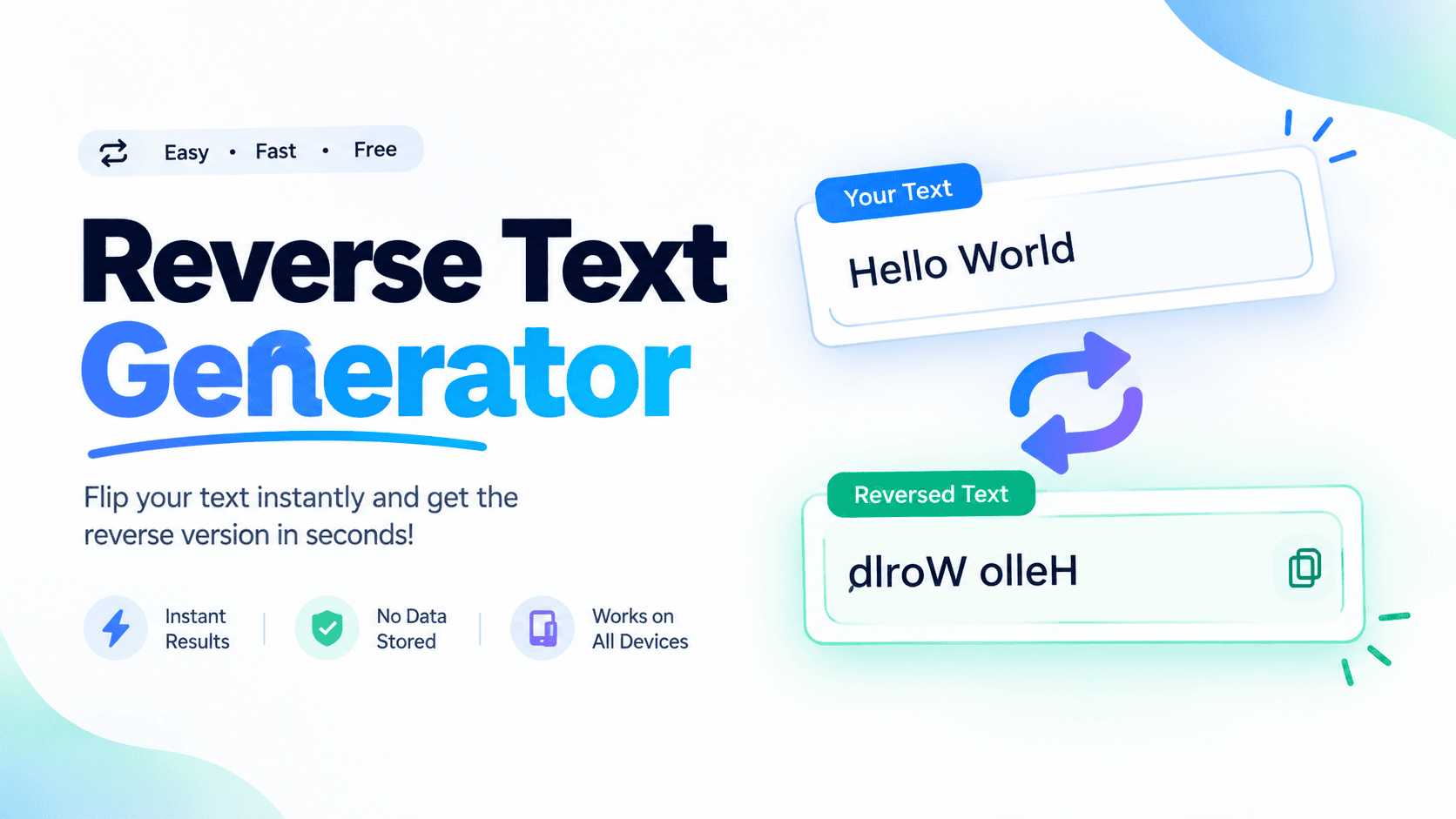
Reverse Text Generator Reverse Text Reverse Wording Reverse Letters Upside Down Copy Text Clear 0 characters | 0 words A reverse text generator is useful when ordinary wording feels predictable. Enter a message, test a transformation, and inspect the result before sharing. I often use it for playful posts, puzzles, and quick typography experiments. The practical appeal is simple: paste text into the input field, reverse characters, and copy the changed text. A tool works instantly, keeps process clear, and lets users explore mirrored text effects or backwards text. How To Use / How It Works To use a backwards text generator, enter normal text, choose a Reverse Text mode, and submit it. The tool changes character order automatically, producing output that can be copied anywhere without manually flipping letters easily. In practice, I check the input first, then compare the reversed text visually for accurate results. For large text blocks, transformation happens quickly, while Unicode characters preserve supported symbols across devices consistently online for sharing. Why Use This Tool / Features I use this tool when ordinary text feels too predictable: reverse text adds playful variation, while flipped or upside-down text can create eye-catching posts for Twitter, Instagram, and Facebook without extra software in seconds reliably. Beyond entertainment, I find security data encoding, educational puzzles, and creative typography useful because transformation quickly changes readable input into unfamiliar forms, encouraging students, creators, and gamers to figure out patterns without slowing the workflow. Also Read: Typewriter Font Generator – Create Vintage Text Online Examples Of Backwards Text A practical example is using backwards letters in Instagram bios, where mirrored characters create a visual break without another app. I have found this especially useful for playful identity details and quick profile experiments online. For practice, writers can try mirror writing practice with reference text, then compare results with handwriting practice exercises. Leonardo da Vinci-style notebook entries and mirror image art offer familiar examples for exploring reversed forms visually. Keep Your Data Safe Keeping data private matters when a browser tool handles personal text. I prefer processing reversed text locally or using a trusted website, avoiding unnecessary uploads, saved drafts, registration, or download files unless genuinely needed online. For extra caution, remove names, passwords, email addresses, and confidential project details before transformation. Check the browser extension, pasted text, output field, and copy result, then clear the page when work is finished securely afterward. Unicode Character Substitution Table A Unicode mappings table makes substitution practical because each original character can correspond to a visual counterpart. For mirrored Unicode equivalents, I check supported letters first, then verify how devices render symbols before copying transformed text. A useful table groups English letters, uppercase, lowercase, numbers, and common punctuation separately. In practice, no Unicode equivalents should be flagged clearly, while remain unchanged characters are preserved rather than forced into inaccurate visual substitutions. Also Read: World Cup 2026 Font Generator – Create Soccer Text Skip The Copy-Paste On Social Media / Browser Extension Promo Use the browser to reverse text before sharing, so social media platforms receive ready-to-paste wording without repetitive edits. I often prepare captions in advance, then copy and paste the transformed result directly into posts quickly. For quicker workflows, a browser extension can keep the text reverser close while drafting Twitter, Instagram, or Facebook updates. This reduces switching between tabs, preserves creative momentum, and makes paste anywhere effortless for busy creators. Also Read: Font Tools & Cool Stuff Conclusion With experience, I find a reverse text generator is strongest when transformation modes are clear, reversing text remains predictable, and text puzzles feel immediate; results should be readable enough to verify before sharing online publicly. A workflow lets readers select transformation mode, inspect the output field, then copy or download transformed wording. A backwards text generator also helps test reversed text, compare style, and catch output before publication or messaging.

HTML Text Generator – Create HTML Code Online

HTML Text Generator

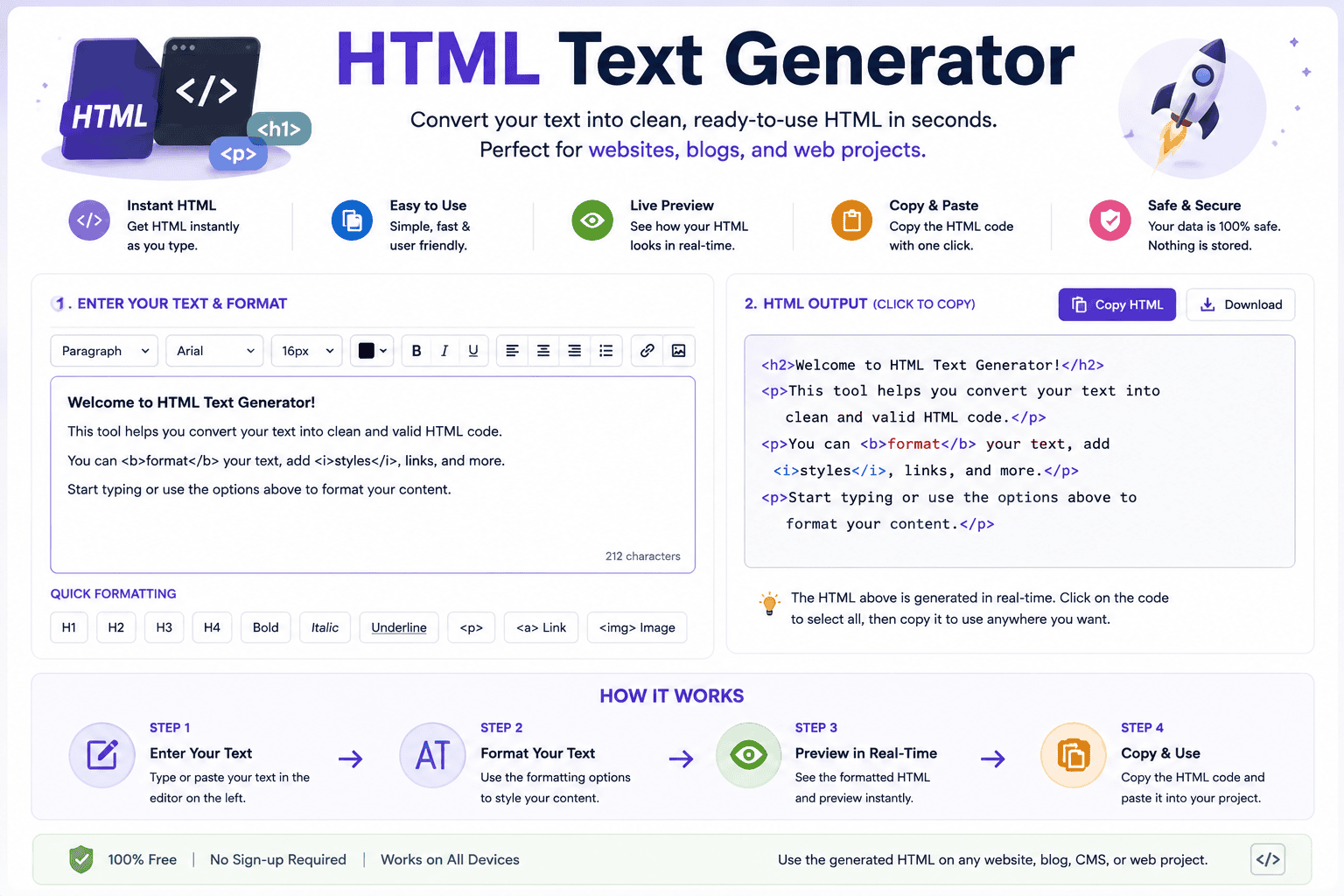
Fancy Text Generator Enter your text: Bold Serif: Copy Cursive Script: Copy Double Struck: Copy Old English: Copy Circled: Copy Squared: Copy Monospace: Copy Upside Down: Copy An HTML text generator turns into HTML, letting you enter text, paste content, and preview results. I find a Visual Editor useful for testing formatted content, while an HTML Editor reveals source code for adjustments. A practical workflow can customize colors, choose fonts, make instant changes, and copy HTML for a website or application. Results combine visual control with clean markup, keeping readable HTML content to maintain, inspect, and reuse. How To Use / Creating HTML Text Start by pasting plain text into the browser editor, then use the visual editor to adjust formatting, inspect the source editor, and generate HTML. I recommend testing each change before saving final code carefully today. For cleaner results, view HTML, clean code, and manage tags carefully. Use find-and-replace when needed, verify attributes, then copy the generated markup into your website or email workflow without unnecessary edits. Keep browser formatting consistent. HTML Styling / Text Customization Effective HTML styling starts with readable choices, not decoration alone. I usually adjust colors, strokes, shadows, and gradients after checking the background, because balanced formatting keeps customized text practical across browsers and different screen sizes. During hands-on editing, I find inline styles useful for precise changes, while classes and HTML elements keep patterns consistent. CSS properties can shape emphasis without making the generated markup unnecessarily difficult to maintain over time. Also Read: Fraktur Font Generator – Create Gothic Text Online HTML Editing / HTML Code Generation Source editing lets me inspect HTML structure, adjust tags, and generate clean HTML code without leaving the browser. In practice, I often combine interactive source editing with HTML cleanup to keep revisions controlled and precise. For larger changes, find-and-replace speeds repetitive edits, while visual HTML editing reveals how formatting behaves. I prefer testing generated source code before publishing, especially when document processing and browser editing meet in practical workflows reliably. HTML Conversion HTML Conversion works best when Word-to-HTML conversion preserves structure while source code remains editable. In practice, I combine conversion tools with online conversion, then inspect web content before publishing for cleaner results across real projects. For everyday transfers, paste convert text into the browser, test the MS Word upload, and review the generated HTML code. When extra markup appears, HTML stripping can simplify output without losing essential content or structure. HTML Cleanup / Formatting In practice, I start with HTML cleanup before styling, removing distracting tag attributes, redundant inline styles, and unused IDs. This makes clean code easier to inspect, edit, and maintain across projects without confusion and delays. For stubborn markup, I rely on cleanup options, find-and-replace, successive spaces, and empty tags checks. Removing unnecessary span tags improves structure, while formatting keeps source files consistent during ongoing HTML editing and review by hand. Use Cases / Applications Roblox games benefit from rich text applications when headers, buttons, and banners need emphasis. I use this approach for landing pages, logo text, and article headings, especially when styling matters more than elaborate design systems. For email creation, CMS workflows, and web publishing, markup can format email signatures, pull quotes, and editorial text cleanly. It also handles event invitations, chemical formulas, mathematical notation, trademark symbols, code examples, and technical terms. SEO / Search Considerations Search engines generally favor standard text when evaluating pages, so I keep readable content intact while limiting Unicode styling to decorative styling. This approach protects search visibility without stripping useful HTML structure or meaning online. For SEO-critical content, place descriptive headings and metadata around naturally written copy, then treat Unicode characters as visual accents. In practice, this makes indexing more dependable while preserving styling for readers. SEO should guide priorities. Performance / Readability For readable output, I favor visual clarity before decoration. Responsive design keeps generated markup usable across screens, while web-safe fonts reduce rendering surprises. In practice, optimization also improves perceived speed when pages contain styled HTML. Performance becomes fragile when complex effects multiply. I test browser testing and mobile testing early, then check rendering quality at different sizes. Good contrasting colors on dark backgrounds preserve readability without sacrificing visual polish consistently. Troubleshooting Common Problems When unsupported tags or browser compatibility cause display issues, check the generated markup first. In my testing, fallback styles often solve missing text stroke, while reducing shadow blur can stabilize inconsistent rendering inside editor. For difficult gradient stops, shorten text length and test performance before changing everything. A troubleshooting pass should isolate browser differences, compare rendering across browsers, and identify whether the issue belongs to markup, styling, or display. HTML Editor Features An HTML editor becomes most useful when visual editing and source editing stay closely linked. A WYSIWYG editor offers editing commands, formatting controls, and a toolbar for quick text formatting during browser editing sessions daily. Testing shows the strongest feature set balances control panel, visual content, and editing interface while keeping cleanup controls accessible. formatting can be adjusted beside table handling, undo, and clean code, making revisions safer before publishing. Perfect For Roblox Games For creators, Roblox code becomes easier to polish when Roblox RichText settings are handled before testing. I have found text stroke, shadow blur, and gradient stops especially useful for game labels, menus, badges, and signs. Good results still depend on simpler fonts, compatibility, and reliable rendering. Keep RichText enabled, test display problems early, and watch performance on mobile devices so styled text remains clear during active gameplay without distracting effects. Preset Styles Explained Preset styles speed up HTML text design when you want consistency before tweaking details. I often start with Basic, then test Neon, Gold, or Rainbow presets to compare visual impact across headings and interface text. For more controlled work, combine font family, font size, and font weight choices with 3D Shadow. Roblox and Gothic options can suit game interfaces, while deliberate switching keeps customization practical rather than decorative daily projects. Also Read: Fortnite Font Generator … Read more

Stacked Text Generator – Copy & Paste Stylish Text

Stacked Text Generator

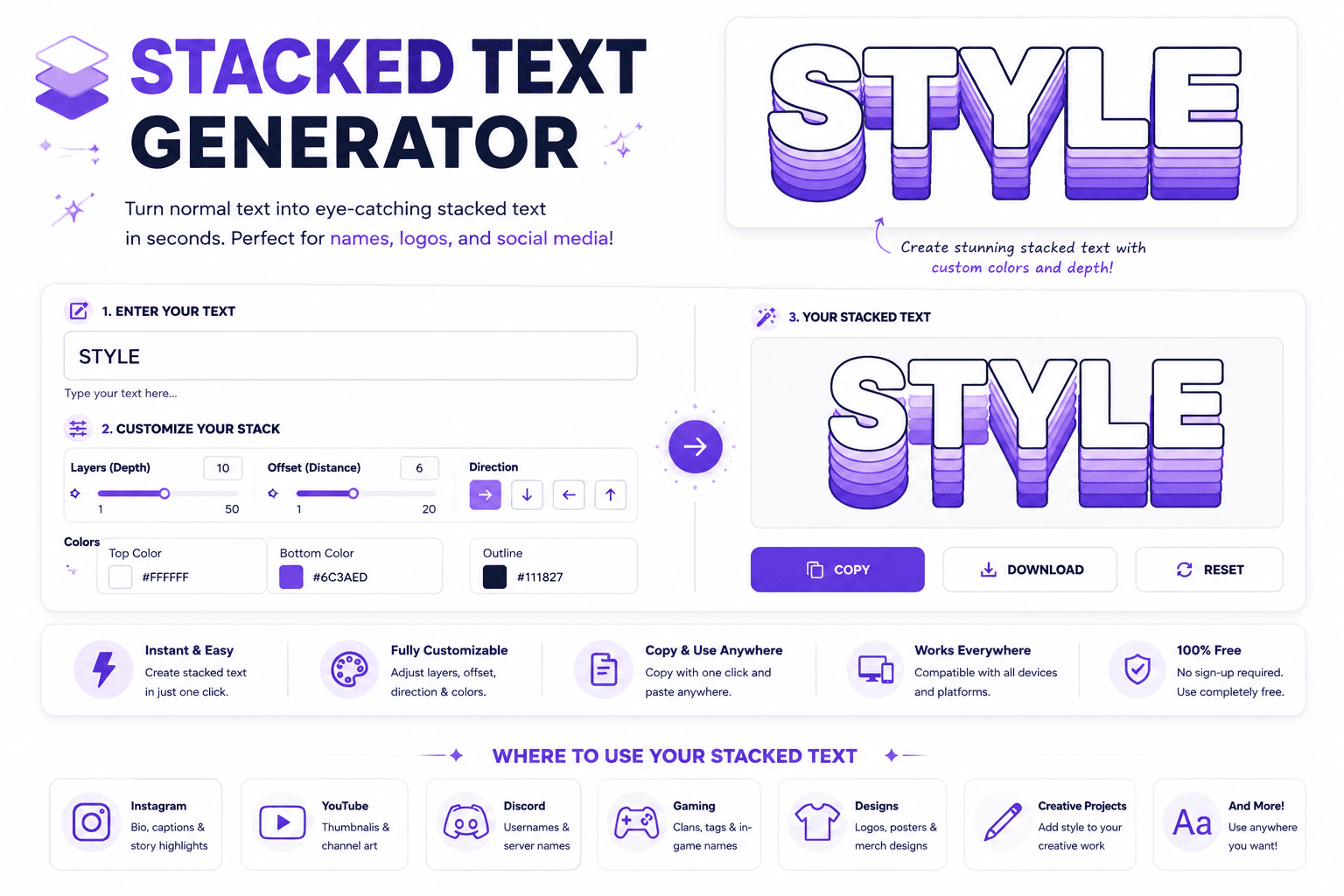
Stacked Text Generator Enter your text and instantly turn it into a stacked, vertical, or line-by-line style. Your Text 0 chars · 0 words Stacking Mode One Character Per LineCharacters With SpacingOne Word Per LineLetters With SpacesKeep Original Lines Text Case NormalUPPERCASElowercaseCapitalize Words Separator Extra Spacing Font Size 28px Remove Spaces Remove Punctuation Trim Empty Lines Stacked Result 0 characters Your stacked text will appear here. Copy Text Download Clear Tip: Try short words or phrases for cleaner stacked results. Maximum 5,000 characters A stacked text generator turns text into a unique visual effect by arranging characters vertically. This technique helps typography stand out without design skills, making it useful for social media, digital art, and creative projects. It combines two text layers, placing a top layer above a bottom layer for an eye-catching design. Using Unicode special characters, the output stays compatible with platforms and applications; this online tool supports names and logos. What Is Stacked Text? Stacked text turns ordinary digital projects into a visual layer, where characters sit above line. The generator gives creators and designers a unique touch, helping transform a word vertically, bold vertical design styles with sharp. In practice, multi-layered top-layer characters can merge with Unicode combining marks, creating an eye-catching social media style for bios, usernames, and creative projects. The bottom-layer single line stays custom fonts, format, words, headers, graphics, signs. How The Stacked Text Generator Works A stacked layout begins with text fields, yet the key is controlled placement rather than noise. The generator uses Unicode combining characters to position an overlay above a base word, creating a compact visual effect. In practice, I check the preview before copying because rendering can vary by device or application. The tool builds the upper layer character by character, while the lower line remains readable, preserving spacing and usability. Also Read: Calligraphy Font Generator: Unleash Your Magic Using Stacked Text Generator Start by entering a short word in the first field and a supporting word below. Keep top text shorter, then inspect proper alignment in the preview. Adjust wording when awkward spacing makes the stack uneven. For using stacked text generator, I recommend testing word combinations rather than forcing a result. A visual impact can come from one upper layer, while the bottom text carries identity, making composition easy to scan. How To Use This Tool The stacked text generator works best when treated as a layout utility, not a font replacement. Enter, preview, and copy the result, then test the real field where the name lives before publishing carefully. When I build stacked names, I favor short phrases and cleanest structures. Avoid long runs when platforms render marks differently; a restrained stack stays sharper, especially where filters or character support alter the final appearance. Pre-Use Information Before using a stacked text generator, decide whether your short tag or name needs clean vertical layout. I usually check top text and bottom text together because spacing and alignment affect readability more than effects. Remember that Unicode rendering varies across platforms, games, and applications. Test the stacked result before publishing, especially for Discord usernames or gaming profiles, and keep a plain base clearly available when combining marks disappear visually. Who Should Use This Tool Casual users can explore stacked names, while graphic creators can build custom stacked name logos without installing an app. It suits anyone needing quick stacked signs, social identities, or visually compact lettering for creative projects. From Discord usernames to gaming profiles, the tool helps people who value readable styling and fast experimentation. Newcomers gain simplicity, while designers can test layouts, preview output, and choose a clean, purposeful visual treatment today. Tips For Best Results For best results, build around a short overlay, especially when short headers, labels, or usernames need emphasis. I test each variation in live preview, then adjust spacing until the stack stays readable and balanced across field. On platforms, verify most platforms behavior rather than trusting the preview alone. Copy clipboard output into the target app, keep the top treatment restrained, and favor stacked fonts when filters or rendering differences threaten readability. Making Leͥgeͣnͫd Text Making legend text works best when a short overlay sits above a base word, creating a controlled double line instead of decoration. I test 2 to 6 letters first because forms stay readable and align. Type a name into two fields, preview the stack, then use the result for social media or a design tool. Keep the lower text dominant, while upper letters add restrained emphasis without sacrificing readability anywhere. Features Of Our Tool Our tool keeps creation fast and simple, with full control over spacing and placement. There is no login or setup required, so users can enter letters, test combinations, and produce polished stacks immediately on devices. From custom layouts to multiple export options, the workflow supports practical projects without clutter. Users can copy clipboard results, download a text file, or combine stacks with Unicode fonts and Superscript effects for distinctive compositions. Also Read: Discord Fonts: Rule Every Server Why Use Our Stacked Font Generator? Our instant output makes experimentation practical: enter a short identity string, compare the top line and bottom line, then use the adjustable preview size to refine proportion. In testing, live update matters because small spacing changes can alter readability across screens. The dual-line input keeps the workflow focused, while copy clipboard supports quick reuse. A browser-based tool means any device can handle designs without setup, making stacked names easier to test before publishing online. Stacked — Airy Letter-By-Letter Spacing For Tidy Emphasis For tidy emphasis, I favor a narrow space added around every character, creating a steady visual rhythm without turning short names into clutter. This treatment keeps the stack readable while giving letters breathing room visually. In practice, cadence matters more than decoration: spacing should feel deliberate, especially when a compact stacked text design carries a name or accent. I test several character combinations, then keep the cleanest arrangement for emphasis. Same Overline Trap As 3D … Read more

Gibberish Font Generator – Copy & Paste Fonts

Gibberish Font Generator

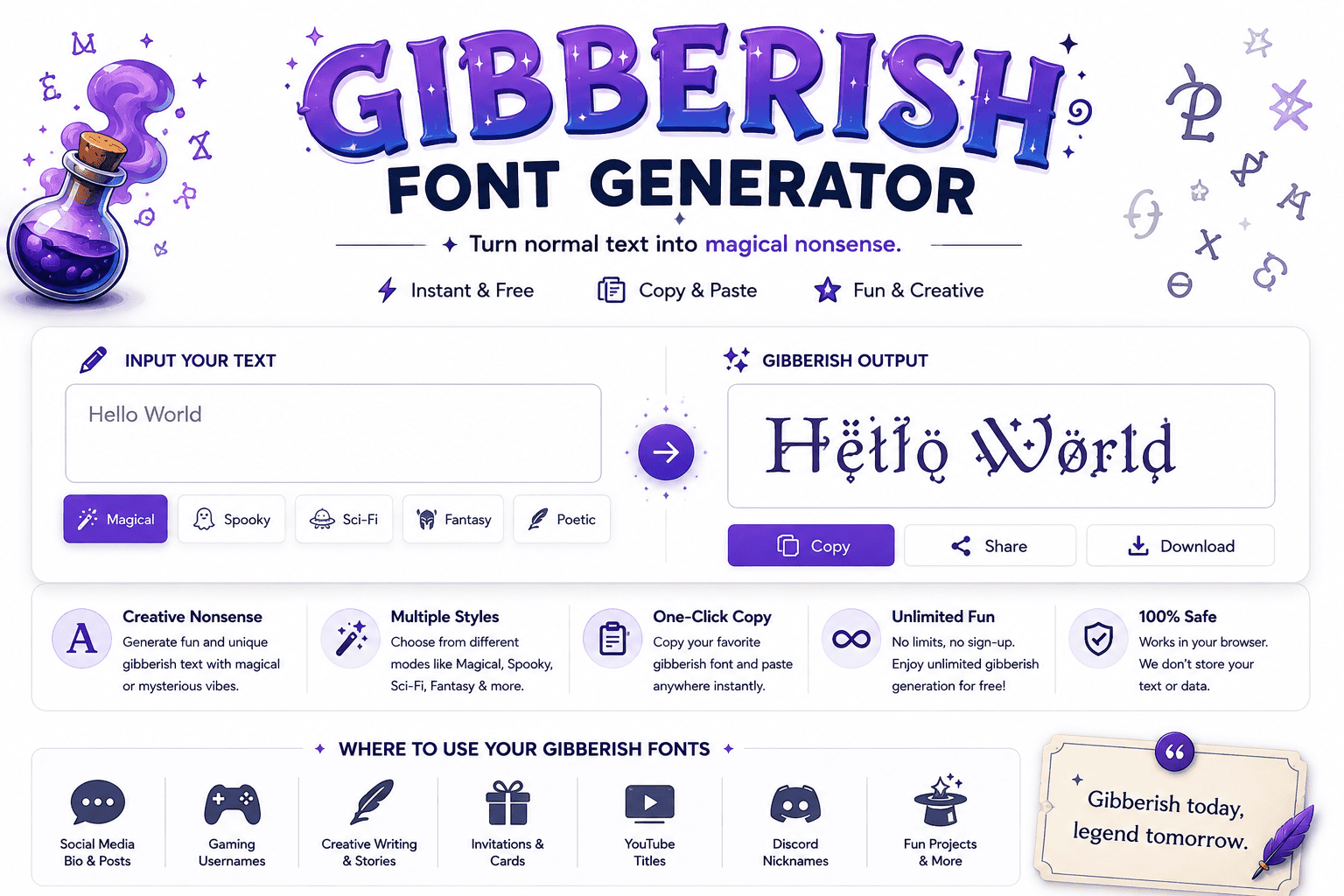
GIBBERISH FONT TOOL Gibberish Font Generator Turn normal text into weird, distorted, glitchy and unreadable text styles. Your Text Use Sample 0 characters 0 words 0 lines Choose Style ↻ Random Style Classic G1bb3r1sh Symbols G!฿฿€r!$h Chaos G#8b@r!$h Glitch G̷l̷i̷t̷c̷h̷ Zalgo G̷͑͛l̴̽i̸̿t̷ch Upside Down ɥsıɹǝbbıƃ Mixed Ǥ!вв€я!ѕђ Corrupted G͟i͢b͠b̶e͟r͢i͠s͟h Effect Intensity Medium Randomness 50% Generate Gibberish Generated Text Ready ⧉ Copy ↓ Download × Clear Your text is processed directly in your browser. Nothing is uploaded to a server. A gibberish font generator creates playful nonsense words with magical or scientific flavor, turning ordinary text into stylized output. In practice, I use it to test style, settings, and unique creative character with instant results. Rather than chasing meaning, the tool helps shape sounding phrases through fantasy, poetic, or technical patterns. I find this useful for writers, prototypes, and randomized experiments where generated gibberish adds personality without copying familiar language. How It Works / How To Use To use generator, choose one of the styles, adjust syllables, and set word count. A click can generate gibberish text with capitalization, punctuation, ready to copy, share, and use instantly online directly anywhere. From my testing, the useful workflow is simple: create new variations, inspect the character flow, then regenerate anytime. Writers can use placeholder text, while designers test readability, interfaces, and prototypes without distracting real words quickly. Features / Core Capabilities Core features focus on controlled randomness, letting a generator produce gibberish with adjustable style while preserving readable spacing. From my testing, this balance makes placeholder output useful for layouts, interface reviews, and rapid concept work. Advanced options support punctuation, capitalization, syllables, and word count changes, so developers and designers can create fresh samples without repetitive phrasing. I especially value quick regeneration when comparing typography, user flows, and fictional language experiments. Also Read: Transform Your Text with G Fonts Generator Real-World Examples / Use Cases On client projects, I have used a gibberish generator to prototype interface states before copy exists. Developers can paste generated text into forms, cards, tooltips, and error messages, checking spacing without inventing explanations consistently, quickly. For branding workshops, teams test magical, poetic, or scientific styles against layouts, while writers explore phrases and vocabulary rapidly. I also use random words for placeholder banners when visual rhythm matters most today during workshops. Language Style Language style can shift a generator toward english, australian, london, or brazil influenced flavor, giving invented text a recognizable regional mood without claiming authentic translation, grammar, or cultural accuracy in practice for every generated phrase. In testing, new, zealand, america, africa, sweden, and paris references can create distinct visual cues, but strong results come from controlled randomness, where regional hints shape atmosphere rather than imitate real speakers or languages directly. Quick Tips Start with a simple style before increasing complexity; check the word flow, syllables, and punctuation together. In my testing, fewer changes usually make generated text easier to scan, compare, and reuse across projects reliably online. For better results, select a casual or mystical setting based on your needs, then adjust the count and punctuation. Regenerate when output feels repetitive, and copy only after checking spacing, readability, and consistency each time. Language Style Examples List A useful Language Style Examples List can mix mumbo, jumbo, yolo, gelatinous, and vernacular patterns, showing how gibberish shifts from playful phrases toward stranger, more irregular constructions without losing a readable rhythmic flow in practice. For practical testing, examples such as rubbish, preposterous, thingamajig, succulent, octopus, and robot demonstrate varied textures, while shhh adds an intentionally clipped style that feels distinct from ordinary prose during quick visual comparisons across interfaces. Also Read: Pls Donate Text Generator (Copy & Paste) | Fast & Free Sample Phrases A useful phrase might begin with creative writing, then shift into fantasy languages where vowels and consonant clusters create unusual sounds. I often test unique combinations to keep generated text playful, readable, and visually convincing. For interface testing, I prefer random gibberish mixed with placeholder text, especially when checking layouts, typography, and paragraph balance. Short samples can also inspire secret messages, whimsical dialogue, or experimental character patterns without requiring meaningful language. Also Read: Random Font Generator Conclusion A gibberish generator proves useful when output feels constructed, not merely randomized. I use varied sounds, altered syllables, and unusual patterns to create text supporting ui, testing, expression, and experiments without claiming inherent meaning. From a practitioner’s view, the strongest result is not the strangest string but the one that fits its purpose. customize, clipboard, variations, characters, and language choices can keep output practical for creators, researchers, and developers.

Corrupted Text Generator – Corrupt Your Text Instantly

Corrupted Text Generator

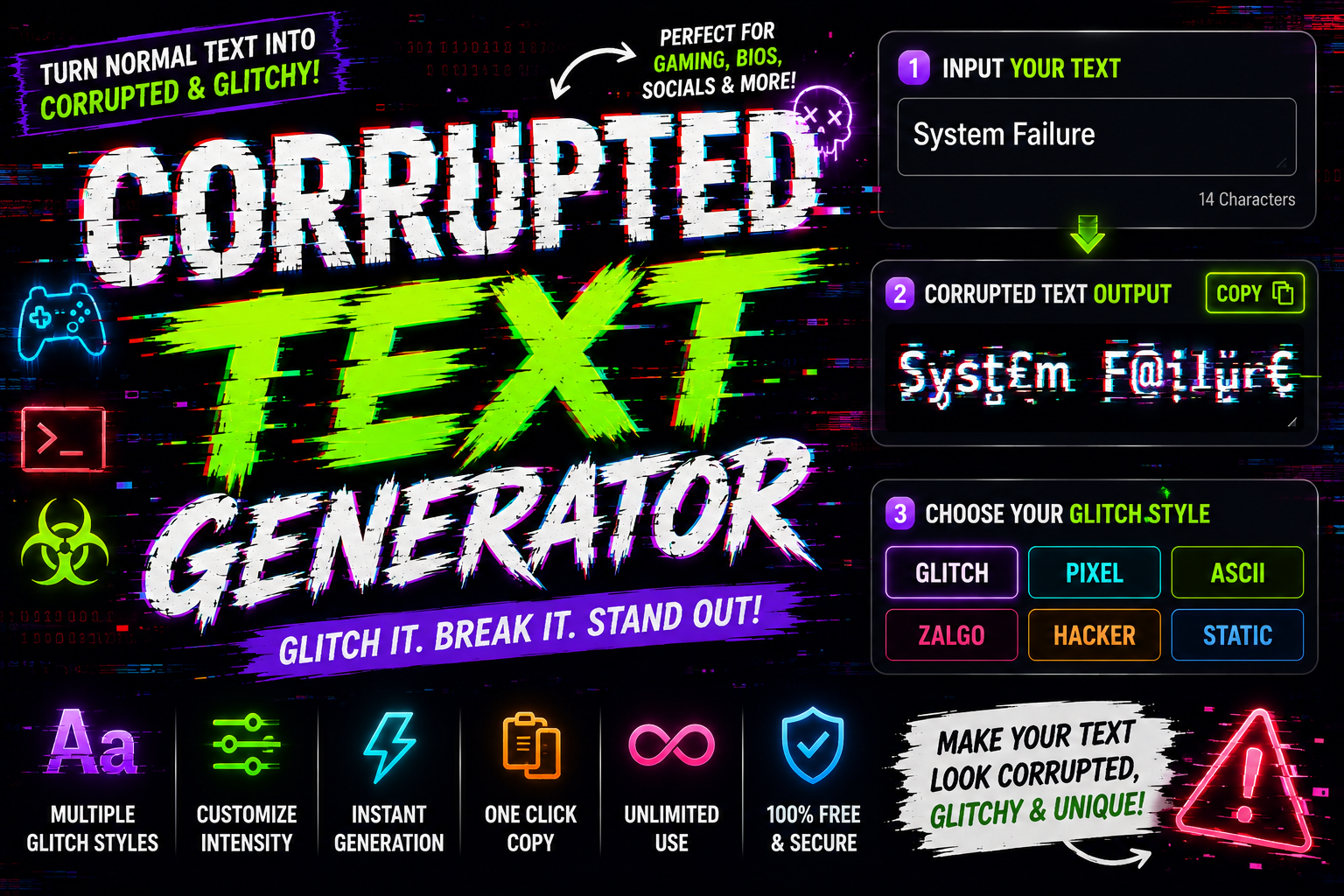
Corrupted Text Generator Distort your text with custom Unicode corruption layers. Input Text Corruption Level 8 Corrupt Above Corrupt Middle Corrupt Below Corrupted Output Copy Text I first encountered a glitch text generator while browsing Discord usernames and Twitch bios drowning in distortion marks — the raw cyberpunk aesthetics hit differently, instantly reframing what corrupted text actually means as something intentionally weird. Behind every effect are combining Unicode characters — diacritical marks and glitchy marks layered over letters, producing actual Unicode text, not an image, that you copy, paste, and deploy on any platform with corrupted data appeal. How Glitch Text Works Most people treat glitch text as aesthetic only. But advanced algorithms stack diacritical marks above and below letters, forcing unicode characters into corrupted data chains — what browsers ultimately render as unmistakably distorted, chaotic visual noise. What makes it register so powerfully as broken is Zalgo — an internet meme creature that Dave Kelly invented, a method weaponizing Unicode character sets to simulate a broken system while triggering that innately creepy response. Generating Glitch Text To generate your first weird glitch text inside a glitch text generator, simply type a single word or full sentences into the input field, choose your intensity, and watch the preview refresh in real time. Once satisfied, one click sends the generated glitchy text straight to your clipboard for effortless easy sharing across Discord server names, captions, comments, and all social media platforms — no sign up, register, or hidden limitations. Where to Use Glitch Text From comment sections on YouTube to gaming usernames on Discord, glitchy fonts and corrupted font choices genuinely shape identity. Social media platforms like Twitter, Instagram, and Facebook make streaming bio text and profiles more eye-catching. Blog post headers, Tumblr page designs, and creative projects all benefit from glitch text. Dystopian storytelling, cyberpunk aesthetics, and tech content creators use fragmented text effects within documents to craft immersive, spooky narratives that resonate. Step 1 – Type Your Text Not every text transformation needs to start fresh from scratch. You can type single words, partial sentences, or entire paragraphs — whatever the moment calls for. The input box handles any length without resistance or judgment. Most people paste content they already have — usernames, bios, or social media captions — rather than typing fresh. That shortcut alone makes this tool genuinely practical, cutting the time between idea and glitchy visual output significantly. Step 2 – Pick Your Font Style Most users skip font style decisions and rush straight to text effects. Your glitch font choice defines whether output lands as cursed fonts, futuristic text styles, or a stylized statement that fits your design intent. Legible font styles suit professional settings and headlines, while informal designs embrace distorted text energy. A font generator lets you preview bold, italic, or strikethrough options — matching the right stylized fonts to your creative output. Step 3 – Copy & Paste for Free Once your glitchy marks finally appear on screen, simply hit copy and grab the transformed text — it’s entirely free to paste straight into any blog, online form, or even your favorite games chat, without limits. The translator handles even malfunctioning text without breaking any layout. Drop weird text anywhere — from your email address field directly to a website domain input; nothing cut from the subset ever gets removed unexpectedly here. Step 2 – Choose an Effect Selecting an effect isn’t guesswork — it’s real craft. The wide range of effects spans from light glitch distortions to heavy corruption effects, letting each text transformation serve a specific creepy atmosphere or tech aesthetics purpose. Zalgo text produces that unmistakable glitchy appearance, while italic text or bold Unicode text adds subtle distortion for softer looks. These artistic choices define whether unique visual text effects feel deeply corrupted or hauntingly clean.  Step 3 – Adjust Settings Once you adjust settings, the responsive interface reveals multiple intuitive control sliders that instantly shape output. Whether targeting gaming content or personal use, intensity levels clearly define how distorted your corrupted text will ultimately appear. The user-friendly controls make this a comprehensive tool for anyone seeking customized glitchy text transformation. Even professional tech brands rely on its feature-rich panel, where characters, diacritics, and symbols combine to deliver quality effects efficiently.  Step 4 – Copy & Use In practice, once your glitchy text is ready, the copy button handles it all in a single click. The generated text drops onto your clipboard instantly — paste it into any platform, application, or chat box. Copying glitched output and dropping it into social media posts, bio sections, gaming profiles, or even merch designs feels effortless. Whether testing one-liners or adding creepy text to your titles, the copy-paste workflow takes seconds. Copy and Paste Posting copy paste text from this glitchy text generator to social media accounts takes one click. Just select all, hit copy — no restrictions, no pay. This free workflow makes any distorted character set instantly deployable. Copy manually or just use the built-in converter to transform output. The interface prioritizes user experience — you can download a file in various export formats, enabling offline use and storage without losing access to features. What Is Zalgo? Zalgo emerged from internet horror culture as a paranormal-inspired text style that layers stacked diacritic marks above and below each letter, creating hacky distorted text that feels visually corrupted far beyond normal word processing conventions. Unlike a standard glitch font generator or fancy text generator, Zalgo manipulates Unicode combining characters to augment written language with special symbols, delivering an ominous vibe that hackers and digital art communities find truly unsettling. How to Choose the Right Glitchy Font Choosing the right glitchy font depends entirely on your intended context. A futuristic vibe pairs best with precise digital distortion effect, while a creepy atmosphere demands Zalgo text that exploits visual language through pure weirdness. From stylized text effects to double-struck text, the variety your generator offers always matters. I prefer eerie vibe options before … Read more

3D Font Generator – Create Stunning 3D Text Online

3D Font Generator

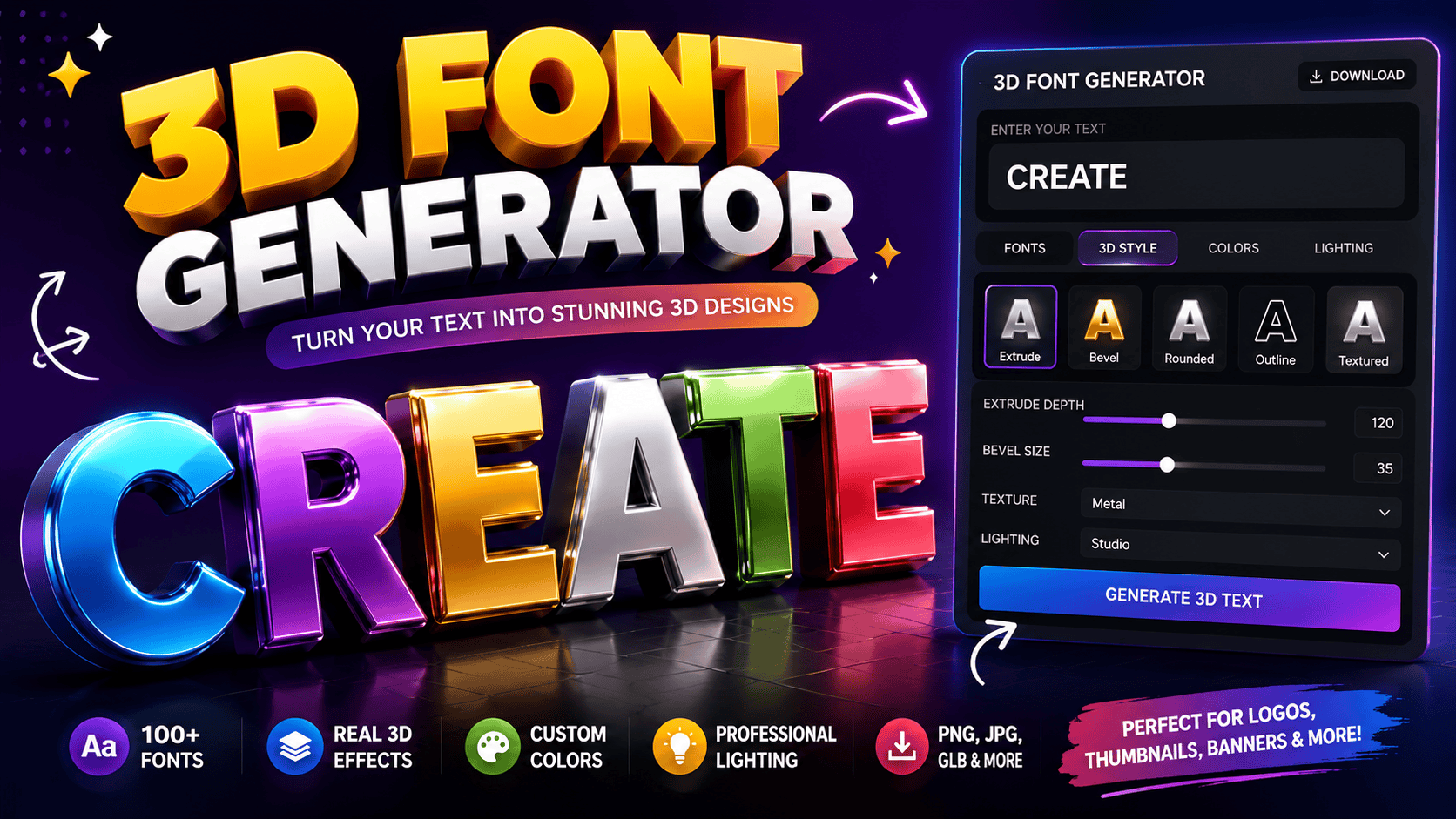
From my practical experience, a 3D font generator becomes valuable when letters gain convincing depth, lighting, and material choices without complex software. The best results begin with readable typefaces, balanced spacing, and purposeful bevel settings. I usually test the live preview before committing, rotating the design to inspect shadow, texture, and stroke weight. A flexible browser workflow then supports rapid PNG, GLB, OBJ, or STL export for practical creative production. Export Formats / Download Options From testing, the best export format depends less on visual polish than destination. Choose Transparent PNG for layered layouts, check high resolution and size, then use the download button only after inspecting the preview toolbar. For reusable assets, I typically retain GLB, OBJ, or STL beside a mesh file; Blender handles revisions, while Unity, Unreal, and Roblox Studio receive optimized copies after conversion, preventing repeated rebuilding across demanding production pipelines. Also Read: Fancy Text Generator – Transform Your Text Into Something Fancy How It Works / Steps Start by choosing a Style, then enter your Text and adjust colors, background, depth, and spacing. I usually inspect the live preview, because early readability review prevents weak structure before any final download or export. Next, refine the font, material feel, and lighting controls, examine the 3D model, then select transparent PNG, STL file, or another supported format. In practice, I verify stroke thickness and production checks before saving locally. Real-Time Preview In practice, a preview toolbar should expose mistakes before commitment. I test raised wood letters, glossy chrome text, and cartoon sticker type at several viewing distances, watching edge clarity, depth balance, and awkward overlaps instantly. The most useful screen response is not decorative; it supports decisions. Compare an embossed gift tag beside a product mockup, switch the reference image, and inspect legibility before download, especially when client revisions arrive unexpectedly. Free / No Signup / No Watermark From my testing, the Free platform opens immediately without signup, login, a paywall, or any usage cap. Every user can shape polished designs while avoiding hidden cost, forced upgrades, and avoidable interruptions entirely during creation. Clean exports arrive without a watermark, keeping unlimited experiments ready for clients, classrooms, or individual use. In practice, that freedom speeds iteration because nothing must be registered, purchased, removed, or corrected before sharing with confidence. Also Read: Wide Text Generator – Fast & Free Use Cases / Who It’s For From my experience, students, indie creators, and studios benefit most: they can build social posts, gaming headers, birthday invites, or brand mockups quickly, while testing color, contrast, and layout before committing production resources or budgets. Practical users range from makers creating custom signs, name plates, keychains, and cake toppers to sellers developing product tags, packaging, stickers, and labels; designers can also prototype logos, videos, games, or signage without complex workflows. 3D Printing From workshop experience, 3D Printing succeeds when makers treat typeforms as structure, not decoration. I test wall thickness, joins, and balance early, helping 3D lettering survive slicing while reducing failed prototypes and wasted filament overall. For small studios, production workflow matters more than flashy previews. I convert sturdy letterforms into printed samples, then refine tolerances for packaging, ornaments, and event decor, giving small shops dependable, repeatable results across batches consistently. Make 3D Text Online Unexpectedly, the fastest route to polished lettering is often browser based. I use client-side WebGL processing to shape depth immediately, avoiding a server roundtrip while rotating and zooming until spacing, shadows, and perspective feel balanced. Instead of designing from emptiness, I test Presets against the message first. Cute logos suit playful names, sports logo text adds competitive weight, while Barbie Pink or Dream Pop gives campaigns personality without weakening readability. Also Read: Cursive Font Copy Paste – Cursive Font Generator A Free Alternative To 3D Text In Photoshop A free browser workflow challenges the belief that serious dimensional lettering requires Creative Cloud, a subscription, or desktop install. For quick campaigns, it can replace Photoshop 3D when the goal is a convincing rendered image. That freedom has limits: a PSD with editable 3D layers still belongs to specialist software. Yet an editor link removes the conversion step for routine revisions, letting teams adjust composition, lighting, and typography quickly together. Text To 3D Model Rendering From production experience, the strongest Text to 3D model workflow begins with the final render, then works backward through materials, geometry, and lettering choices, producing a convincing real 3D mesh without unnecessarily bloated technical steps. I routinely test each 3D output by rotating the word under controlled light, because attractive photoreal PBR textures cannot rescue weak three-dimensional shapes, thin strokes, tight spacing, or poorly formed inner counters during demanding rendering. On Your Device On your device, the practical advantage is immediate control: Chrome, mobile Safari, or desktop access lets hardware process changes locally, avoiding an upload queue, account friction, software install delays, and the wait between detailed refinements. For quick client reviews, I prefer an online 3D text generator with real-time preview, instant results, and no install. It keeps styles searchable, preserves fine-tuning, and makes PNG export dependable for a YouTube thumbnail handoff. Also Read: Weird Fonts Generator – Generate Weird Fonts That Stun Everyone Meshy 3D Text At A Glance Vs Adobe Creative Cloud Tools In my testing, Meshy behaves like a focused 3D text creator, producing fast visual results without the layered setup usually required across Photoshop, Illustrator, and After Effects for comparable dimensional lettering workflows in one place. Adobe’s suite offers deeper manual control, while Meshy prioritizes rendering on your device, reducing setup friction when experimenting with type. I find it stronger for quick concepts, though Creative Cloud remains better for detailed refinement. Template-Led Workflow Starting with presets often beats designing blindly: I select material cues, test clean metallic, and compare a preview before adjusting gradients, stroke, and lettering direction for a faster, more dependable creative direction each time consistently. In practice, templates turn scattered experiments into repeatable decisions. Spark Joy can define streaming covers, while Rose Luxe guides soft metallic … Read more

Underline Font Generator Copy and Paste

Underline Font Generator

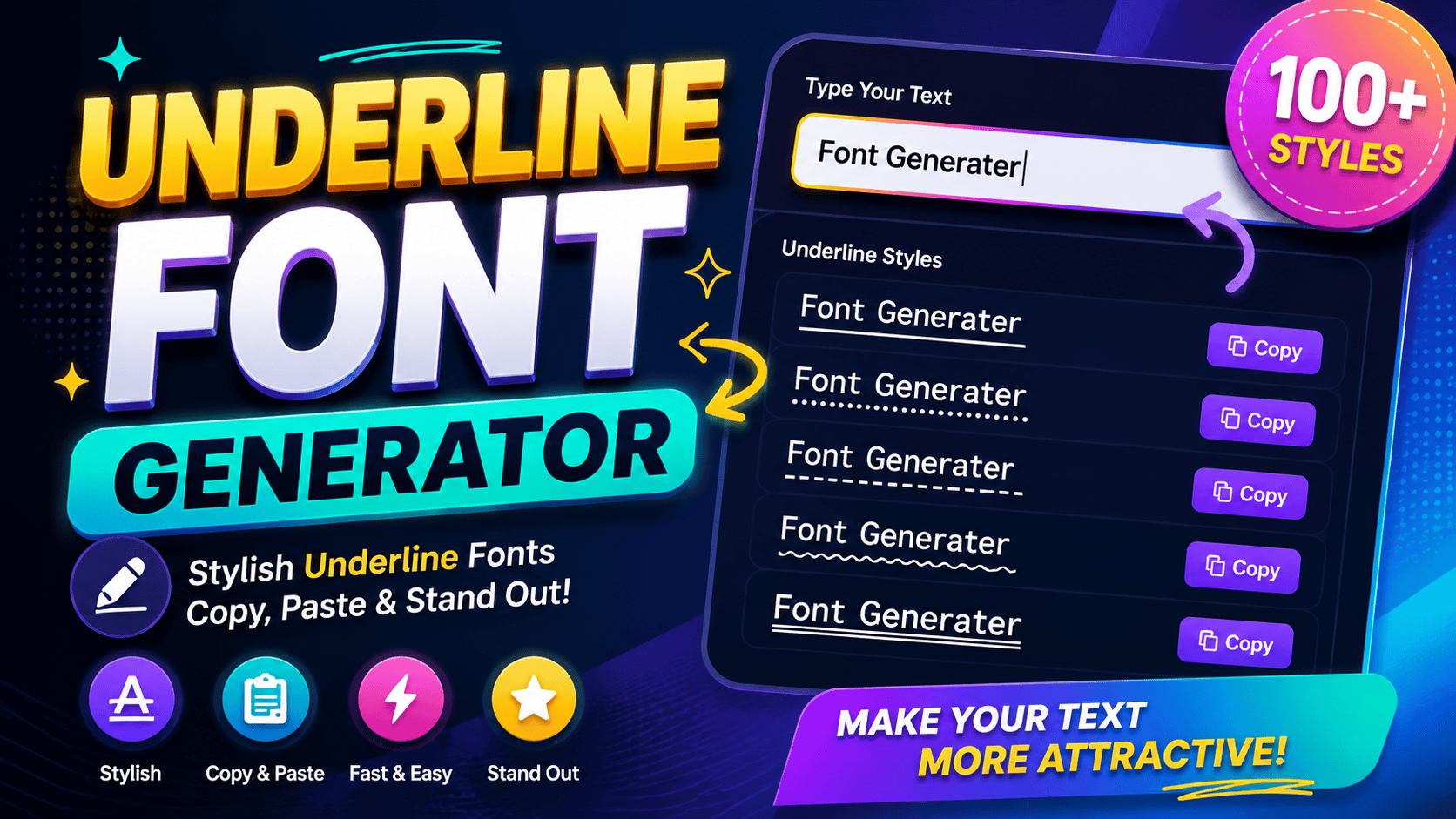
Underline Font Generator Type below to instantly generate copyable text styles for social media. 0 characters Clear Text Single Underline Copy Double Underline Copy Wavy Underline Copy Strikethrough Copy In my design experience, standard layouts look dull. I always use a generator tool to forge a distinctive presence, making specific headlines pop across various digital platforms with a wavy or solid creative content flare. By leveraging a unique mechanism involving Unicode combining characters, this system alters typography directly. My testing confirms privacy first protocols ensure nothing stored ever remains online, delivering completely safe, stylized results for modern digital communication. Also Read: How to Curve Text On An Instagram Story (iPhone, Android & iOS) How to Use / Steps to Generate Underline Text Experiencing broken layouts taught me that pasting your user text yields a stable order immediately. This occurs because our full mixed generator processes a fake underline layer beneath, converting standard characters into custom rendering alternatives. Watching the style list refresh proves that regenerating your customized formatting requires zero remote storage. Local processing ensures total privacy since the entered text remains locked locally, safeguarding sensitive data while creating your stylized outputs. Also Read: Wide Text Generator – Fast & Free Tips / Best Practices for Using Underline Text Prioritizing clean layout ensures your documents remain easy to read without formatting clutter. Apply subtle highlighting strictly for emphasis on vital phrases rather than whole sentences, preserving textual clarity across busy social media creator captions. When crafting unique usernames for diverse modern devices, select a bold yet highly readable underline design. This strategic custom choice instantly injects a stylish aesthetic, helping profile names pop beautifully within crowded digital interface environments. Use Cases / Where to Use Underline Text Optimizing digital content requires psychological disruption. When formatting social media posts, inserting unique styling helps modern authors grab attention instantly. This strategic emphasis anchors readers, ultimately elevating an individual’s professional online presence quite effectively now. Deploying decorative typography within social bios creates immediate engagement. Creators use stylized text as narrative hooks to isolate critical profile details. Whether differentiating custom usernames or bolding important phrases in captions, selective decoration drives conversion. Style Categories / Feature Highlights Managing digital layout systems requires in-browser rendering mastery, transforming standard glyphs via complex diacritic-stacking routines. My development tests prove that utilizing a Unicode-based Monospace or raw Fraktur aesthetic fundamentally alters interface readability across active platforms. Creating an emphasized visual illusion beneath dynamic characters bypasses traditional styles. Experienced designers instantly observe how a real-time text underline function enhances attention without forcing users into any costly platform subscription tier or software overhead. Also Read: Small Text Generator in 1 Click ✨ Copy & Paste Related Styles / Other Generators Using a text generator shifts how users perceive digital text decoration across dynamic platforms. Applying a specific Script or dashed style alters user engagement instantly. Ultimately, Unicode outputs redefine readability on Facebook and TikTok feeds. Combining a Bold layout with a Sans Bold presentation creates distinct separation. Choosing an Italic treatment or Double emphasis offers functional variety. These Clean, Decorated assets elevate everyday strikethrough text, modifying generic aesthetic fonts effectively. Also Read: Why Does Copies Stylish Font Different On Iphone Vs Android What This Underline Page Does This platform lets you transform text using a free online tool that alters traditional styling. My experience with these underline styles reveals how simple adjustments elevate visual appeal and make digital layouts look remarkably distinctive. Users get immediate feedback here. Generating unique decorations helps digital creators stand out across various networks. This special utility delivers an instant copy function, bypassing standard device text styling restrictions while keeping operations entirely seamless. How Underline Styles Work My experience shows that systems render these symbols through clever manipulation. Every system styles differently when processing raw data. We observe how an underscore anchors the true appearance by injecting specialized diacritics beneath letters seamlessly. Controlling font thickness requires zero server interaction. Our advanced tools offer exact control over how letters flow. Consequently, distinct underline Unicode styles manifest multiple aesthetic variations now, creating a solid, highly cohesive visible line effortlessly. Also Read: Strikethrough Text Generator ✨ Copy & Paste Technical Explanation — Diacritic Mechanism We observed how combining marks dynamically alter baseline alignments across platforms. Code scripts inject specialized glyphs beneath letters to simulate genuine visual rules. Consequently, standard application headings accept these inputs, transforming basic typing into art. My implementation experience reveals that diacritics occupy specific text blocks seamlessly. This architecture requires no external database, ensuring every generated style remains completely free from tracking while sorting each character into a single distinct category.

Strikethrough Text Generator ✨ Copy & Paste

Strikethrough Text Generator

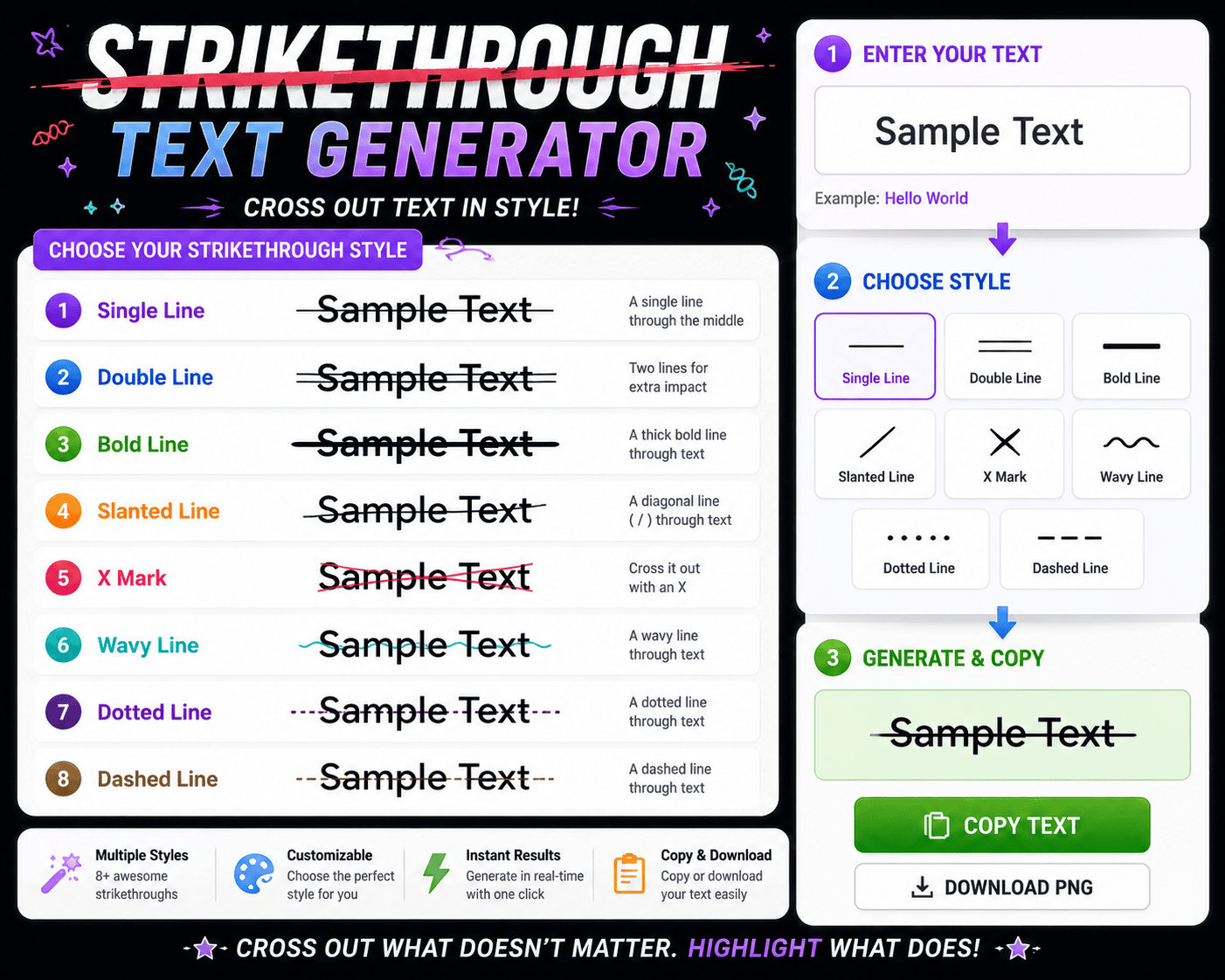
Unicode Strikethrough Generator Type your text below to generate copy-pasteable styles for Discord, WhatsApp, and social media. Most people first notice crossed-out text appearing on Facebook or Twitter and wonder how it’s done. The answer lies in special Unicode characters that place a horizontal line overlay through each character across digital formats. The Slash Text Tool removes every technical barrier. You enter text, choose a strikethrough style, and the output is ready to copy, then pasted across platforms — from Instagram posts to emails, blogs, or WhatsApp messages. What Is Strikethrough / Slash Text? Strikethrough text sits among the most distinctive text decoration formats where a specific character — Unicode \u0336 — is overlaid across each letter, marking it as crossed-out, deleted, or corrected text without changing the underlying plain text. Unlike styled HTML, a slashed text generator smartly uses Unicode characters to produce visually striking phrases and paragraphs across apps, social media posts, and instant messaging, giving content creators a free and versatile creative flair. How Does It Work? Formatted text on any platform doesn’t just change fonts—special Unicode characters actually replace each character. The Slash Text Tool lets you type or paste into the input field, automatically changing normal text in seconds. Unicode formatting maps each letter to obscure characters with special codes. The Output textbox displays your crossed-out appearance, ready to copy to clipboard and share across any social media or messaging app without HTML restrictions. Also Read: Small Text Generator in 1 Click ✨ Copy & Paste How to Use / Step-by-Step Guide Drop your content into the text input on the Strikethrough Text Generator, pick a style, and the slash tool delivers your styled text instantly — already formatted and ready to paste or display with total ease. The result is a unique mix of slashes, underlines, and effects that stay compatible across platforms. Simply copy and convert the text anywhere to emphasize specific words or cross out anything that no longer fits. Available Styles The tool provides multiple styles for every creative need. From Long Stroke to Short Stroke, each strikethrough style creates a distinct visual style. Options like Cursive Text, Bold, and dotted line make formatting truly intuitive. Curved strikeout lines add personality while Italics Text and wave line effects bring creative energy. Each unique option supports emphasis and tone, letting casual users and professionals experiment freely with Unicode text across any platform. Why Use This Tool? Editing documents, chats, and Facebook posts with strikethrough once demanded Microsoft Word or those clunky plugins. This online tool lets you quickly create crossed out text that’s cool, easily visible across any device — no downloads. Beyond correction, this tool serves creative writing, professional content, and humor alike. Select italic, bold, or unique styles to transform notes, drafts, even Instagram bios — making each stand out with eye-catching effect and creative touch. Also Read: Preppy Fonts Generator ✨ Free Copy & Paste Where Is Strikethrough Text Used? Social media platforms like Facebook, Twitter, and Instagram rely on strikethrough text for creative styles. Writers use line through text to show corrections, making inputted text visually appealing while retaining the original for human eyes. Tweets and fun edits often rely on unique effects the strikethrough effect creates. It signals deletion or sarcasm without erasing content. Formatting tools support combining bold text with slashes, making posts distinctive on any browser. Slashed Text Example Observing a digital hello altered via striking overlays reveals psychological friction. When you share messages, friends immediately notice this unique look disrupting standard reading patterns, proving that typographic destruction heavily deepens human text data engagement. Consider retail pricing dynamics where crossing out $999 to display $599 creates instant urgency. This uncommon visual execution remains highly playful yet disruptive, forcing modern consumers to reconstruct historical value metrics through strategic text formatting. Also Read: TikTok Fonts That Go Viral ✨ Copy & Paste How to Strikethrough Text in Word In any desktop document, achieving clean layouts requires intentional choices. Practitioners tracking edits manually bypass the standard Strikethrough button interface entirely. Instead, they highlight the selected text block to apply a native format change instantly. This architecture mirrors how Microsoft Word processes typography internally. Unlike modern Docs platforms where a clean line through rendering feels secondary, legacy desktop software embeds this specific strikeout style deeply within localized layout engines perfectly.

ASCII Generator Made Easy

ASCII Generator

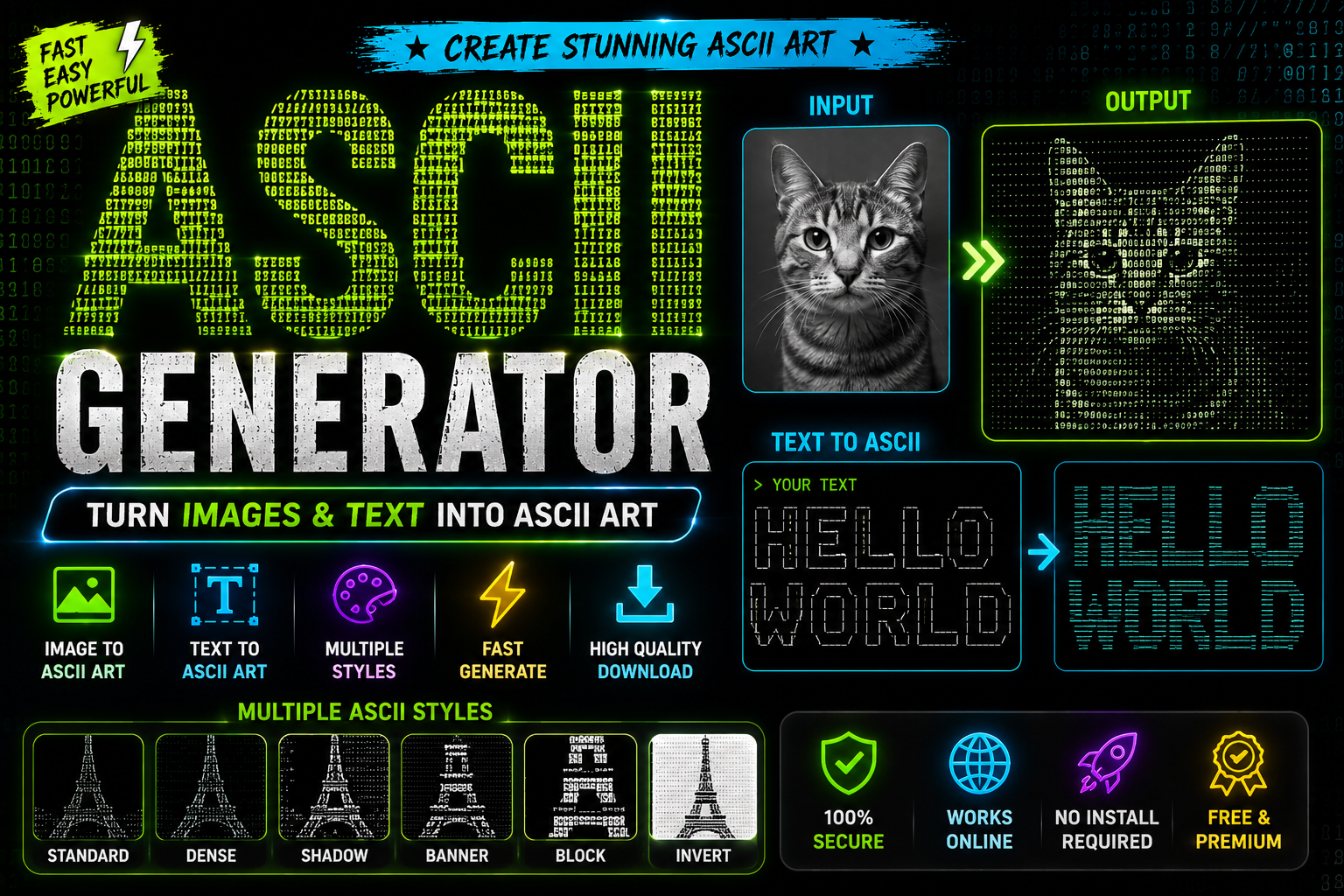
Modern ASCII & Text Art Generator Convert your standard text into stylized ASCII layouts and creative web typography instantly. Enter Your Text Font Archetype Retro Bold Banner (3-Line)Bubble Text (ⓐⓑⓒ)Filled Bubble (ⒶⒷⒸ)Square Blocks (🄰🄱🄲)Vaporwave / Wide (WIDE) Text Case FORCE UPPERCASEPreserve Input Case Live Preview Output Copy to Clipboard Clear Generating… An ASCII art generator transforms ordinary text and pictures into visually captivating artworks built from keyboard characters. Rooted in the American Standard Code for Information Interchange, this versatile tool powers terminal banners, README headers, and retro chat art effortlessly. It actively serves developers, nostalgic enthusiasts, contemporary artists, and online communities through rich customization options like font size, character density, and color schemes, successfully transforming simple images into intricate designs without advanced graphic design skills. What Is an ASCII Art Generator? Most people overlook that an ASCII art generator is fundamentally a text conversion tool built on the American Standard Code for Information Interchange, converting letters, numbers, and symbols into stunning artworks through smart rendering logic. Rooted in the early days of computing, this tool’s resurgence across digital communities speaks volumes. Developers crafting decorative headers and enthusiasts building BBS signatures use it to channel brushstrokes and pencil lines into computer-generated code. How Does the ASCII Art Generator Work? ASCII art generation relies on an underlying rendering engine that converts text or images into corresponding ASCII characters. Each pixel undergoes a brightness check, getting mapped to produce the final output in text-based format automatically. In practice, raw pixels determine the grayscale spread across any design — dark cells demand denser characters like @ and #, while light cells lean on sparser characters, with visual density quietly governing the final output. How to Generate ASCII Art Step by Step Start by deciding your specific goal — typed text or upload image input. Pick any online tools, set font size alongside character density, then hit the Generate button and watch your output appear on screen instantly. Once satisfied, customize settings — adjust color schemes, refine preferences, and view your artwork before sharing. Save as an image file, then copy and paste to social media, forums, or any platform where ASCII art thrives. How Do I Use the ASCII Art Generator? Deploying custom glyph layouts requires pasting your chosen visual arrays directly into targeted terminal frameworks. When initializing layouts for Discord, remember that wrapping the blocks inside triple backticks prevents broken alignments across modern formatting systems. Alternatively, sharing intricate designs on mobile feeds like Instagram usually demands converting your raw text canvas into a stable PNG graphic file. This clever workaround preserves pristine structural rendering, successfully bypassing erratic system typefaces altogether. Text-Based ASCII Art Long before complex software simplified design, practitioners built text-based ASCII art entirely manually. This gritty execution demands structural expertise, bypassing automation to shape raw terminal screens with deliberate, careful alignment, honoring pure layout terminal constraints. Every seasoned coder understands that typing glyphs transforms standard data into visual poetry. Arranging these subtle artistic strokes redefines spatial aesthetics, proving that obsolete text environments still offer rich canvas spaces for deep modern expression. Image-Based ASCII Art Practitioners often upload images using raw JPEG or PNG frameworks expecting instant perfection. However, achieving deep grayscale ASCII rendering requires balancing core contrast mechanics directly. We bypass standard setups to force rich textures from files. Analyzing complex photographs always demands altering the baseline resolution rather than managing simple layouts. Our experiments prove that feeding high contrast images into an automated system yields superior density without losing crucial geometric boundaries completely. Where Can I Use ASCII Art? / Use Cases To prevent informational noise, experienced developers deploy raw text layouts instead of heavy graphics. We design intentional terminal banners and CLI splash screens to establish immediate authority, proving that text function supersedes bloated modern aesthetics. Transforming basic text into an organic image asset eliminates boring documentation. I structure repositories using prominent README headers and clean section dividers, transforming sterile user-facing copy into engaging retro chat environments for functional visual decoration. What You’ll Learn While Making ASCII Art Optical harmony requires deep understanding of structural constraints. You will discover how basic punctuation creates alternative shades without relying on advanced algorithms or typical graphics. This vintage homage forces a coder to adapt completely now. Managing canvas restrictions teaches unexpected lessons. Glyphs look crooked when unexpected fences break fluid layouts. Furthermore, balancing sharp digits inside a Puffy layout structure reveals how ancient tech limitations directly limit modern aesthetic choices today. Common ASCII Art Mistakes Misaligned lines destroy visual appeal instantly. Creators routinely forget that a proportional font breaks structural alignment. Forcing complex layouts into modern text fields causes distortion unless you target fixed terminals or explicitly enforce 80 columns. Ignoring average brightness mathematical mapping scales during conversion yields illegible blobs. When an image entirely lacks proper contrast, chosen characters blur together, completely ruining visual definition inside a raw fenced code block layout design parameters. Banner Text in the Standard Font Deploying a clean word inside legacy terminals requires raw minimalism, bypassing complex styles. My production builds rely on the Standard option because complex fonts break layouts. This direct banner design always ensures clean operational versatility. When a web browser displays text, alignment shifts unexpectedly. Managing internal spacing resolves this issue completely. Utilizing a straightforward local figlet setup keeps the output pristine before pasting it inside any active technical Markdown file. Drop Into a README Deploying raw text layouts into your repositories demands structural precision. I often embed structured visuals directly within GitHub README files to establish immediate authority. Using traditional triple backticks ensures clean alignment across multiple developer viewports. Your technical documentation gains immediate personality when you swap generic typography for customized README headers. My workflow involves wrapping these assets inside a standard fenced code block to protect layouts from broken, uneven leading whitespace. Print a Banner From a Script Automating terminal outputs transformed my deployment workflows completely. I automated an ASCII text generator via a native Unix command pipeline, allowing runtime scripts to dynamically generate vibrant console splash screens … Read more

Font Generater
Privacy Overview

This website uses cookies so that we can provide you with the best user experience possible. Cookie information is stored in your browser and performs functions such as recognising you when you return to our website and helping our team to understand which sections of the website you find most interesting and useful.