
Alt Code Generator Copy & Paste
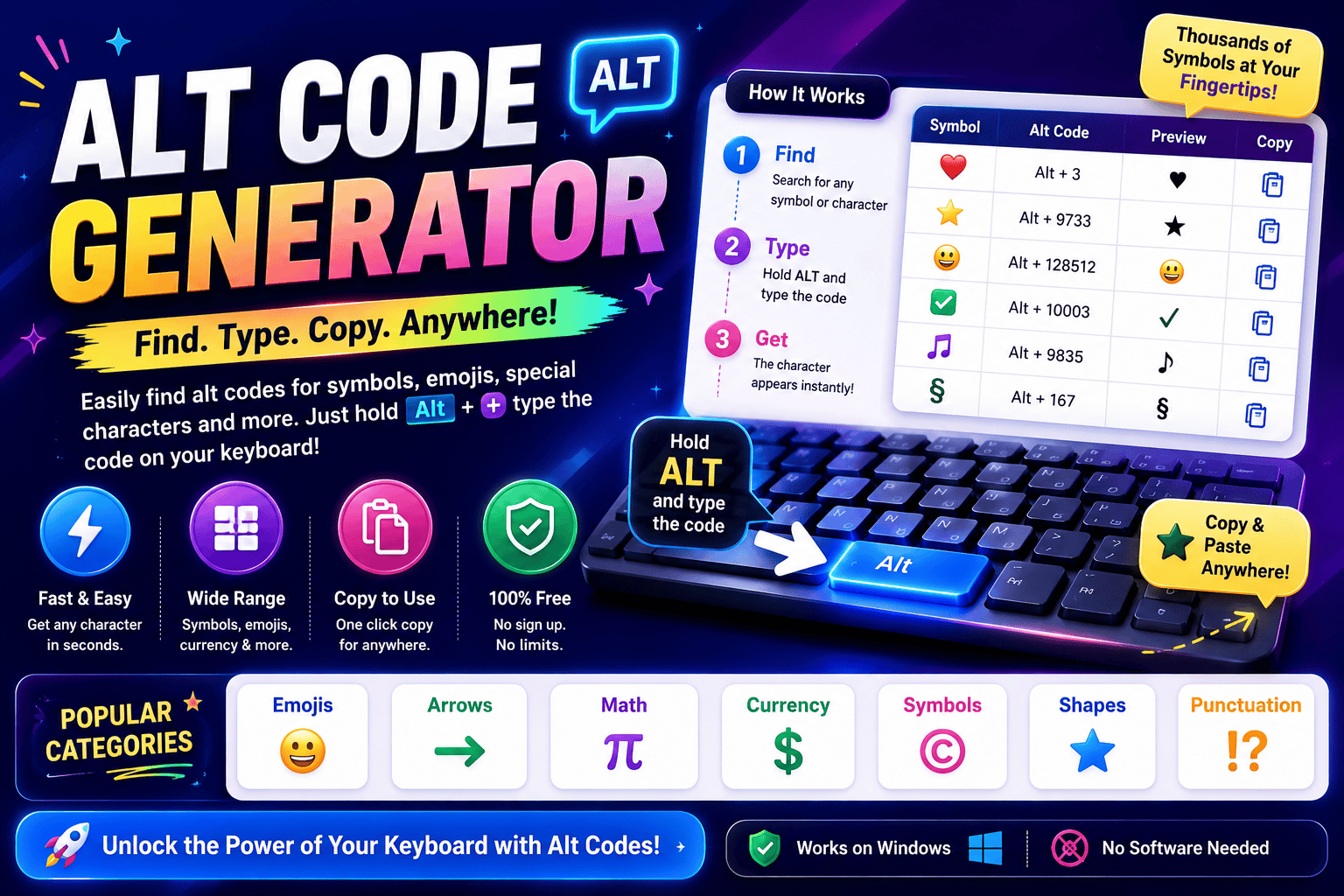
Alt Code Generator Click any card to copy the symbol instantly. Desktop users can hold the Alt key and type the listed code on their number pad. All CategoriesPopular & ShapesMath & FractionsCurrencyArrows & PointersAccents & Letters Symbol copied to clipboard! In my years optimizing workflows, utilizing the classic IBM method remains unmatched. Typing on a modern physical keyboard sometimes requires enabling Num Lock or using the Fn key on compact laptops to access hidden glyphs. We often need diverse symbols, from ancient scripts to math signs. While Microsoft users enjoy native input via Windows-1252, those on macOS often struggle, relying instead on tedious copy paste alternatives for entering characters daily. What Are Alt Codes We often feel restricted by a standard keyboard during daily tasks. I discovered that alt codes unlock hidden pathways, letting us input special characters directly on Windows. By combining keys, we easily summon unreachable glyphs. In my daily professional practice, I often notice people struggle with complex software menus. Simply hold Alt and use your numeric keypad for seamless typing. This elegant system bypasses interfaces to output unique characters instantly. Also Read: Corrupted Text Generator – Corrupt Your Text Instantly About Alt Codes To access rich Unicode symbols without an online generator, these shortcuts are essential. By learning how to type number sequences, you expand your keyboard capability. It is a completely free native computer operating system tool. Writing documents becomes easier when inserting foreign letters or complex math signs. I use the dedicated number pad for rapid text formatting, employing keyboard shortcuts to streamline my creative workflows every single day now. How to Use / How to Type Alt Codes As an operator, I found that executing a precise key sequence requires activating Num Lock first. You must hold Alt key firmly while inputting specific digits on the physical numeric keypad, then simply release Alt. Modern layouts often complicate this process. If you utilize a laptop lacking a dedicated numpad, engaging the functional Fn key bypasses those standard limitations, providing a reliable alternative input method to resolve potential compatibility issues. Common Alt Codes / Examples by Category Injecting a heart symbol or atmospheric music note symbols directly into documentation transforms dry interfaces. As a veteran developer, I often map these custom arrows into hotkeys, bypassing standard layouts for swift, tactile system execution. Adding a sharp registered trademark or a precise degree symbol validates technical data instantly. During audits, we deploy verified check marks to ensure compliance, proving that tiny glyphed outputs anchor professional, robust standard digital assets. Also Read: Preppy Fonts Generator ✨ Free Copy & Paste Tips / Things to Know When typing special characters, remember that the left Alt key paired with your physical numeric pad acts as a direct hardware bridge. Ensure Num Lock is active, or the intended symbol appears only as navigation. Systematically, legacy BIOS and OEM architectures dictate how modern operating systems process these inputs. Always hold Alt while typing the sequence, then release Alt to let Windows codes instantly translate them into beautiful, clean glyphs. Symbol Test Box Evaluating typography layouts is tricky. Testing how an aesthetic string performs saves time. Enter your raw draft inside our container; the instant visual render prevents formatting errors. Rather than raw Plain layout scripts, copy symbols. Developers often struggle when pasting weird characters directly into web frameworks. Without a proper live validator, your HTML rendering might break completely. Paste experimental combinations here first, then search for styling errors before updating Docs. Also Read: Free Text Art Generator Category Sub-pages / Related Symbol Links Navigating dense typographic layouts requires absolute structural clarity. I often group standard punctuation alongside geometric circles and sharp squares to balance spatial interfaces. Adding clean lines helps partition complex math data, keeping nested stars visible. Isolating logical symbols ensures smooth workflow integration. Developers frequently pair directional triangles with precise numbers to organize complex fractions. Enclosing these in custom brackets simplifies data comparison, making ancient greek codices completely legible and clear. Interactive Generator Tool Description Our custom interface bypasses archaic keyboard mapping issues entirely. Users can easily drag and drop complex characters directly into the interactive textbox, allowing a live preview of glyph scales before using click to copy commands. We designed this digital ecosystem to generate unique outputs with no signup required, accelerating modern workflows. Achieving instant conversion means every selected symbol integrates flawlessly across diverse web structures and modern platforms without manual formatting. Also Read: Fancy Text Generator – Transform Your Text Into Something Fancy Symbol Categories List Navigating a vast category of alt code symbols streamlines document design. Through my layout work, grouping greek letters alongside currency symbols improves legibility, ensuring we quickly find vital punctuation marks or intricate chess symbols easily. Organizing distinct sets like playing cards or exotic animal symbols clarifies your creative interface. My practice relies on dividing block shapes from everyday common symbols, ensuring every single trademark symbol remains fully visible and structured.