
Small Text Generator in 1 Click ✨ Copy & Paste
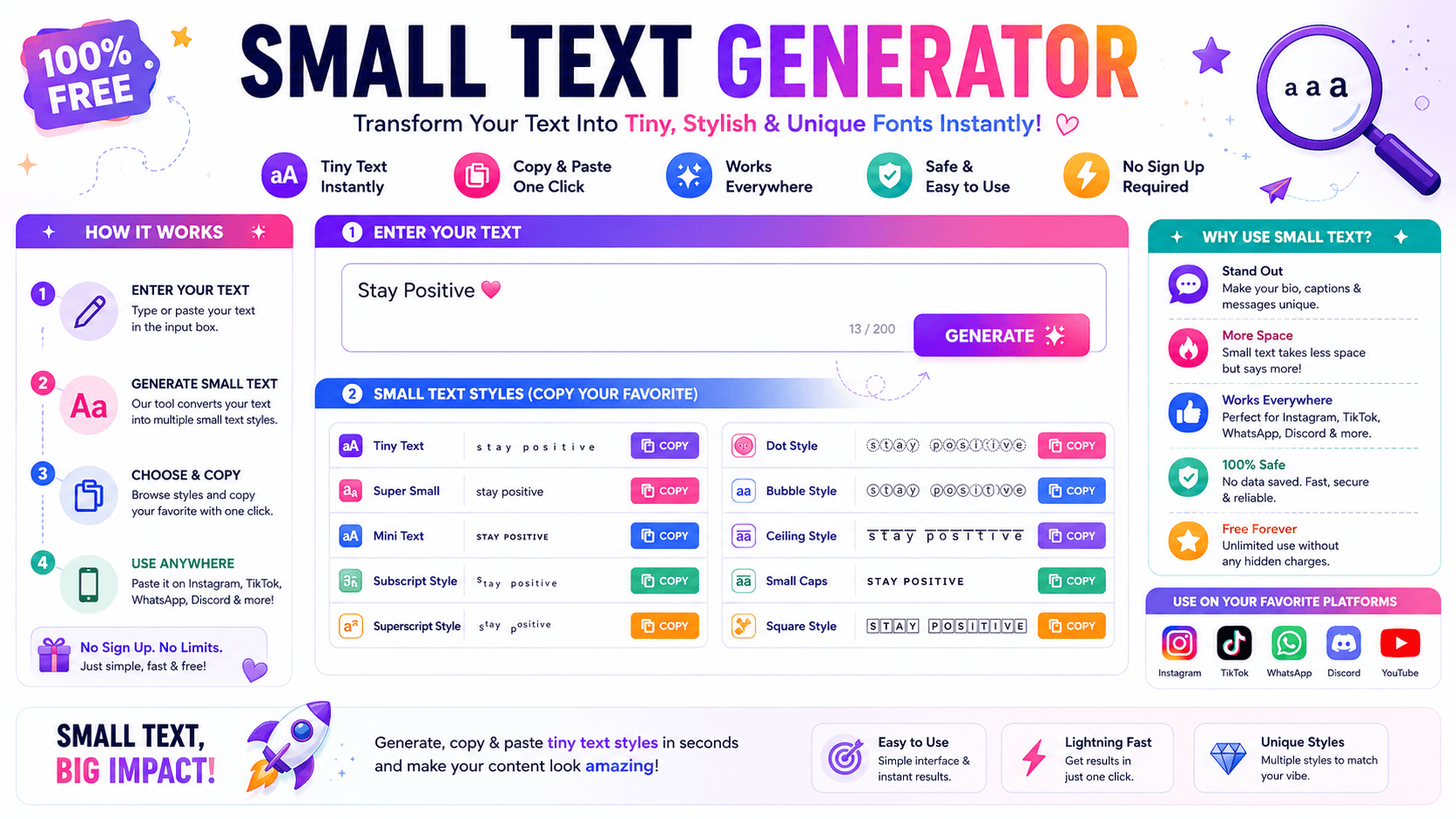
ULTIMATE EDITION Small Text Generator Transform standard copy into intricate small caps, superscript arrays, social media flairs, and advanced Unicode structural designs instantly. Load Sample ABC abc Clear Canvas Chars: 0 Words: 0 Spaces: 0 Read Time: 0s Small Caps Copy Superscript (Tiny High) Copy Subscript (Tiny Low) Copy Bubble Enclosed Text Copy Mathematical Bold Copy Wide Aesthetic (Reddit Flair) Copy Squared Block Text Copy Upside Down (Inverted) Copy Running fontgenerater.com taught me a small text generator isn’t just a novelty tool — it’s a standard way to convert ordinary writing into tiny, stylish fonts using Unicode, giving bios and captions attraction across social media. A small text font also proves practical beyond looks: students format footnotes and references for MLA or APA academic requirements, while gamers choose Discord names and refine an Instagram Bio instantly, completely free and online. What Is a Small Text Generator Operating this tool shatters the illusion of traditional font scaling. Instead of changing sizes, it forces a complex system to convert standard inputs. Your understanding of typography shifts once you realize it maps distinct Unicode. Injecting these stylized outputs reveals how normal letters transform instantly into novel small letters. Practitioners exploit this architectural quirk to fashion smaller characters that remain fully legible across diverse current social media apps and venues. Also Read: Fancy Text Generator – Transform Your Text Into Something Fancy How to Use the Small Text Generator Achieving a distinctive identity across operating systems requires bypassing traditional font limits. This online tool manipulates the Unicode Standard, shifting character sets to yield instant results. Paste your text here for an immediate visual aesthetic. Commanding audience attention on crowded platforms requires unexpected formatting. This ecosystem easily converts standard inputs into a small text font. It remains highly convenient to use when replacing normal text with unique, customized stylistic variations. Why Use This Small Text Generator Deploying a small font generator distorts traditional digital aesthetics deliberately. When screens overflow with loud announcements, going tiny forces users to focus deeply. I use these understated tactics so client bios instantly stand out quietly. Crafting unique names requires subtle textual choices that subvert expectation. My experience shows that adjusting an Instagram Bio or embedding unexpected captions disrupts scrolling patterns, offering a highly stylish alternative to standard, boring online expressions. Where to Use Small Text Deploying micro-scripts across an Instagram bio or Twitter post bypasses standard layout constraints. As a practitioner, maximizing engagement within digital comments requires tactical typographic shifts, forcing digital content to truly stand out inside crowded feeds. Optimizing Facebook comments or distinct Discord names establishes immediate visual authority. Utilizing these scaled characters for aesthetic purposes alters user perception, providing developers unique tactical design advantages across various modern social media digital interfaces globally. Also Read: Tiny Text Generator – Instantly Stylish Understanding Unicode (How Small Text Works) In my design experience, real visual downsizing is a total illusion. Users do not shrink standard text fields; rather, they swap individual letters for a completely mismatched alphabet cataloged deep inside the global Unicode system. Consequently, digital screens present these rogue unicode symbols from specialized unicode sets quite effortlessly. This phenomenon effectively encapsulates how standalone platforms render unexpected small text fonts, bypassing corporate restrictions through clever, decentralized character engineering choices. Small Text Letters / Alphabets Working with electronic frameworks taught me that selecting the right typography drastically alters project tone. Typical glyphs often crowd the screen, so substituting them with balanced small letters creates a clean, structured, contemporary visual hierarchy. Integrating these minimized symbols across responsive devices completely redefines digital design. My personal testing confirms that scattering styled variations provides a unique look that subtly captures attention without sacrificing any inherent local viewport rendering readability. Also Read: Big Text Generator: Make Words POP! Small Text on Social Media Platforms Tweaking an Instagram BIO successfully bypasses rigid corporate restrictions. Industry expertise proves altered usernames immediately capture feeds. Developing a customized aesthetic assists creators to stand out during hyper-competitive social media posts inside popular digital apps. Deploying miniature scripts inside WhatsApp or YouTube disrupts conventional typographic algorithms. Strategic network experiments reveal timelines on Facebook and Pinterest prioritize stylistic variance. Consequently, optimizing contemporary social media platforms including Reddit or Twitter triggers visibility. How to Choose the Right Small Text Font Selecting optimized typography requires analyzing target interfaces. Manual installing fonts fails on a small screen, demanding smart technology instead. Operators deploy cleaner text to ensure complex formulas or academic equations remain perfectly legible during rendering. Elevating corporate branding involves extracting characters beyond traditional LaTeX environments. Modern graphic design incorporates unique digital art elements, allowing users to seamlessly broadcast customized micro-narratives across popular social media apps without breaking core aesthetic guidelines. Also Read: Creepy Text Generator – Make Creepy Text That Chills Spines Instantly Small Caps Navigating the nuances of typography often leads to small caps, a stylistic choice that offers a sophisticated aesthetic. Unlike superscript or subscript characters, these small letters provide a professional and refined modern look for titles. My personal experience with digital design has taught me that using small caps effectively requires a subtle hand. Integrating these fonts into profiles or blogs adds a creative touch while maintaining standard textual readability. Superscript Elevating digital layouts requires understanding how typography shifts higher than normal lines. In my testing, using a caret symbol often fails across platforms, so rendering text that appears as superscript solves layout bugs quite elegantly. When mathematical symbols like cubed values are needed, utilizing specific Unicode blocks ensures stability. These custom alphabetical symbol sets remain fully available in superscript forms, bypassing traditional software limitations to deliver clean, exceptional online typography. Subscript Managing layouts requires deep expertise. When platforms display a lacking subscript alphabet, utilizing online generators fixes it. I routinely encode complex chemistry notations like H2O or various Mathematics symbols through this low mini text system. Inserting a stylized Subscript lowers down any digital symbol effectively. My analytical perspective shows that adding these tiny, custom subscript numbers works smoothly across social platforms like Discord, injecting clear science … Read more